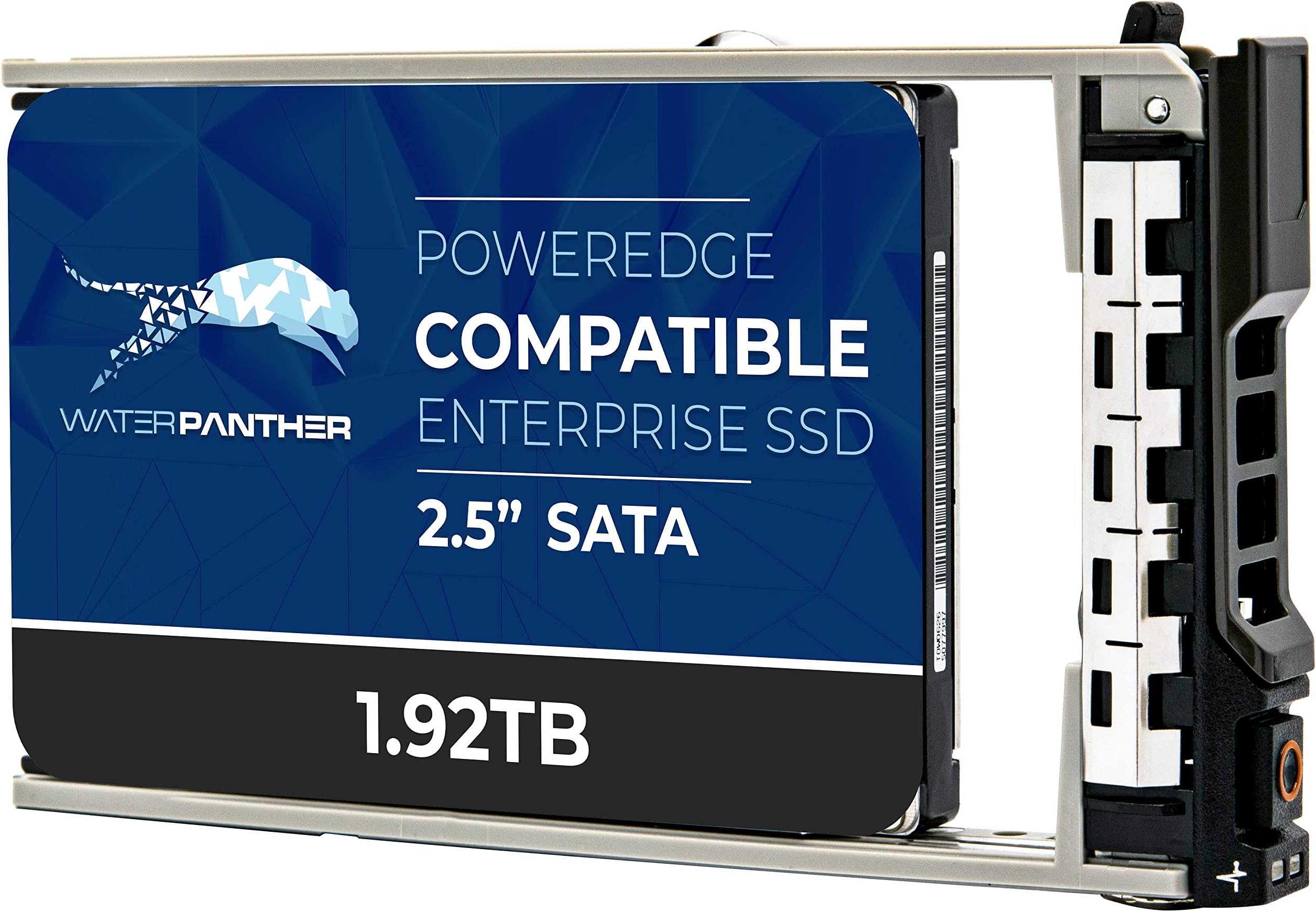

- 1.92TB SATA 6Gb/s 2.5" SSD for Dell PowerEdge Servers | Enterprise Drive in 13G Tray
Product ID: 221621887
⚡6Gb/s Speed
💾1.92TB Capacity
🔄Hot-Plug Ready
Desertcart purchases this item on your behalf and handles shipping, customs, and support to Tunisia.
🚀 Elevate Your Data Game!
This 1.92TB SATA SSD is designed specifically for Dell PowerEdge servers, featuring a 6Gb/s interface and a 13G hot-plug caddy tray. It ensures high availability and reliability for demanding data workloads, making it an ideal choice for enterprise environments. Backed by a 2-year warranty, this SSD is your go-to solution for seamless IT project execution.
C**.
Remaining Rated Write Endurance : Unavailable
I asked the seller specifically before submitting the purchase if the server will be able to detect the Remaining Rated Write Endurance from iDRAC (perhaps the most critical info you need for using and SSD) and the answer was I have to upgrade the firmware. OK, I then went ahead to purchase 3x 800GBI received the SSD very quickly, all seems fine but the server is NOT able to read Remaining Rated Write EnduranceMy Dell R630 server is running on latest firmware version, there isn't anything else I can upgrade from the LCM and yet the server is unable to read the Remaining Rated Write Endurance :(I would not recommend using the disk for production environment
C**G
NOT Dell branded, but works.
I really wanted to bring new life to a slower, old server. These WP 480GB SAS 12Gb/s 2.5 SSD's are performing well and meet my expectations for performance.There is no point for the vendor saying these are for Dell PowerEdge Servers though. These ARE NOT Dell branded and OMSA will report the status as Non-Critical with the yellow warning with exclamation point. Does that impact the performance? Nope. But reporting tools will report it. It is more of an annoyance than anything.
L**N
I was sent a Dell EMC HGST HUSMM3280ASS204?
The drive seems fine, but it's not a 'Water Panther' brand drive. It is a model HUSMM3280ASS204 made by Western Digital.It's a good drive, so I'm not complaining, but it makes me nervous to get something I didn't know I was ordering. If I order 3 more, are each going to be different brands?
V**G
Fast and Reliable drives
Great throughput, easy install with excellent packaging. Drives run great in older Dell R720. 8 of them in RAID 0 for a data cluster project. They scream!
M**W
Great deal on a solid performing drive
Works great. Actual drive is a Toshiba. Loaded it up in an r730xd and it has been performing great under a very write intensive workload for the last month. Drive looked new and reported 0% wear when I got it.~$ sudo sg_logs /dev/sdm --page=0x11 TOSHIBA PX04SVQ160 0805Solid state media page [0x11] Percentage used endurance indicator: 0 %
M**N
So far so good
Works fine, but my Dell R540 doesn’t recognize it as an official Dell item.
2**A
Great Drives!
- Amazing drive quality for the price- I hope these are around for a while at the current price point as we like using them.Thank You
G**1
Great seller - product as described.
Good communication with the seller. Product as described. Shipped quickly and packed very well.
Trustpilot
2 months ago
4 days ago