Buy anything from 5,000+ international stores. One checkout price. No surprise fees. Join 2M+ shoppers on Desertcart.
Desertcart purchases this item on your behalf and handles shipping, customs, and support to Tunisia.
โก Print fast, print smart, print anywhere โ the compact laser for the modern small team.
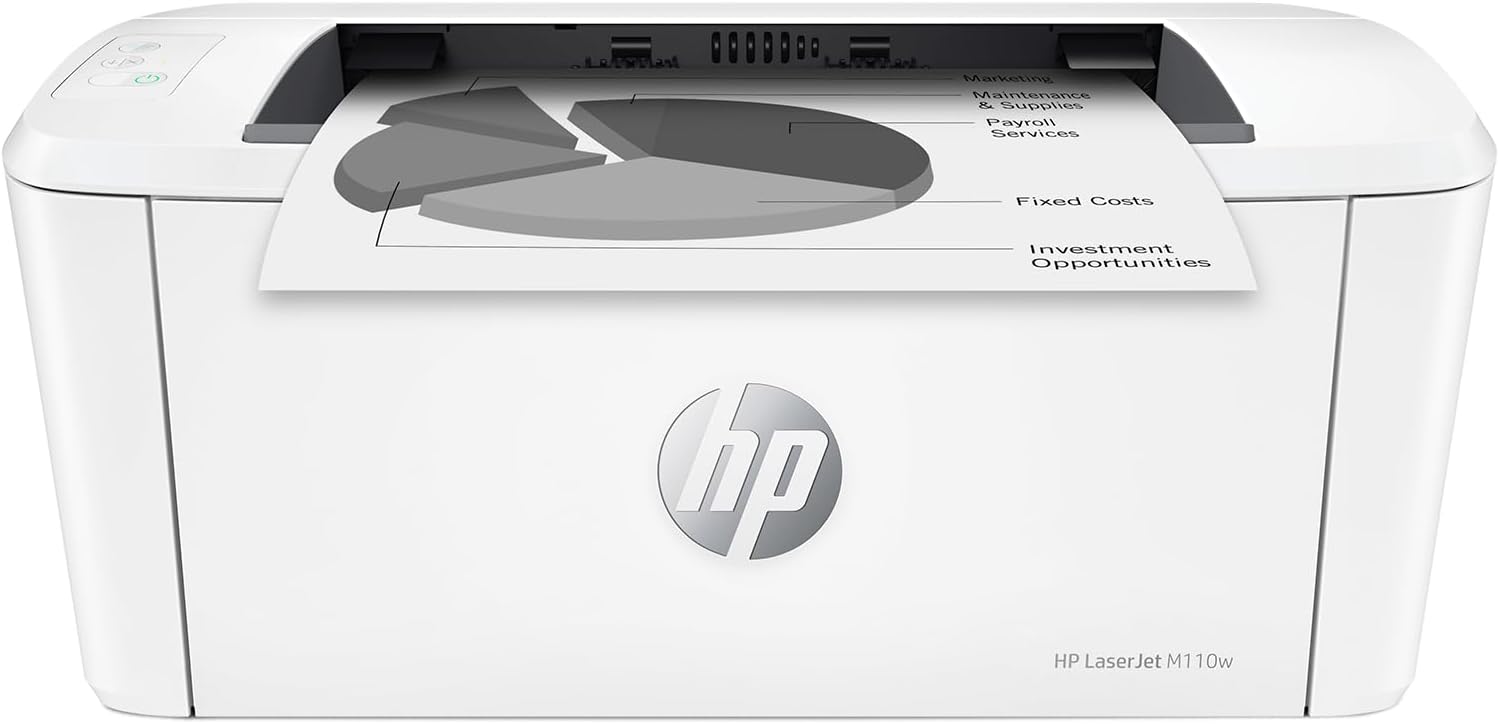
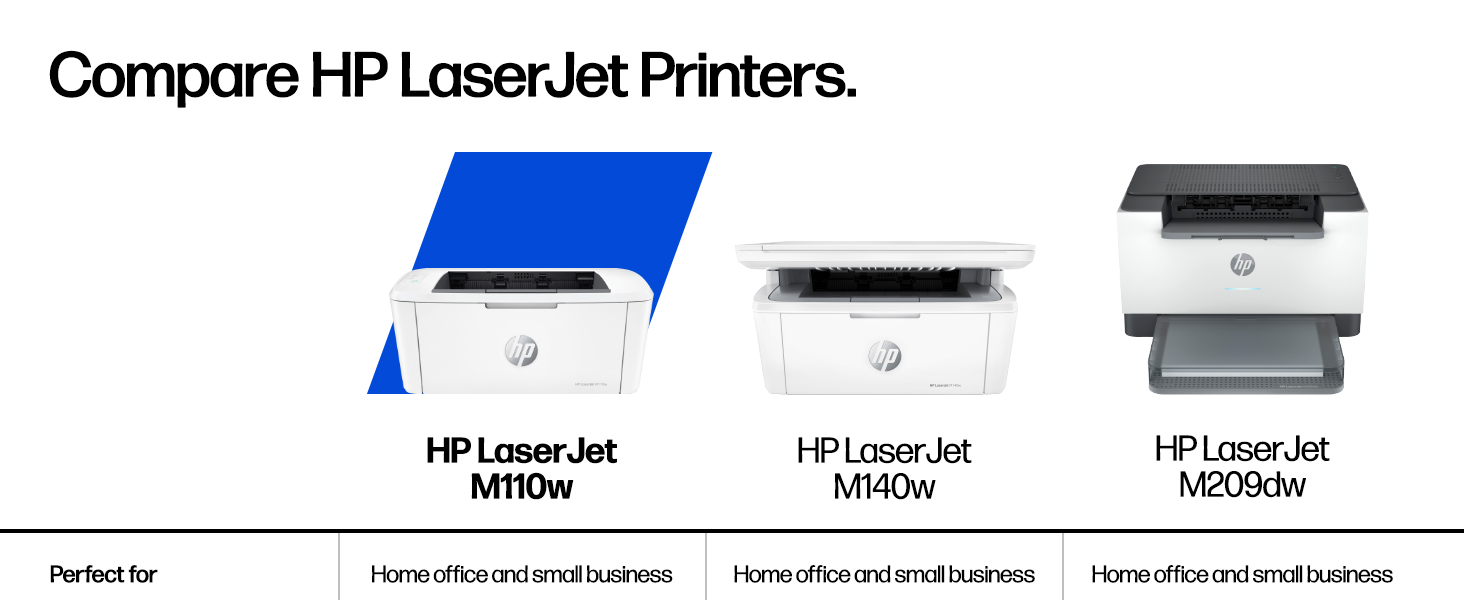
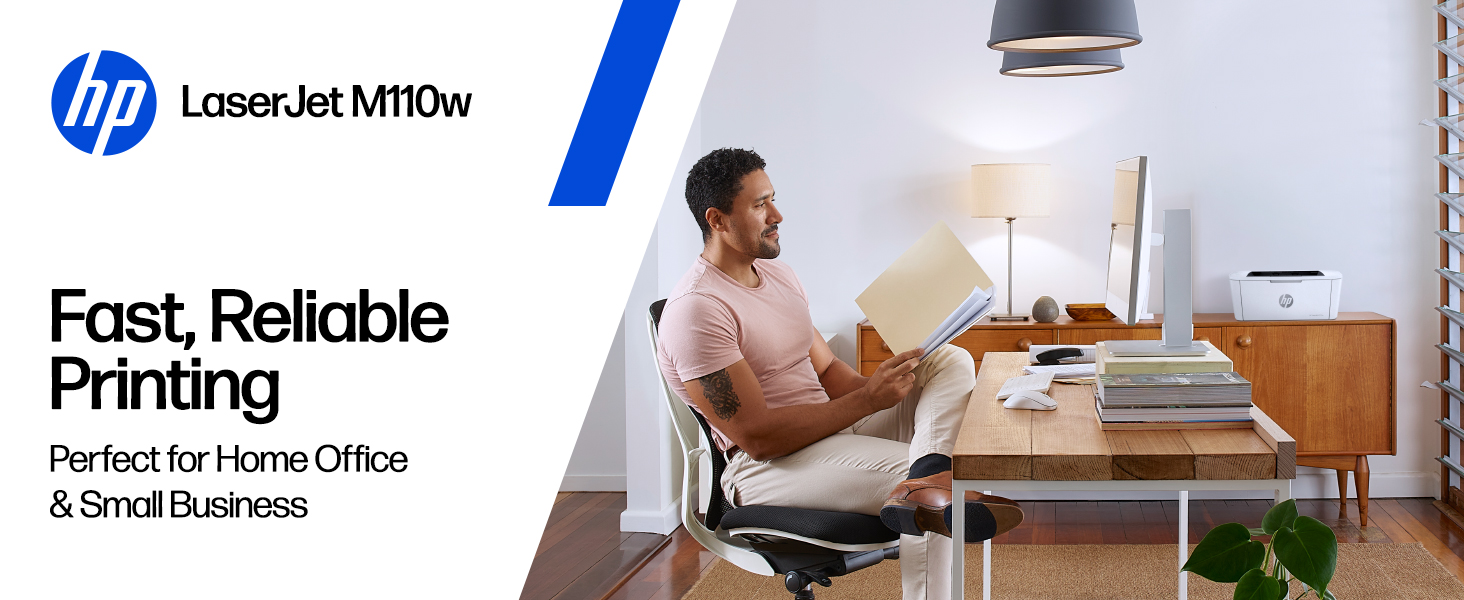
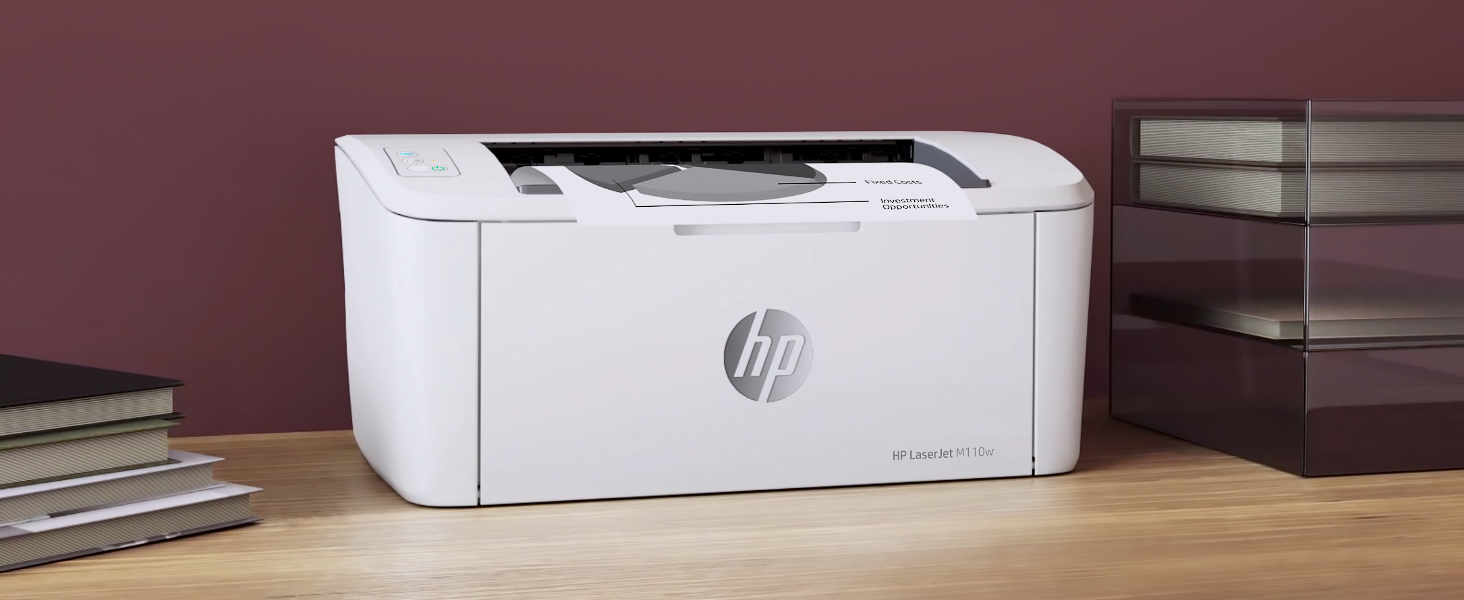
The HP LaserJet M110w is the worldโs smallest black & white laser printer in its class, delivering professional-quality prints at up to 21 pages per minute. Designed for small teams of 1-3 users, it offers wireless connectivity compatible with all major devices and seamless setup via the HP Smart app. Its compact size, energy-efficient features, and reliable HP toner make it the perfect blend of portability, speed, and trusted performance.


| ASIN | B09J7946RJ |
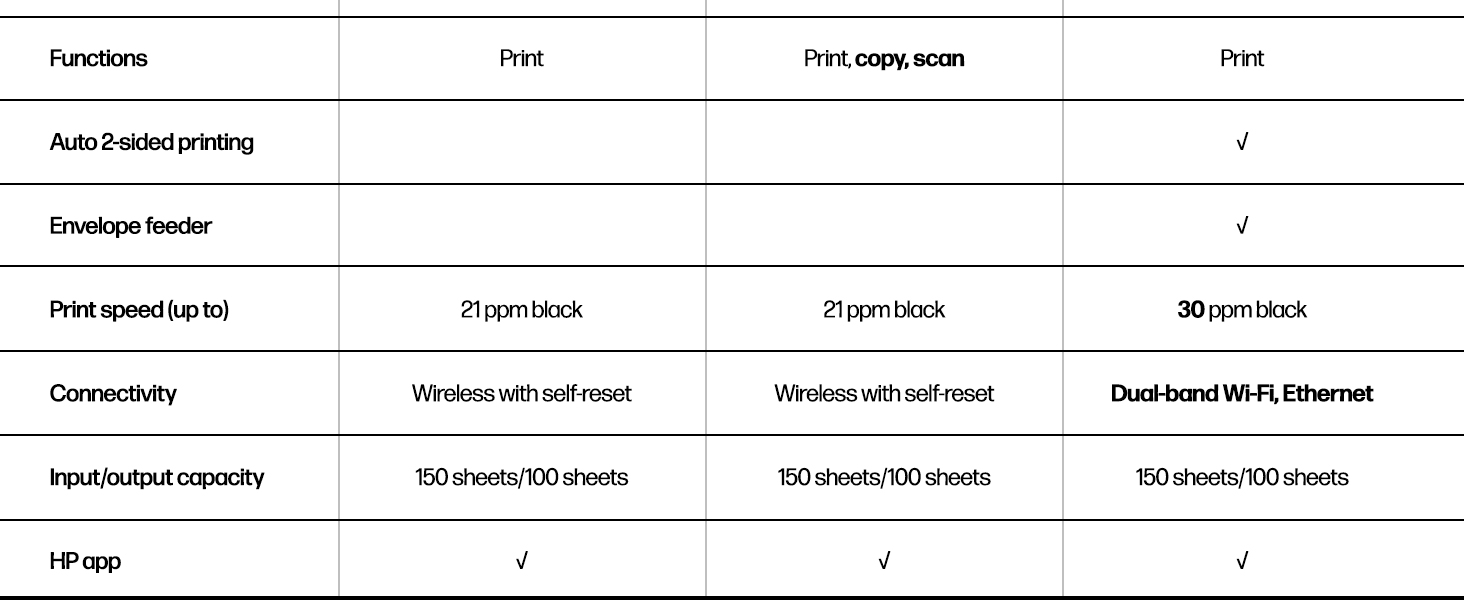
| Additional Printer Functions | Print Only |
| B&W Pages per Minute | 21 ppm |
| Best Sellers Rank | #5,350 in Office Products ( See Top 100 in Office Products ) #11 in Laser Computer Printers |
| Brand | HP |
| Built-In Media | HP LaserJet M110w Printer; Preinstalled HP Original Introductory Black LaserJet Toner Cartridge; Getting Started Guide; Setup Poster; Support flyer; Warranty guide; Power cord |
| Color | White |
| Color Depth | 1 bits_per_pixel |
| Compatible Cartridge | HP Pre-installed black LaserJet |
| Compatible Devices | Laptops, PC, Smartphones, Tablets |
| Connectivity Technology | USB, Wireless |
| Control Method | App, Touch |
| Controller Type | Amazon Alexa, Android |
| Customer Reviews | 4.1 out of 5 stars 1,970 Reviews |
| Dual-sided printing | No |
| Duplex | Automatic |
| Hardware Interface | USB |
| Initial Page Print Time | 8.3 Seconds |
| Ink Color | Black |
| Item Dimensions D x W x H | 745"D x 13.63"W x 6.26"H |
| Item Type Name | Black and White Laser Printer |
| Item Weight | 9 Pounds |
| Manufacturer | HP Inc. |
| Maximum Copy Resolution Black and White | 600 x 600 dpi |
| Maximum Copy Speed Black and White | 21 ppm |
| Maximum Media Size | 8.5 x 14 inch |
| Maximum Print Resolution Black and White | 600 x 600 Dots Per Inch |
| Maximum Sheet Capacity | 150 |
| Maximum print Resolution Color | 600 x 600 |
| Model Name | New Version: M110w |
| Model Number | 7MD66F#BGJ |
| Model Series | 110 |
| Number of Drivers | 1 |
| Number of Trays | 1 |
| Other Special Features of the Product | Energy Star, HP Auto -on/Off technology |
| Paper Size | 4.13 x 5.83 to 8.5 x 14 Inches |
| Power Consumption | 2.3 Watts |
| Print media | Card stock, Envelopes, Labels, Paper (plain) |
| Printer Connectivity Type | USB, Wireless |
| Printer Output Type | Black & White |
| Printer Type | Laser |
| Printing Technology | Laser |
| Resolution | 600 x 600 |
| Scanner Type | Flatbed |
| Special Feature | Energy Star, HP Auto -on/Off technology |
| Specific Uses For Product | Office, Small Teams |
| Total Usb Ports | 1 |
| UPC | 194850676994 |
| Unit Count | 1.0 Count |
| Warranty Description | One-year limited hardware warranty. |
| Warranty Type | limited warranty |
| Wattage | 2.3 watts |
M**Y
Great Printer!
The HP LaserJet, M110W wireless, white & printer perfect for quick prints when you need them. I love the black&white pictures I can zip out. Purchased one for office, one for home. Price is great, easy to set up.
M**Y
If you're on the fence, buy it!
Small, compact and prints super fast. The quality of the prints is excellent! I was hesitant because it doesn't have a scanner but the HP software has a phone app to use your phone as the scanner and it works really well. Bring monochrome is fine, too, because I didn't print in color and grayscale images are fine. I bought this because I seldomly print and was tired of having to buy ink cartridges each time I went to print. This has solved that perfectly and at a great price point. I always read the reviews prior to a purchase and all of the negative ones for this are unfounded. I had this setup in literally 5 minutes. There are no issues with Wi-Fi printing. If there are, it's with the Wi-Fi, not this printer. I highly recommend this printer!
D**E
If I knew then what I know now-Locked Into HP Toner Unless You Disable Updates โ Read Before Buying
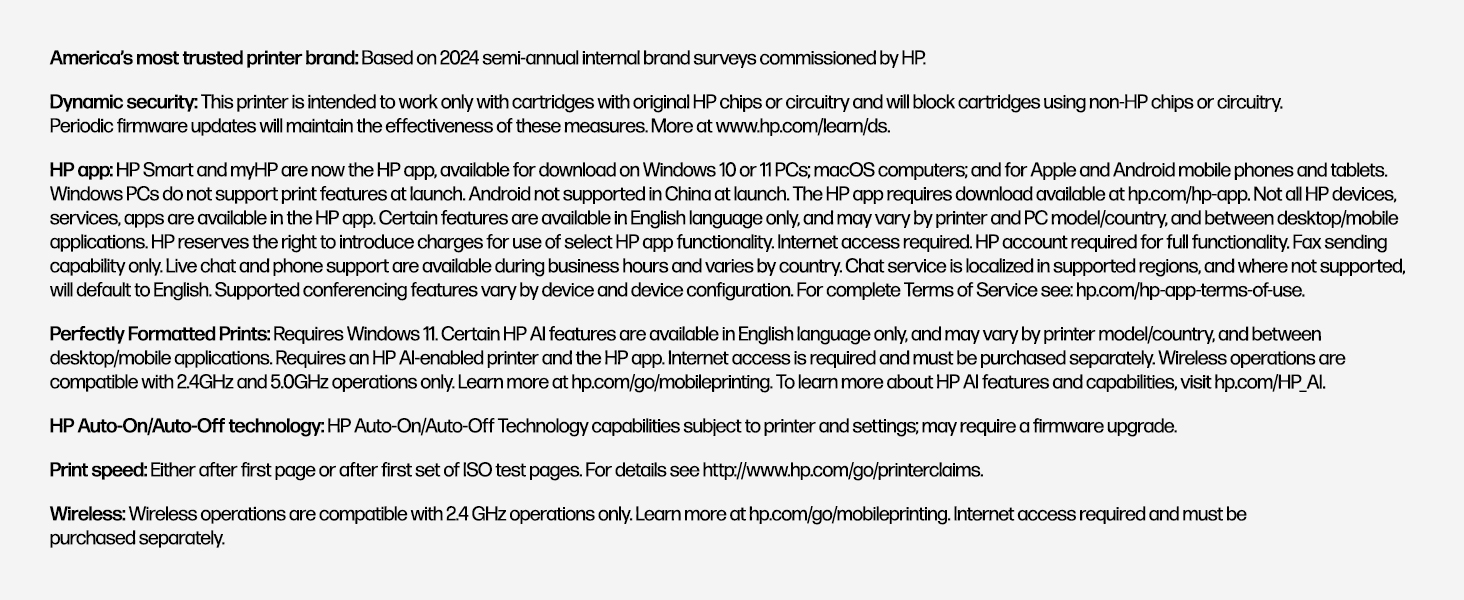
The printer itself prints fine. The problem is ownership. HP uses โDynamic Securityโ firmware that can block third-party toner cartridges. I was successfully using an aftermarket cartridge (about 1,600โ2,000 pages for ~$20โ$35). It worked perfectly. Then, while the printer was connected to Wi-Fi, HP pushed a firmware update and suddenly the same brand cartridge โ which had worked before โ was rejected with a โNon-HP chipโ error. The only change was the firmware. I was then forced to purchase an HP cartridge for $61 that yields about 950 pages. It did work โ but at more than double the cost per page. I also briefly tried HPโs automatic toner subscription. It started at $4.99/month. One month I printed more than usual and my bill jumped to $25 โ and it stayed there. I had to call and push through multiple representatives to cancel. If you buy this printer: โข Set it up โข Update it once โข Then disable automatic firmware updates โข Consider blocking internet access at your router โข Avoid enrolling in subscription toner programs If you plan to use aftermarket toner, only buy one at a time and make sure it advertises compatibility with the latest firmware โ because HP can change compatibility remotely. If I had known about these firmware restrictions and subscription practices beforehand, I would have chosen a different brand. The printer works. The ecosystem is the problem.
A**N
Worked Perfectly Immediately!!! Highly Recommended!!
Holy cow, this printer set up SO easily and fast. I usually read the instruction guide with anything, but this time I simply put the printer in place, removed the orange tapes (that keep flaps/lids closed), saw & removed some orange plastic things on the ink cartridge, plugged it in to computer, chose the printer in the Mac "system settings", and turned it on. Less than a couple minutes for it all. However, once turned on, it "rolled" for quite a while and I thought I did something wrong. NOPE, it was just getting going. Printed a document and it worked and printed sharp and perfectly! Highly recommend this monochrome printer for simple household printing.
M**C
Very simple and cheap, you get what you pay for
I have to agree with other customers here, the print quality is not great, and the print is very faint. if I want thick black ink I will continue to use my ink printer. The plastic is flimsy, this could easily break. The print speed is very good, but the print quality is barely ok. Faint and not very sharp. The Linux software, HPLIP, is pretty poor. It installs the printer twice, but both of them work, you can use either one. The test print doesn't work, but the test print from cups works just fine. I think this is actually just a GUI interface for cups. I print from the command line anyway, so this doesn't bother me, but it's not great software to begin with, very buggy, but not in a way that it affects me. Printing via cups from the command line works just fine. I got mine as a special for 99 bux, and for that price it's a good deal. If it weren't cheap I would be disappointed and return it. For 99 bux it's a good deal, I have plenty of low-quality stuff to print fast from the command line.
E**E
Excellent product - highly recommend if you want a low volume laserjet printer
This HP laserjet printer was easy to set up on my ipad using the HP App (which is required for set up). The machine prints quickly and quietly. Given its economical size, it is reasonably portable. It was a great purchase. I wanted a small laserjet, and they are hard to find. The paper tray holds about 25 pages.
J**R
Great Printer! 2.4 ghz home network only. See my notes.
Great printer! NOTE - this printer works on 2.4 ghz only and not 5.0 ghz. My ATT router had both 2.4 ghz and 5.0 ghz bands enabled and the printer would not connect to my network. I had to go into my router settings and disable the 5.0 ghz option and the printer connected immediately. Fairly simple process to complete; check YouTube for instructions on how to complete this process for your router if needed.
G**A
Perfect for my home needโฆ
Not sure why, but it took 5/6 tries to setup the printer, using the HP app, and then a reboot of my wireless router before setup completion. 4 stars for the HP app & 5 stars โญ๏ธ to the printer for its compact size and SPEED of print!
R**O
La Impresora funciona bien
La impresora funciona bien pero el toner es muy difรญcil de conseguir y carรญsimo , aquรญ en mexico no lo conseguรญ , pague 100 dlls en EUA
B**D
Good quality print at a lower cost
I had to replace a big Canon laser printer. This HP printer is much smaller, which I like. It prints wirelessly from my computer, my tablet and my phone. Nice. It does not scan nor copy. If I want a copy of something, I take a picture of the original with my phone and then print from my phone. It only prints black, not color. This is fine for my printing and cheaper and faster than colour ink cartridges. One caution - when you need to replace the toner cartridges you have to use an HP original or find a cartridge with a matching chip imbedded or it will not print. Amazon does sell suitable cartridges but buy carefully. This printer was easy to setup and has been reliable so far.
N**A
Very good
Very good printer. Not too big and efficient. Prints well very happy. I got it much faster than tge delivery date! Recommend
P**S
Incredible Value
Whether you're a Work From Home, a Student and/or want a reliable, quality, simple, B&W Laser printer, this M110w is amazing! Just got the printer today and had it unboxed and printing within 20 minutes. Connected to my Wi-Fi (no USB/Ethernet cable connections necessary) using my iMac and printed some documents, and am also able to print from my Fedora Linux laptop. (So of course MS Windows users won't have any issue either). Nice looking and small, easy and quick setup. (I didn't opt for any of the HP 'extras' during the setup process.) Also comes with a starter laser cartridge.
H**R
Compact, but not portable always requires WIFI. Have printer cable on hand for future use.
While the quality does not measure up to my old LaserJet 6P it is satisfactory for occasional use. It is tiny for a laser printer and the temptation is to believe that it is portable. I would have liked to be able to use it in the woods while building a cabin to print drawings, but it requires WIFI. Flawed assumption is what comes from urban living. The designers have not thought the process through to the end of the equation. In any event, setup was easy and straightforward from my desktop computer, but I have not yet succeeded in getting it to print from my laptop. That likely arises because years separate the time each of these were purchased and setup of accounts are not identical. So it works on one, but does not recognize the other and does not respond. Like all of the smart devices it requires 2.4 ghz WIFI so you will likely have to set your router to broadcast in both 2.4 and 5.0 ghz. Note: About three months later the info that the printer uses to sign in to WIFI became corrupted so a printer offline message appeared. In order to fix it you need to connect the printer to the computer with a USB 2.0 male A to male B printer cable. It is a good idea to have one on hand, as you will likely eventually need to use it and it is not included with the printer.
Trustpilot
2 weeks ago
4 days ago