Description
🛩️ Elevate your flight sim cockpit—where precision meets pro-level immersion!
- PLUG PLAY ADD ON - Easy installation as an add-on kit—upgrade your cockpit without hassle.
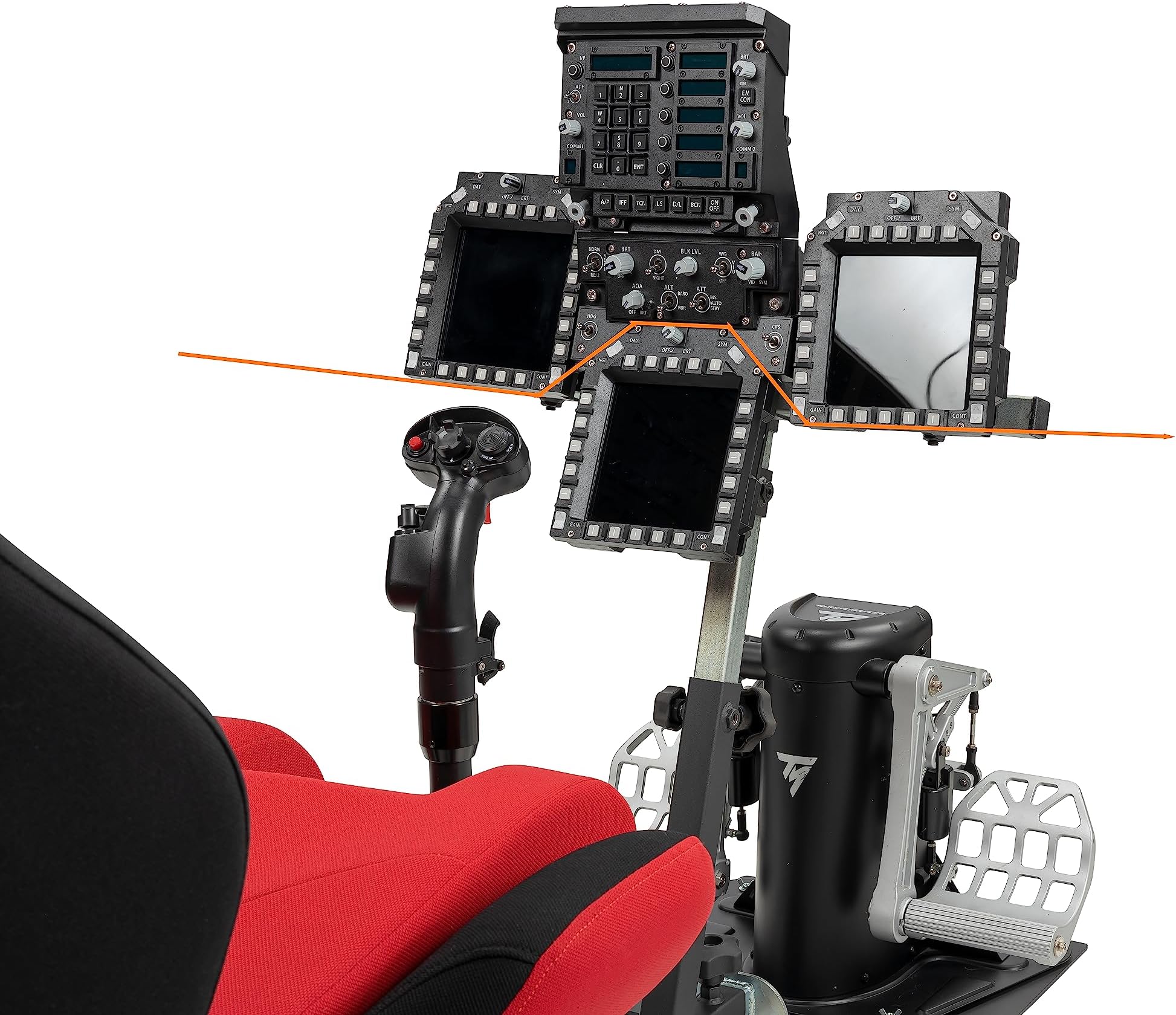
- MULTI DISPLAY READY - Includes brackets and adapter plates for complex F-18 and F-16 cockpit configurations.
- PRECISION ADJUSTMENT - Each display offers individual articulation for immersive, ergonomic positioning.
- UNIVERSAL MFD COMPATIBILITY - Supports Thrustmaster Cougar and WinWing MIP bezels for versatile setups.
- TAILORED FOR SIM FAB OPEN WHEELER - Exclusive design ensures seamless integration with leading simpit frames.
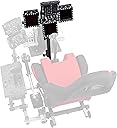
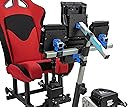
The SimFab Flight Sim Add-on Kit MFD Holder Bracket Assembly Kit (Config #12) is a proprietary, modular bracket system designed exclusively for SimFab and OpenWheeler flight sim frames. It supports Thrustmaster Cougar and WinWing MIP bezels, accommodating complex multi-display setups like F-18 and F-16 cockpits. With full articulation for each display, it delivers customizable positioning to maximize immersion and realism. This add-on kit requires a base SimFab or OpenWheeler cockpit and does not include electronic controls.