Desertcart purchases this item on your behalf and handles shipping, customs, and support to Tunisia.
๐ Power your productivity, never miss a beat!
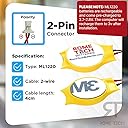
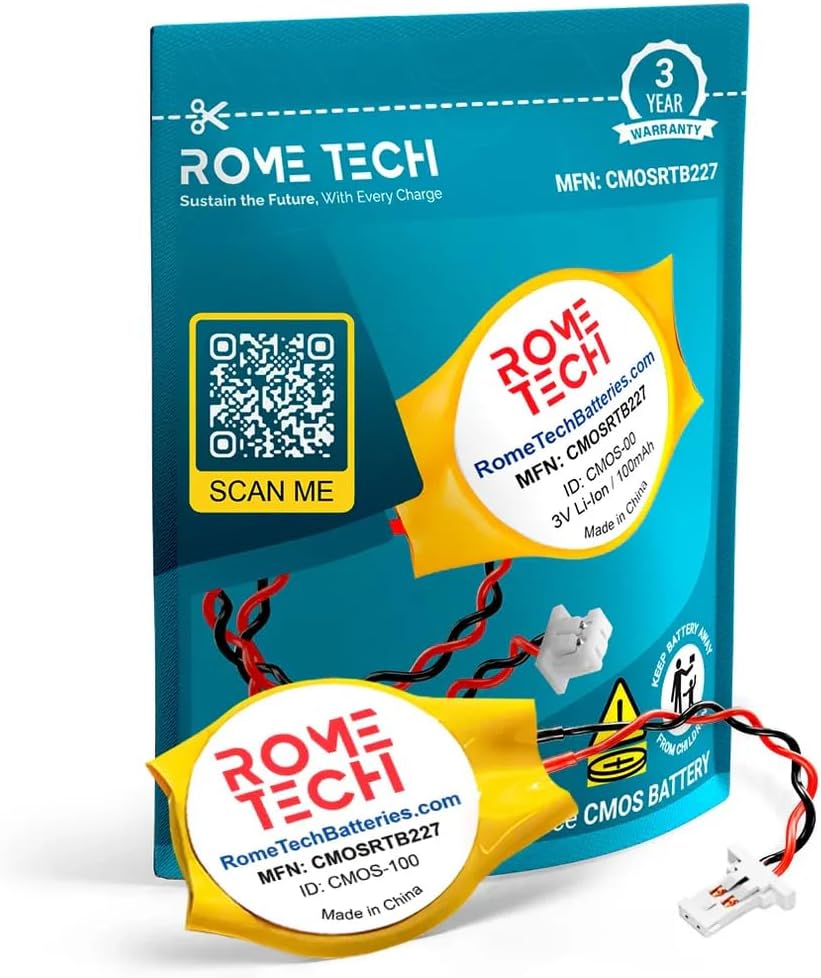
The Rome Tech ML1220 CMOS Battery is a high-quality, lithium-ion replacement battery designed for Dell XPS 13, XPS 15, and Precision laptops. With a 225mAh capacity and 3V output, it ships partially charged for immediate use and recharges fully in-device. Its compact 3g form factor and 2-wire connector enable quick, hassle-free installation in about 10 minutes. Backed by dedicated customer support, it ensures reliable BIOS and RTC backup power to keep your laptopโs clock and settings accurate, preventing boot issues and enhancing device longevity.

| ASIN | B0CM449YK9 |
| Antenna Location | Indoor |
| Battery Capacity | 225 milliamp_hours |
| Battery Cell Composition | Lithium Ion |
| Battery Cell Type | Lithium Ion |
| Battery Weight | 3 g |
| Best Sellers Rank | #26,044 in Computers & Accessories ( See Top 100 in Computers & Accessories ) #1,701 in Laptop Batteries |
| Brand | Rome Tech |
| Compatible Phone Models | Dell XPS 13 7390, 9305, 9343, 9350, 9360, 9365, 9370, 9380 (ะฒะบะปััะฐั 2-in-1), Dell XPS 15 9550, 9560, 9570, Dell Precision 5510, 5520, 5530, Miix 510-12IKB Tablet 80XE, Miix 510-12ISK Tablet 80U1, Miix 520-12IKB Tablet 81CG, Miix 520-12IKB Tablet 20M3, Miix 520-12IKB Tablet 20M4 |
| Customer Reviews | 4.9 out of 5 stars 26 Reviews |
| Manufacturer | Rome Tech |
| Model Name | 22SLIMPNML1220S-01 |
| Number of Batteries | 1 CR2 batteries required. (included) |
| Recommended Uses For Product | Indoor |
| Reusability | No |
| UPC | 712302255636 |
| Unit Count | 1 Count |
| Voltage | 3 volts_of_alternating_current |
| Warranty Description | 30 Days |
S**E
Works Well, and My Razerblade No Longer Hates Me
My 2018 Razerblade has been an absolute goober regarding its power-on behavior ever since I got it a couple of years ago. When not connected to the power brick, it would partake in this peculiar boot-loop sort of thing where it would POST (power-on self-test) and then shut down, and then repeat the process multiple times before finally booting into Windows. And the fun and games didn't stop there - Once Windows had been successfully awakened, the time was the same as when I'd last powered it off, requiring me to go into the date and time settings once logged in and synchronize it with time.windows.com. I didn't know what was causing this and I ignored it for awhile, but eventually I decided that enough was enough and that I was sick of sitting there and Kubrick-staring at my laptop while it performed this stupid little dance. So I did some digging on the subject and found out, through the supreme and everlasting power of Reddit, that this malarkey was likely due to a dead CMOS battery. Upon pantsing the Blade, I saw a battery that looked just like this one and confirmed via YouTube that it was indeed the CMOS battery on this device. So I decided to pick this up and install it onto the laptop's board the next day, and voila - She fires right up no matter what and the clock is accurate each time. This battery seems to work quite well and I'd recommend it to anyone in a similar conundrum to myself.
A**N
Works with Dell XPS 13 9350
Works great in my Dell XPS 13 9350 - the cable is a bit longer than the OEM one, but worked great otherwise.
V**M
Good quality battery
Needed this to make an old Dell laptop work like it should
A**L
Worked for my Dell XPS 9560
This CMOS battery worked for my Dell XPS 9560 and solved the BIOS date/time issue.
L**L
Dell XPS 9550 perfect replacement
XPS 9550 CMOS cell replacement
R**S
Works as expected
Worked well in my XPS 15 9550
R**O
Worked in xps 13
cmos battery for dell xps 13.
Trustpilot
1 month ago
1 week ago