Buy anything from 5,000+ international stores. One checkout price. No surprise fees. Join 2M+ shoppers on Desertcart.
Desertcart purchases this item on your behalf and handles shipping, customs, and support to Tunisia.
🚀 Diagnose, Reset, and Rule Your Mercedes Like a Boss!
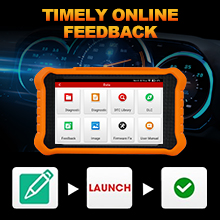
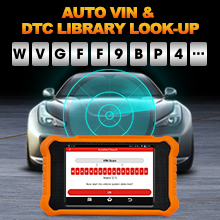
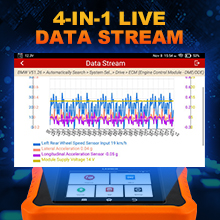
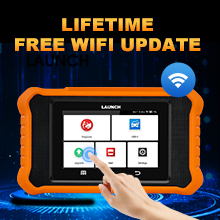
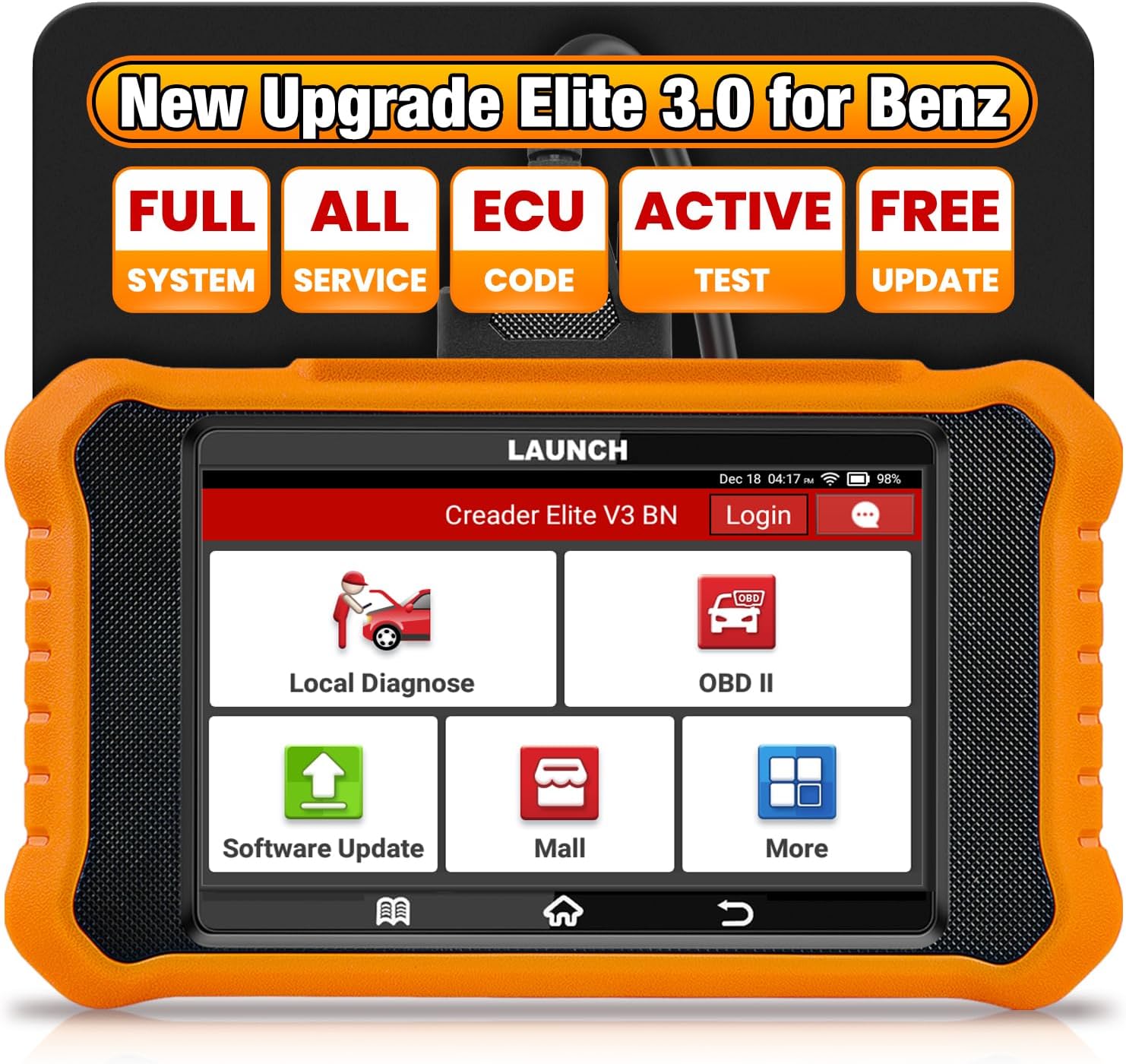
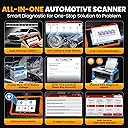
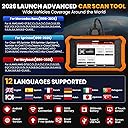
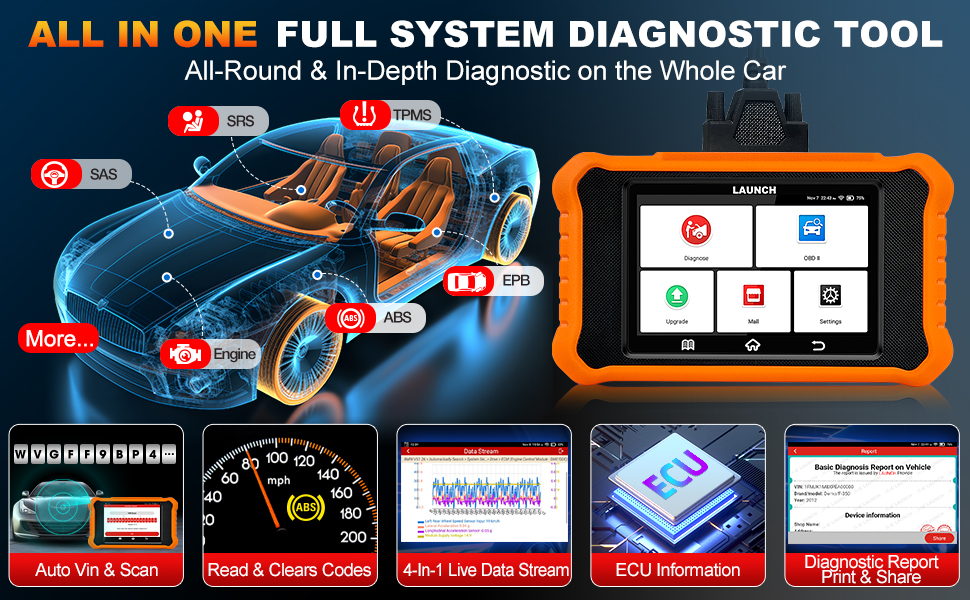
The 2026 LAUNCH Creader Elite V2.0 is a premium Android 8.1-powered OBD2 scanner tailored for Mercedes-Benz Sprinter and Maybach models. Featuring a 4-inch touchscreen, advanced bi-directional control, and OE-level full system diagnostics, it offers comprehensive fault detection, live data streaming, and all reset services. With AutoVIN technology, multilingual support, and lifetime free WiFi updates, this tool empowers DIY enthusiasts and professionals to maintain, customize, and optimize their vehicles efficiently—eliminating costly dealership visits.






| ASIN | B0CMG7Q7YP |
| Automotive Fit Type | Vehicle Specific Fit |
| Best Sellers Rank | #17,963 in Automotive ( See Top 100 in Automotive ) #117 in Code Readers & Scan Tools |
| Brand | LAUNCH |
| Brand Name | LAUNCH |
| Customer Reviews | 3.9 out of 5 stars 653 Reviews |
| Included Components | 1 * LAUNCH Creader Elite V2.0 for Benz OBD2 Scanner, 1 * OBD2 Diagnostic Cable, 1 * Quick Start Guide, 1 * User Manual |
| Item Weight | 0.54 Kilograms |
| Manufacturer | LAUNCH |
| Manufacturer Part Number | YZB05-A |
| Manufacturer Warranty Description | 2 Year Manufacturer |
| Model Number | For Benz Version 2.0 |
| Operating System | Android 8.1 |
| Power Source | Battery Powered |
| Screen Size | 4.0 |
| UPC | 884508000041 |
G**S
Launch scanner for Honda “incredible “
I’ve been using the aftermarket Launch scanner extensively, and it has proven to be one of the fastest and most efficient tools in the shop—especially when working on Honda vehicles across multiple model years. From older Hondas to the newest 2026 models, the system performs smoothly and reliably. What stands out most is its speed. Diagnostics are quick, system access is seamless, and the key programming process is incredibly efficient. When it comes to making keys—even on 2026 Hondas—the Launch scanner handles the job with impressive turnaround time. It streamlines the process in a way that saves both time and effort, which is critical in a busy work environment. Another major advantage is its broad compatibility. Having a tool that works confidently across all Honda years gives technicians flexibility without needing multiple devices. The interface is user-friendly, updates keep it current, and the overall workflow feels optimized for real-world shop demands. For anyone in automotive diagnostics or locksmith services, the Launch scanner is a valuable investment. It delivers speed, efficiency, and dependable performance—exactly what professionals need when working with modern vehicles and advanced key systems.
A**N
The bi-directional scan tool you need, you just don't know it UNTIL NOW! Affordable and GOOD!
I asked a family member to get this for me for Christmas 2024 to replace an older, slower and less capable scan tool. I have used this product exclusively as my scanner of choice every since. We are a Honda family with 4 vehicles. 2007 Honda Civic Si Sedan, 2009 Honda Civic Coupe LX, 2014 Honda CR-V EX 2WD, 2022 Honda Civic Si Sedan. The year of the vehicle and the functions that the car supports can vary. For instance the 2022 Civic Si has a multitude of functions that the older vehicles do not support. Regardless this tool is invaluable to check: Mass Air Flow sensor, Coolant Temperature, this comes extremely handy when changing engine coolant to know when the vehicle is at operating temperature. Engine RPM, Fuel Trims to monitor the amount of fuel an engine receives. The Onboard Board Monitors help to see where you are at with Smog related monitors. Especially if you are car enthusiast and like to work on your own cars this can be critical to making sure these are ALL running prior making your smog check. This is reset if you have to unhook the battery. Also handy to use to see if someone has recently reset the battery or cleared any codes recently if you are looking for a used car. The special functions menu is nice as the software controls Honda specific controls for the vehicle(s) I can run a Health Scan to see if there is any DTC's (Diagnostic Trouble Codes) stored in the system but maybe not visible YET as a CEL (Check Engine Light) One function that I see with the 2022 Honda Civic Si is the ability to put the rear electric brakes in maintenance mode so l can change the pads and or rotors as needed. One function that will work ACROSS the board with all our Honda vehicles is the Throttle Body Relearn. This is needed after you clean the throttle body so that it knows the correct position to avoid a high engine idle after a cleaning. I will be using this function quite a bit with 4 Honda vehicles in the household. I also like that not only is the OBDC generic software continually updated so is the Honda specific software to fix issues and support newer model vehicles the current version I received is Honda V49.60, the updates are free and never a charge for it. It seems that every time I check there is new versions to download and install. There is also a special function to program new immobilizer (keys) I am in the process to find out if it will work with any of our Honda vehicles. I am a DIY home mechanic and love this tool and find it as valuable as any wrench, socket or screwdriver in my tool set. If you need a GOOD scanner on a budget this is definitely it!
T**L
Unable to Perform Most Functions Advertised
First off I'll say the Mercedes Version 2 has been flawless for my Sprinter Van. It has easily been able to perform component initialization, adaption, reset, relearn, and calibrations. My invoice said this was for Toyota Version 2. What arrived was Version 3. The first one was completely borked. Although I was able to upgrade the system software, I got continuous errors for missing software. Even the generic OBDI side was not functioning. I sent that one back and ordered again. Again another Version 3 showed up. This second one was able to update both the system software and the vehicle specific software. It did connect to the Prius I was working on, however no adaption or reset functions were shown in the menus. I needed to bleed the ABS after replacement of the ABS actuator and the brake booster pump. ABS bleeding is specifically called out in the description as a service option. This tool is a complete failure. Spend $30 more for the Thinkcar 622. It performed these functions flawlessly.
J**I
OBDII Scanner for Toyota/Lexus
I purchased a Launch Creader X431 Elite reader for our Toyotas. Specifically, I was interested in accessing the 'hidden programmable' features such as turning off the seatbelt warnings, programming the key FOB (open windows etc..) and other vehicle-specific options. I wanted a hardwired bi-directional device rather than using bluetooth devices such as Carista. The manual is very (very) basic, and only provides very rudimentary information. They really need a map that outlines the various menus and how to access all of the capabilities of this device. It seems to have a lot of capabilities and detailed information, it is just not intuitative to use. I spent quite a bit of time poking around the various menus to finally locate the programmable features. I was able to program two different Toyotas using this device, was easy once you figure out how to manuever around within the device. I will upload two flow charts for the various menus to assist other new users. I contacted CS to see if they had any other files or manuals that outline the various features, but apparently not. I inquired about accessing the programmable features of the vehicle, and they claimed the device CANNOT program these cars (clearly this was incorrect as I did program our cars once I found the correct menus). There are also a variety of YT videos showing folks programming their cars with these devices, so I knew it should be possible. I contacted US Launch to inquire about support for this scanner. They advise me these are sold by an overseas affiliate, and as such, they **do not** support these particular units. I asked if they had a similar unit for US customers that they did support, and they simply told me to search their website without providing any recommendation. Seems to be a handy device once you figure out how to use it. FYI - the box used to ship the device does not specify this is a Toyota-specific item. The Toyota options pop up when you work through the menus and scan the vehicle.
M**G
Nice Necessity At A Reasonable Price. Get One!
Plugged in and it auto-recognized my VIN. Did some analysis, but it wouldn't update. Intermittently interrupted saying my WIFI was bad, which was bogus. It wouldn't send a verification code even though I had entered my e-mail address. After 3 or 4 iterations of this madness, I sent it back and cursed the programmers. Dont ship untested product, guys! Their support was effectively nonexistent because of the time zone difference. The user guide was also woefully inadequate. Update: The replacement unit came by 4pm the next day (today). This time, everything worked flawlessly. A smooth little gadget. Lightweight but sturdy enough for the job. I'm off on a 5,000-mile road trip this summer and this is a necessity. The screen's small but adequately clear (with reading glasses) from inside the car. The cable's barely long enough, but comfortably functional in the driver's seat. I especially like that I could set up a "shop" identity and e-mail or download copies of my reports or share them with 3rd parties. Every (Honda) owner should have one of these. It will give you greater confidence and a sense of security on long trips. For $16 I bought a custom-designed protective carrying/storage case. You can also get a 14" cable extension on Amazon.
W**.
Great Dignostic Scanner
I purchased this to check the diagnostic codes on my 2003 Toyota Matrix and 2015 Toyota RAV4. Inside the box comes a usb charger, Users manual and quick start guide along with the scanner. The scanner has a 4" display and is encased in a rubber case. The cord that plugs into the OBD2 port is sturdy. A protective cover comes on the end of the cord to protect the terminals on the end of the plug. Upon the first time that you plug the scanner into a car's OBD2 port, it needs to be set up via WiFi. I tried connecting to my WiFi but it wouldn't connect. Instead, I used my cell phone as a wireless hot spot. The scanner connected right away then. Set up included setting the desired language, country, and time zone. After that, the device gives you the option to download updates. There were a number of updates. It didn't take long to update (I was surprised). After performing updates, the scanner is ready for use. Since I already had it connected to my 2003 Toyota Matrix, I decided to use perform diagnostics. The scanner has a nice feature where it will scan your cars computer for the VIN code. I have another scanner that I've used and that will either detect the vehicle or ask you to manually put in the model. This scanner didn't find the VIN on my Matrix so I had to put it in manually (that was a pain). I figured out that I didn't have the ignition switch to the on position. The scanner never prompted me to do so. I thought that was odd. Anyway. I was able to pull the error codes off of my Matrix. The one function that I really liked is that you can send a vehicle diagnostic report to an email recipient. I sent one to myself and it looks great. The diagnostic functions for the 03 Matrix were about what I've seen with my other scanner. I hooked it up to my 2015 Toyota RAV4 and it pulled the VIN number right away. I turned the vehicle to the on position after I plugged it in this time. There were a number of more diagnostic items available for this vehicle. Probably because it's newer. The scanner comes with free upgrades and a number of downloadable options that are for an additional fee. I didn't really see anything additional that would apply to either of my vehicles. The display is easy to read. A bigger screen would be nice for those of us that fat finger the on display keyboard. The user interface was a little different from my other scanner. It took a while to figure it out. Overall, I'm happy with the purchase. The scanner does what I purchased it for. It reads codes and even gives you the option to get more information on any error codes that are set. It's got a built in web browser. It is run by an android OS. It's nice that it came with an actual paper copy of the owners manual. It does describe the functions pretty well. The quick start guide is a bare minimum of functionality. It's a good scanner.
A**R
Great OBD II scanner
This machine is really useful and easy to use on my Toyota. It can read codes, diagnose the vehicle, give you a detailed report, and access to options you normally can't see on the basic menu. Easy updates as well when connecting to the vehicle and works great with a 2024 Tacoma.
B**N
Mostly works - but not smoothly or all features. Very poor documentation and screen interface.
I have a few other higher-end readers - with Manufacturer specific access. I use an iCarSoft for Volvo, have an Innova for BMW, etc. I tried this one for Lexus/Toyota and have to say it does not measure up to other offerings. It does not come ready-to-use, and does not prompt you to update it. Even afterwards, further updates may be required to access all features - but you are on your own to figure that out. I had particularly purchased this to do some personalization/customization settings on two Lexus cars. I was able to do SOME of them eventually after hours of getting the machine set-up, but it would not access all of the available settings. I also found the screen difficult to use; it is overly-sensitive and with tiny on-screen icons and buttons. You will end up repeating many tedious functions unless you use a screen pen to operate it or have the delicate hands of a 13 year old waif. Bottom line is that this device is not ready for Prime-Time. I returned it and will find a better one from iCarSoft, Innova, or Autel for use with my Toyota/Lexus vehicles.
D**G
A great tool, it does everything it claims to do, very happy with my purchase.
Great product at a great price product arrived in perfect condition and on time.
S**D
Pls sell it under kids tablets n screen. Its not like a professional reader for cars.
After a year of test n trial.. Menu is very difficult to approach certain task. Not useful at all.if compare to its price. Slow in connection.. Worst part is updates are very much slow..if it comes then u have to do all cars like honda, Toyota..masarati...suzuki...nisan....why???...i bought it only for Toyota and when it gives option to tick n select then why cant we deselect it...why its necessary to do all together....utterly stupid software. It wastes a lot of time n efforts.
C**F
Awesome Honda scan tool. Get it on sale!
Very fast, very good, very capable with Hondas but might not be able to do everything (I don't think it can do windshield camera calibration or key programming). Also the cord is very short so if you're going to get one of these, do yourself a favor and get an OBDII extension cable and thank me later. If you work professionally with Hondas as I do, you'll get a lot of use out of this. 5/5
M**D
A true mini professional scan tool
I purchased the Toyota version. I felt I was working on Toyota’s TechStream But much cleaner interface and a LOT faster too. It does almost everything that TechStream does in a much easier way. Its NOT meant for a workshop but can be used The smaller screen and the limited live data streams makes it a bit impractical for a workshop. But all in all I’m very pleased with this purchase and I do recommend it for any Toyota owner who knows how to use a professional scan tool
J**S
Económico y con grandes funciones.
Me gustó la gran gama de vehículos que puedes escanear y las funciones especiales que tiene.
Trustpilot
3 weeks ago
1 month ago