Desertcart purchases this item on your behalf and handles shipping, customs, and support to Tunisia.
🚀 Elevate your network game with enterprise power and 10Gb speed!
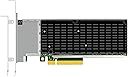
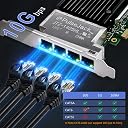
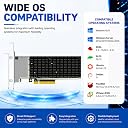
The GLOTRENDS ST7223 is a high-performance 4-port 10Gb RJ45 network card powered by the Intel XL710-BM1 controller. Designed for professional-grade virtualization and storage workloads, it supports PCIe 3.0 x8, advanced traffic offloading, and dual-mode PXE boot. Ideal for homelabs, small business servers, and virtualization clusters, it delivers stable, low-latency connectivity with flexible copper cabling, though active cooling is recommended for optimal performance.


| ASIN | B0DTKPLGQS |
| Best Sellers Rank | #171 in Internal Computer Networking Cards |
| Brand | GLOTRENDS |
| Built-In Media | GLOTRENDS ST7223 4-Port RJ45 10Gb Network Card with Intel XL710-BM1 Controller |
| Color | XL710 |
| Compatible Devices | PC/Server |
| Customer Reviews | 4.8 out of 5 stars 8 Reviews |
| Data Link Protocol | Ethernet |
| Data Transfer Rate | 10 gigabytes_per_second |
| External Testing Certification | Não aplicável |
| Hardware Interface | PCI Express x8 |
| Manufacturer | glotrends |
| Minimum Required Operating System Version | Windows 10 |
| Model Number | ST7223 |
| Number of Items | 1 |
| Unit Count | 1 Count |
| Warranty Description | 30 Day Warranty Against Manufacturer Defects |
K**A
Fast, flexible 10gb nic with cooling needs
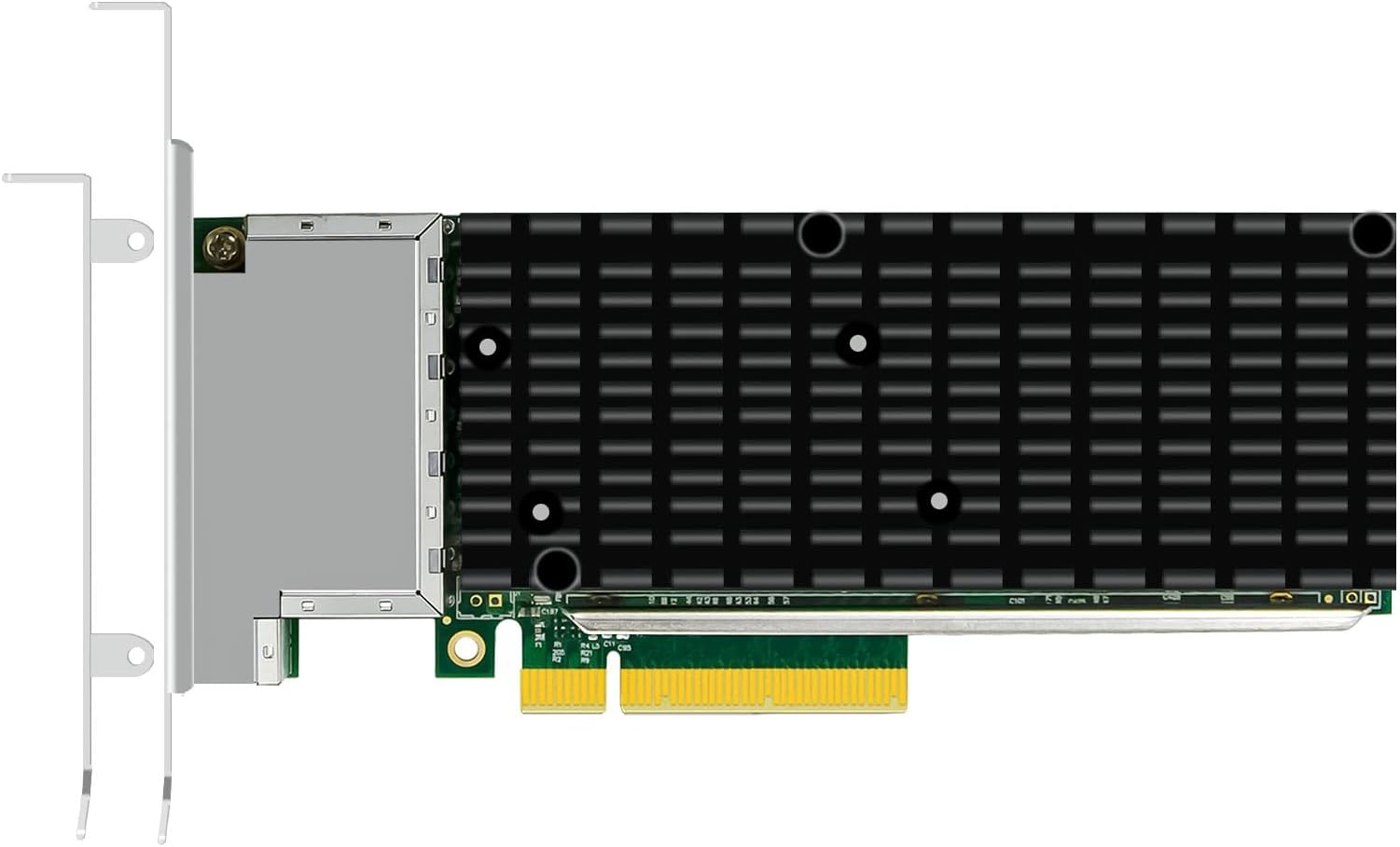
I liked the flexibility of having four copper ports. It means I can use the existing Cat6 cables in my home lab and I can set up link aggregation or separate VLANs easily. The Intel controllers give good offload support and I noticed lower CPU usage when I moved storage traffic. The build feels sturdy and the metal heatsink helps keep the temperature down as long as the case fans push air over it. The only downside is the heat. In a desktop case without extra fans the card can get warm and may throttle, so I added a small fan to the side of the slot. Installation was simple, just slot it into a PCIe x8 slot and load the driver, but I had to tweak some settings to get the best performance. If you have a server chassis with active cooling the card works very well and provides fast, reliable networking for virtualization or storage workloads. After I finished testing driver compatibility of this card in my desktop, I moved it to my dedicated Proxmox router box so I could use all four 10Gb ports for separate VLANs. I'm not sure the very high price is worth it for my use-case, but this is a fantastic, reliable card for any server install.
C**S
Server oriented NIC with enterprise feature set - needs active cooling
If you're looking at this NIC you're either putting together a DIY storage server, a big virtualization box, or some kind of high-level routing box. If you're building a workstation or some other configuration I'd advise you to look at a simpler network card. This card brings the high-end server virtualization and offloading features that make data transfer scale and stable at high levels. While 10Gb is now "entry level" in enterprise systems, it's become the base standard for advanced homelab and small business. The feature set falls short of the RDMA mark, but everything else you need for accelerated network is here, including virtualized functions for SRIOV. Installation needs some special configuration if you want the card to remain stable - it runs hot, so you'll need active airflow over it. Driver support in most major Linux kernels is good for these chips, but it will take some careful configuration to get the best use of this card, including tuning. This is not a plug-and-play device, and it rewards the right configurations nicely with good speed and low CPU overhead. If this sounds like your kind of thing, or if you're just curious about this "entry level" enterprise card and what it can do, I recommend it highly - it's a low-stakes install, doesn't require expensive connection options (it's all copper), and a good learning platform for the next level network.
R**M
Necessary if You Want the Speed
We specialize in designing custom computers, and one of the most prevalent misconceptions pertains to the combination of network components. Frequently, customers find themselves needing to order a new computer. Many erroneously believe that installing a 10 Gb network card will automatically grant them a high-speed network. We then clarify that to achieve the maximum speed provided by this card, an incoming internet speed of 10 Gb is also required. If the primary concern is the speed within the internal network, 10 Gb capable switches and cables complying with the 10 Gb specification are necessary. It is important to note that if any single component does not meet these specifications, the entire network's speed will be limited to the slowest component. As you can observe, these 10 Gb Ethernet boards tend to be costly; however, considering the exceptional speed they provide, the expenditure is justified. Similar to most PCIe-type boards, installation is straightforward—simply insert the board and load the requisite drivers. The board will then operate immediately, facilitating 10 Gb data flow through your computer. The final consideration, which is relatively minor, is to ensure sufficient airflow within your case to effectively dissipate any additional heat generated.
U**D
Good 10Gb Network Card
This 10Gb network card ended up being pretty good overall and performed as expected in my setup. Installation was straightforward, and the card was recognized without much trouble. The four RJ45 10Gb ports provide a lot of flexibility for servers, virtualization hosts, or lab environments where multiple high-speed connections are needed. Performance has been stable, and I have not experienced any reliability issues so far. The enterprise features like SR-IOV, PXE boot, and storage offloading are nice additions for more advanced networking setups. Build quality also feels solid and appropriate for server use. Overall, this is a good 10GbE network card that works well and offers plenty of features for homelabs, servers, or professional networking applications.
A**.
Very capable 4-port 10GbE card, but it needs airflow
This GLOTRENDS ST7223 is a serious 10GbE adapter, not a basic desktop network card. With four RJ45 10Gb ports and Intel controller hardware, it is aimed more at servers, virtualization hosts, storage boxes, routers, firewalls, and homelab infrastructure than casual PC use. The biggest advantage is flexibility. Standard RJ45 10GBASE-T means you can use copper Ethernet instead of SFP+ DACs or fiber, which is convenient if your network is already built around Cat6/Cat6A cabling. Four ports also gives you plenty of options for link aggregation, VLAN separation, storage networks, lab routing, or multiple direct connections. Be aware that 10GBASE-T cards run hot, especially multi-port ones. This card really should have directed airflow across the heatsink. In a server chassis, that is usually fine. In a quiet desktop case with poor airflow, I would not just install it and forget about it. Driver support should be best on server-oriented operating systems like Linux, VMware, Windows Server, Proxmox, pfSense/OPNsense depending on compatibility, and similar platforms. As always with higher-end NICs, the rest of the setup matters too: PCIe slot bandwidth, switch compatibility, cable quality, and cooling all affect the final experience. Overall, this is a strong homelab or small-server NIC if you need multiple 10Gb RJ45 ports in one card. Just treat it like enterprise hardware: give it airflow, use good cabling, and make sure your OS supports it before building around it.
M**E
makes it easy to step up to 10Gb
This GLOTRENDS ST7223 (Intel XL710 + X557) gives me four copper 10GbE RJ45 ports for easier integration with existing switches. Tested on my Ryzen desktop and server: full 10Gbps line rate with standard Cat6a cabling, excellent for backups, VM traffic, and Sunshine/Moonlight streaming at high bitrates. Virtualization and storage offloads perform great—low overhead even under heavy load. Simple plug-and-play in Proxmox/Linux. Ideal if you prefer RJ45 over SFP+ for your 10GbE needs.
J**D
Powerful 10Gb Network Card for High-Speed Networking
This network card performed really well in a high-speed networking setup and worked great for virtualization, storage traffic, and heavier data transfers. The Intel controllers are a big plus for compatibility and stability, and the card was recognized properly during setup without major driver headaches. Having four 10Gb RJ45 ports gives a lot of flexibility for servers, homelabs, virtualization hosts, or high-bandwidth storage systems. The build quality also feels solid with good cooling around the controller area. Transfer speeds were stable during testing, and the card handled heavier network loads without issues. Overall, it’s a strong option for enterprise-style networking, Proxmox setups, NAS systems, or serious homelab environments where reliable multi-port 10Gb networking actually matters.
N**S
Works right out of the gate!
Glotrend has been making some decent products reacently and this is one of them. This is put into my desktop as I needed a 10gb jack for it for my network file transfers and this fit the bill perfectly. Why do I need 4 ports? Well I decied in case I wanted to expand in the future then It would be great. So I have 2 ports used to plug into my switch just to route the traffic and not saturate one port in case I wanted to run something else. So far it's been working great and no issues at all so I like it! Great value comapred to some others by intel and other brands.
Trustpilot
1 day ago
2 weeks ago