Desertcart purchases this item on your behalf and handles shipping, customs, and support to Tunisia.
🌐 Elevate your home network to WiFi 7 speed and security — because buffering is so last decade.
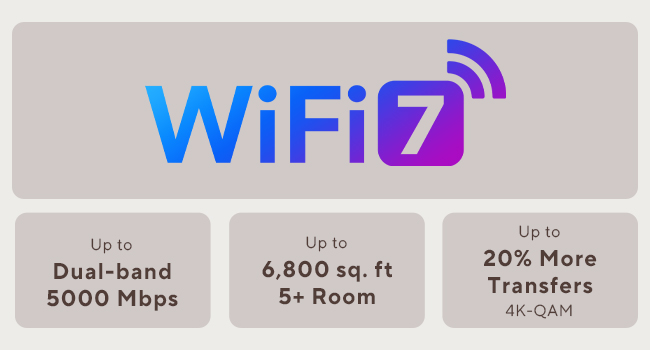
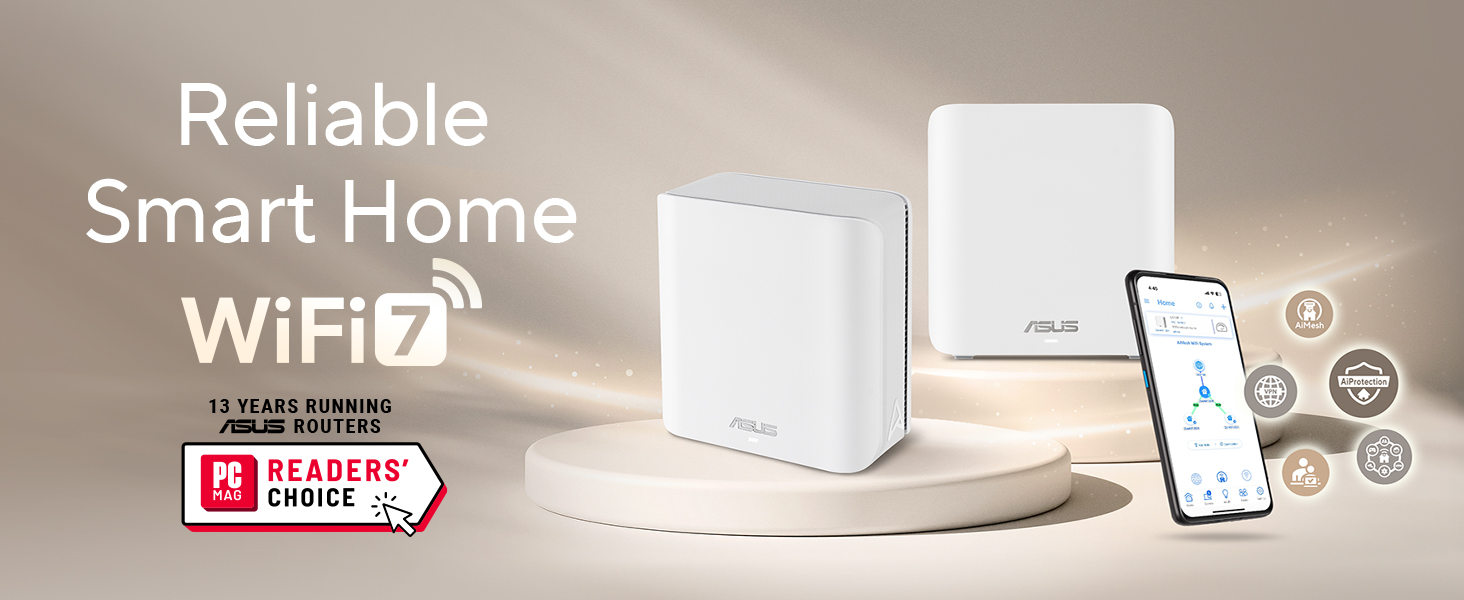
The ASUS ZenWiFi BD5 is a premium WiFi 7 mesh system delivering up to 5000 Mbps dual-band speeds and expansive 6800 sq.ft coverage with AiMesh technology. Featuring four internal antennas, dual 2.5G Ethernet ports, and a quad-core 1.5 GHz CPU, it supports seamless whole-home connectivity with advanced security via AiProtection Pro and VPN. Designed for smart homes, it offers easy setup and management of IoT devices and parental controls, making it a future-ready network solution for demanding professionals.


| ASIN | B0DHW9M7CB |
| Antenna Location | Business, Gaming, Home Use |
| Antenna Type | Internal |
| Box Contents | BD5 3-Pack Router, Power Supply, Power adapter, Power supply., Quick Start Guide, Quick start guide, Quick start guide (may not English language not guaranteed)., Quick start guide (possibly English language not guaranteed)., RJ45 cable, Warranty card |
| Brand | ASUS |
| Brand Name | ASUS |
| Colour | White/Opulent Garden |
| Compatible Devices | Smartphone, Tablet, Personal computer |
| Compatible devices | Smartphone, Tablet, Personal computer |
| Connectivity Protocol | Wi-Fi, Ethernet |
| Connectivity Range | 6800 Square Feet |
| Connectivity Technology | Wi-Fi (802.11ax, 802.11ac, 802.11n, 802.11be, 802.11g), Ethernet |
| Control Method | Touch |
| Controller Type | App Control |
| Coverage | Whole house |
| Customer Reviews | 3.3 out of 5 stars 64 Reviews |
| Data Transfer Rate | 2882 Megabits Per Second |
| Frequency | 5 GHz |
| Frequency Band Class | Dual-Band |
| Frequency band class | Dual-Band |
| Has Internet Connectivity | Yes |
| Has Security Updates | No |
| Is Modem Compatible | No |
| Item Dimensions L x W x H | 14L x 7.1W x 14H centimetres |
| Item Weight | 1.2 Pounds |
| LAN Port Bandwidth | 2500 Mbps |
| Manufacturer | ASUS |
| Manufacturer Part Number | BD5 (W-3-PK) |
| Maximum Upstream Data Transfer Rate | 2882 Megabits Per Second |
| Model Name | BD5 (W-3-PK) |
| Model Number | BD5 (W-3-PK) |
| Model name | BD5 (W-3-PK) |
| Number of Antennas | 4 |
| Number of Ports | 2 |
| Operating System | ASUSWRT |
| Other Special Features of the Product | AiProtection, VPN, WPS Security, Alexa Compatible, Mesh fabric for the whole house, Network standard: WiFi 4 (802.11n), WiFi 5 (802.11ac), WiFi 6 (802.11ax), WiFi 7 (802.11be), IEEE 802.11a, IEEE 802.11b, IEEE 802.11g, IPv4, IPv6, Wirelss Router, AiMesh Node, Access Point Mode |
| Router Network Type | mesh |
| Security Protocol | wpa2-psk, wpa3, wpa2 or wpa3 |
| Smart Home Compatibility | Smart Home Compatible |
| Special feature | AiProtection, VPN, WPS Security, Alexa Compatible, Mesh fabric for the whole house, Network standard: WiFi 4 (802.11n), WiFi 5 (802.11ac), WiFi 6 (802.11ax), WiFi 7 (802.11be), IEEE 802.11a, IEEE 802.11b, IEEE 802.11g, IPv4, IPv6, Wirelss Router, AiMesh Node, Access Point Mode Special feature AiProtection, VPN, WPS Security, Alexa Compatible, Mesh fabric for the whole house, Network standard: WiFi 4 (802.11n), WiFi 5 (802.11ac), WiFi 6 (802.11ax), WiFi 7 (802.11be), IEEE 802.11a, IEEE 802.11b, IEEE 802.11g, IPv4, IPv6, Wirelss Router, AiMesh Node, Access Point Mode See more |
| UPC | 197105643826 197105627819 |
| Unit Count | 3.0 count |
| Wi-Fi Generation | WiFi 7 |
| Wireless Compability | 802.11.be, 802.11ac, 802.11ax, 802.11g, 802.11n |
| Wireless communication standard | 802.11.be, 802.11ac, 802.11ax, 802.11g, 802.11n |
J**N
WiFi muy lento, con conexión inestable
Pésima experiencia con Asus ZenWiFi BD5. Velocidades WiFi muy bajas (peor que versiones anteriores), inestabilidad, problemas con mesh y puertos. Decepcionante tras años con Asus.
T**S
Roaming Between Nodes Is Unreliable
I installed the ASUS ZenWiFi BD5 as a 3-node mesh system in my home, which is a two-story reinforced concrete construction. Unfortunately, the roaming between nodes has been unreliable and causes frequent connectivity problems. My setup is as follows: the main router is on the first floor, and I have two nodes on the second floor (office and master bedroom). The office node uses Ethernet backhaul, while the master bedroom node connects wirelessly. The main issue happens when moving between areas of the house. Devices do not transition smoothly between nodes. Instead, the connection often drops completely for several seconds before reconnecting. At times the device stays connected to a distant node even when a closer node is available, and other times it switches but loses internet access during the transition. I attempted several troubleshooting steps: - Adjusted Roaming Assistant thresholds - Disabled Airtime Fairness - Tested different node placements - Verified backhaul configuration - Updated firmware and rebooted the system Despite these changes, the mesh handoff remains inconsistent. In a home with reinforced concrete, reliable roaming is critical for a mesh system, and this setup has not performed as expected. While the hardware itself seems well built and the interface is easy to use, the roaming stability has been disappointing for a system marketed as a seamless mesh solution. Buyers with multi-floor concrete homes may want to consider this limitation before purchasing.
F**Y
Rough around the edges
I moved to this from a TP-Link Deco X20. The Deco was solid, but there are some security concerns about hidden backdoors so I needed an upgrade. I have not had many issues with stability or connectivity with this ASUS BD5 router which seem to plague other ASUS products (XT series for example). I am in a really small place so my routers are close together. I don't think any of our devices are roaming between nodes. We are moving to a larger place soon and I suspect the stability might suffer. Here are my main issues with this router: 1. There is an app that you can use to manage the router. The problem is that the app does not have all of the settings the web does. This makes the app obsolete for me because I am tired of opening the app and hunting around for something that only exists on the web. Now, I just go straight to the web. 2. The web interface has not been updated for many years. The layout and categorization does not make sense to me as it has grown organically over time. Settings are hard to find. An intuitive consistent interface for both app and web would be a welcome addition. 3. You will have to tweak this to get stability and performance. I am constantly moving things around to get it to work. Almost all changes require a full reboot for some reason and it takes a really long time for the nodes to reconnect with this happens. 4. The setup process was buggy. I changed the default subnet during the setup and that caused it to choke. I had to start over again. It took a long time and was frustrating. 5. I monitor my router logs for anything unusual. I have this router dumping the output to a log server on my NAS. This router is constantly logging emergency and error level messages that make no sense and do not seem critical or an emergency. There are things like "PHYMODE: 38" or "Channel is already set," and even errors with no messages at all. The end result is that anything really important will undoubtedly get lost in this noise. My sense from this constant noise is that the code must be really sloppy.
M**K
Amazingly good mesh access points
This is a really good mesh system, and a good value. With the 3 pack, it covers at least 4000 square feet, including through walls, with nearly full signal everywhere on the 2.4ghz network. It's easy to set up - just find the IP address and log in. There is an app, but it never forces you to use it. I am using a wired backhaul with gigabit fiber, and I get ~300mbit up and down over 2.4ghz and about 700mbit over 5ghz using wifi 6E (I don't have any wifi 7 devices yet). I get the full gigabit using the wired port. These do support connecting with each other wirelessly though, and with wifi7 and the ability to use double the channel width, I'd imagine they would do a pretty good job even without the backhaul; although I didn't test that. The web based management console is quite nice too. I was able to diagnose a long standing issue with my wired network using the built in diagnostics, which was an extra bonus. These can also be used as a router, and it has a lot of features like VPN, etc. in that mode, but I needed to use them as access points due to my ISP. If you are in the market for a router though, skip it and just get the 3 pack of these since it's cheaper and you get way more range. The only downside is that they only give you two Ethernet ports - one for backhaul and one for a single device. That's easily remedied by connecting a cheap 5 port switch to the device port though, and I'd rather do that than have to pay a higher price for each of these. These are night and day better than my old Linksys mesh access points (which were terrible in every way), and I am so glad I upgraded to these.
C**2
Seamless Setup. Mostly set it and forget it.
This set of 3 was delivered to me at the beginning of February 2026. I installed them the following weekend. Fairly seamless setup process. The first one gets connected to your modem/ONT right away. Each of the satellite nodes must be next to the primary node during initial setup. They connect wirelessly. After each one is set up, you can move it to where ever you need it, and use a wired backhaul if you have one. These things have worked like a charm. I was so pleased, that I bought 2 more to go in my other residence. The BD5’s only have two 2.5G RJ45 jacks on the back. So you’re going to need to add a switch to your setup if you don’t already have one.
Trustpilot
3 weeks ago
2 weeks ago