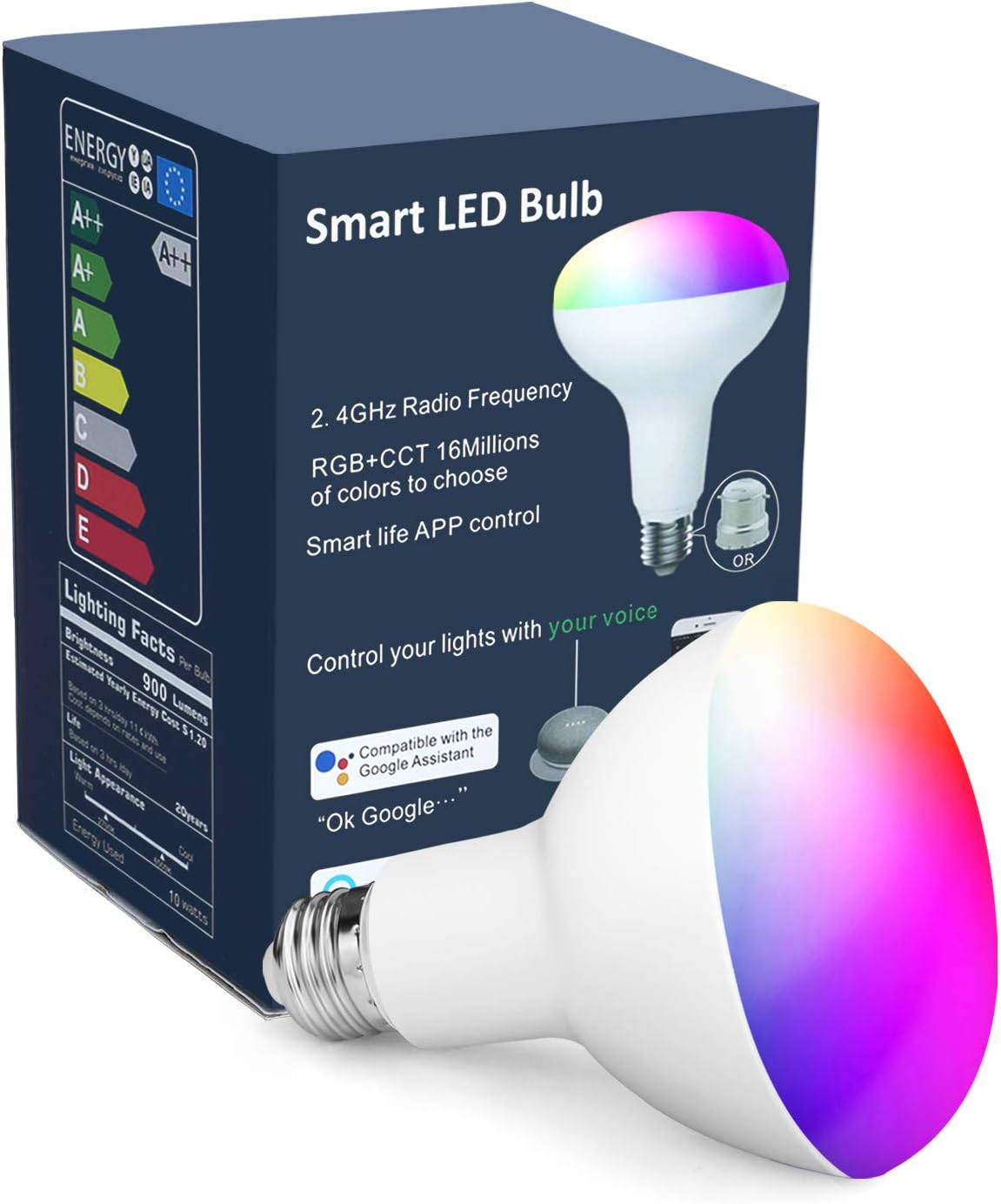



OHLUX Smart Light Bulbs,BR30 WiFi Flood Lamp,10W 900LM,App Remote Control,Dimmable Multicolored LED,E26 Base,100-240V,Compatible with Alexa Google Assistant 1-Pack
Product ID: 101467486
Smart Light Bulbs, BR30 WiFi Light, Dimmable Multicolored LED, 10W (80W Equivalent), E26, 100-240V, Compatible with Alexa & Google Assistant
| Asin | B07LC2TK9Z |
| Brand Name | OHLUX |
| Bulb Base | E26 |
| Bulb Shape Size | BR30 |
| Color | Br30 1 Pack 800lm |
| Color Rendering Index | 85 |
| Connectivity Protocol | Wi-Fi |
| Connectivity Technology | Wi-Fi |
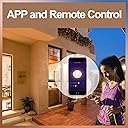
| Control Method | App, Remote |
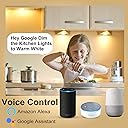
| Controller Type | Amazon Alexa, Google Assistant |
| Customer Reviews | 4.3 4.3 out of 5 stars (59) 4.3 out of 5 stars |
| Incandescent Equivalent Wattage | 60 watts |
| Light Color | multicolor |
| Light Source Type | LED |
| Light Source Wattage | 10 watts |
| Light Type | LED |
| Manufacturer | OHLUX |
| Number Of Items | 1 |
| Package Quantity | 1 |
| Power Source | AC |
| Shape | br30 |
| Specific Uses For Product | Indoor use only |
| Style Name | br1p |
| Unit Count | 1 Count |
| Voltage | 120 volts_of_alternating_current |
| Wattage | 9 watts |
User
Awesome, effective, inexpensive. Step by Step guide.
These lights are great. They are energy efficient. They can be controlled via the smart life app or alexa or Google home. They are easy to set up. Confirm your phone/tablet is connected to a 2.4hz wifi network. 1. Install the Smart Life app from the app store and open it. 2. Click the plus button in the top right. 3. Click the Add Manually section at the top (It should already be the default). 4. Click the word "Lighting" on the far left. 5. Click The light bulb that says "Lighting" (Wifi). 6. Install the light. 7. Turn the light On-Off-On-Off-On. 8. Wait ten seconds or so and they will start blinking. 9. Click the large button that says "Confirm your light in blinking rapidly." You're done. The light will be "found," "connected," and "initialize" automatically. Simply give your light a unique name. (Lets say you have multiple lights in one fixture and you've named each light, "Kitchen Light." You can group them together in the Alexa app, which I'll explain later.) You can now control your lights from the smart life app.-Keep your lights on.- If you have the Alexa app set up already and "smart life" skill enabled, Alexa will automatically recognize your new lights and you will be able to voice control them by name.-Keep your lights on- If you do not have the Alexa app set up yet you will need to complete a couple simple steps. To get your lights to work with Alexa you will need to enable the "Smart Life" skill in your Alexa app. 1. Do this by going to the Alexa app home screen and clicking the three lines in the top left. 2. Go to skills and games. 3. Go to the search symbol and type in "Smart Life." 4. Enable Skill.Once you do this go back to the Alexa app Home screen and 1. click the three lines at the top again. 2. Click add device. 3. Click Light. 4. Scroll all the way down to "Other." 5. Click Discover devices. As long as your lights are on and you have followed all the previous steps properly, Alexa will find your lights by the unique names you gave them earlier.Okay, so let's say you have 3 lights or more in the same fixture. It's okay to name them all "Kitchen Light" or whatever you like. They can all be the same, because we can use Alexa to create a group. 1. Go to the Alexa app home page. 2. Click Devices in the bottom right. 3. Click the + button in the top right of the screen. 4. Click "Add Group." 5. Give the group a name that you will use to control multiple individual lights. 6. Add the lights from the list that will be available below by simply clicking each one of them. 7. After you have selected all the devices, click save. Voila.A couple notes. I know this sounds a little complicated but that's only because I literally broke it down piece by piece for those who may not be technologically adept. It's very easy, especially after you do it a couple times.Also, to turn every smart light you have installed off, you do not need to create a group in Alexa. Simply say, "Alexa, turn off all of the lights."Hope this review helps prospective buyers
User
Beautiful
I have the same brand bulbs in most of the interior of my house, and got these specifically because they connect to the Smart Life app. They have a great range of colors, and are very bright when set to white at full brightness. Like the rest of this brand of bulbs (or those controlled through Smart Life more generally) there are basic effects (a few "scenes" some pulsing effects, etc) but nothing overly fancy, and the bulbs don't really communicate in a pattern. At about 25% the cost of Hue bulbs, I can't complain, and generally don't even notice.Alexa integration is good. They can be a bit fickle to get recognized in the Smart Life app, especially if your light fixture uses more than one light. My flood light, for instance, takes two bulbs. The setup procedure has you cycle the power three times rapidly, then use the app to connect to the bulb. Sometimes it will recognize two bulbs at once, sometimes I have to do one bulb, then take it out, then connect the other bulb, then put the first back in to sync them. (This was more of an issue in my kitchen, where I have 5 bulbs controlled by one switch.) Once they are connected, however, you can set up groups and names and use Alexa to control them no problem.
User
Unscrew BT bulbs and Screw In these...
The only thing I can say about these bulbs is that they work VERY WELL and are fun (if a bulb can be considered such). You will need adequate WiFi signal strength to fully appreciate what these bulbs (and the app) are capable of delivering. I had used Bluetooth enabled bulbs in the past and they were lousy... crappy app and unpredictable behavior. I love being able to control the bulbs from anywhere with voice commands... and can change the lighting in the rooms instantly. I have them outside as well... which is really fun for the holidays (color control).
User
UPDATE
Love these lights. I use them on my porch. But many times I get up in the morning and find that the app did not turn them off. I am constantly going back to the app to turn the light off, even with the on/off schedule set. They were kinda hard to set up.UPDATE: User error with the automatic schedule. I somehow missed adding the days of the week for shut off. They turn on and off every day and I love not having to waste electricity.
User
3 months and stopped working - but.....
After 3 months bulb does not work a all. Contacted customer service and within 24 hours time they are shipping a replacement. Excellent customer service. As far as a review of the product we have been very happy with it. We have 4 in recessed ceiling fixtures in the living room and can control them individually or in groups as needed. Setup is easy with the Smart Life app and they work great with Alexa!
User
Smart Light Bulbs,BR30 WiFi
Good product to use in hallway
User
Good Product
Takes a few minutes to connect to Google Home but works great after hookup. Dimming and color changes is a really nice feature that is controlled entirely by voice commands.
User
Won't reconnect
Update- these are horrible! If you ever have to turn the breaker off to change an outlet or such this bulb will never reconnect! And now the light just won't stop blinking so I have to put it in storage because I can't get it to link up again. Useless and a huge headache. I have a lot of experience with smart devices and this is the worst smart device I've ever usedI finally got this to link to my Wi-Fi. I was ready to return this when the morning I was going to pack it up to get a refund I checked to see if it would link up. Well it did and I haven't had any issues since!The set up was was not quick and painless nor as intuitive as other brand's set up processes. This is much brighter than my other smart brands 800 lumen flood type light bulb.I like this bulb over the other brands bulb I purchased and this one is $16 less! I don't need a fancy light bulb that goes along to music like my other more expensive bulb. This one works well for my purpose. I have it set up in the hallway.I have 3 bulbs connected to 1 dimmer switch so I need 3 smart bulbs to control each light separately. Sometimes I only want 1 or 2 on, but set to different brightness and color. This works great for that and is always responsive to alexa!
Trustpilot
3 weeks ago
1 week ago