📡 Elevate Your WiFi Game – Because Every Corner Deserves Connection!
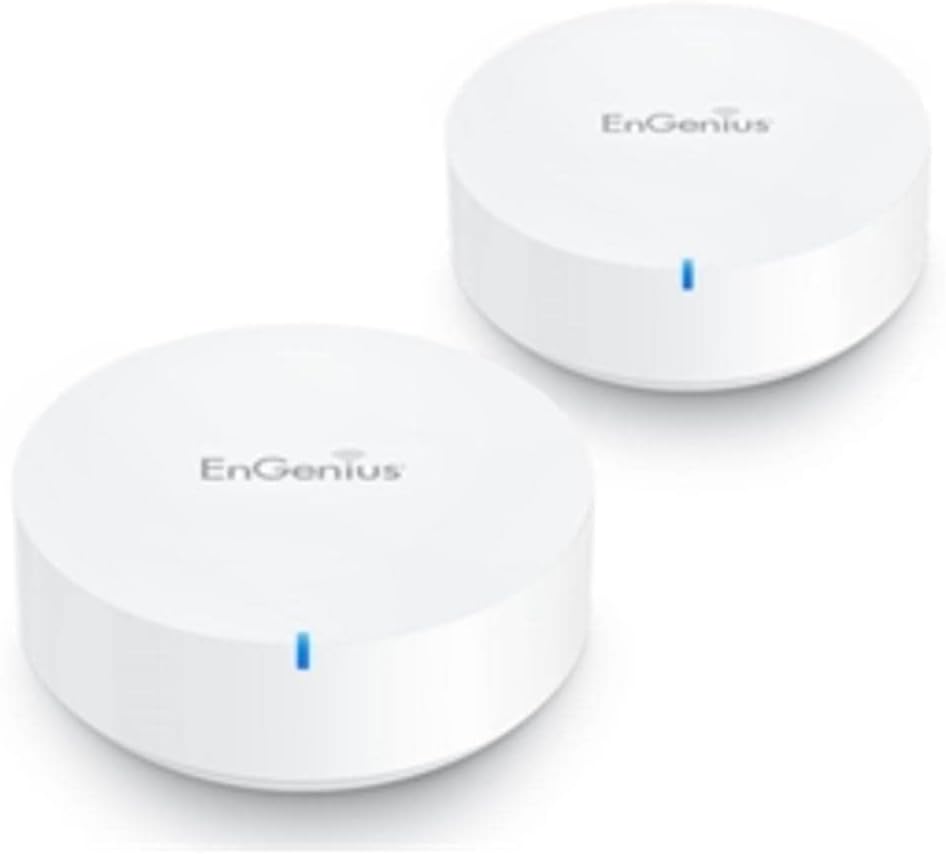
The EnGenius Whole Home Mesh WiFi System (ESR530-2Pack) delivers robust dual-band AC1300 performance, covering up to 3000 sq. ft. with smart mesh technology for optimized connections. It features easy setup via the EnMesh mobile app, ensuring seamless streaming and connectivity throughout your home.


| ASIN | B07QLNYMM7 |
| Antenna Location | Home |
| Antenna Type | Internal |
| Best Sellers Rank | #59,026 in Computers & Accessories ( See Top 100 in Computers & Accessories ) #572 in Whole Home & Mesh Wi-Fi Systems |
| Brand | EnGenius |
| Built-In Media | 2 x ESR530, 2 x RJ-45 Ethernet Cable, 2 x Screw Pack, Power Adapter, Quick Start Guide |
| Compatible Devices | Personal Computer |
| Connectivity Protocol | wi-fi |
| Connectivity Range | 3000 Square Feet |
| Connectivity Technology | Ethernet, USB |
| Control Method | App |
| Controller Type | vera |
| Coverage | Up to 3000 sq. ft. |
| Customer Reviews | 3.5 out of 5 stars 39 Reviews |
| Data Transfer Rate | 1300 Megabits Per Second |
| Frequency | 5 GHz |
| Frequency Band Class | Dual-Band |
| Global Trade Identification Number | 00655216009585 |
| Is Electric | Yes |
| Is Modem Compatible | No |
| Item Type Name | Mesh Router |
| LAN Port Bandwidth | 1 Gbps |
| Manufacturer | EnGenius |
| Maximum Upstream Data Transfer Rate | 1000 Megabits Per Second |
| Mfr Part Number | ESR530-2PACK |
| Model Name | ESR530 |
| Model Number | ESR530 |
| Number of Ports | 2 |
| Operating System | Proprietary router operating system (e.g. ZyNOS, RouterOS) |
| Other Special Features of the Product | WPS |
| Security Protocol | WPS |
| Special Feature | WPS |
| UPC | 655216009585 |
| Unit Count | 2.0 Count |
| Warranty Description | 1 year manufacturer |
| Wireless Communication Standard | 802.11ac |
| Wireless Compability | 802.11ac |
R**N
Very impressive! Easy setup, fast speeds, looks great
I must say that I am quite impressed with EnGenius EnMesh Wifi setup. I had been a previous advocate of Netgear and their Nighthawk Wifi routers, but the EnGenius has won me over. I am a huge fan! I purchased a 2-pack since I thought that would be enough to cover my 2-story 3 bedroom house and it is working even better than my previous Netgear Nighthawk R7000 + Netgear EX6400 Extender! Pros: -Very quick and easy setup. It's all done through the app with very clear, concise instructions -App is very useful and simple to use! Instead of logging into an IP that everyone can access for network config (i.e. typical 192.168.1.1), one can only access your network's settings through the app and one's self created login/pw. The app allows you to run diagnostics to test the internet speed and speed between your mesh network's APs. Very cool! Also has parental controls for those who need it -Extremely fast speeds! I was getting my expected 450mbps down / 12mbps up from my ISP with the EnGenius which I rarely got with my previous Nighthawk setup. Very impressive -5GHz Auto Channel selection! This I am very impressed with since I have only ever seen this feature for the 2.4GHz band. Now I don't have to do lots of network scans trying to find the least congested 5GHz channel. -Sleek looking routers. They fit in and look very contemporary and just like a smart device -Single LED may seem simple, but it's more than enough. Stays lit white if everything is connected and working properly, blinks red if there is an issue Cons: -Routers are kind of bulky. Whilst they look good, they do take up some space -Routers only have one LAN port. I have some devices which require an ethernet cable connection (i.e. Arlo security hub, Xfinity home security hub) so it would be nice if there were some more LAN ports. I'm currently using an external switch -Doesn't offer the option to separate 2.4GHz from 5GHz band. There is a Guest Wifi SSID that one can setup, but the main Wifi network uses the same SSID for 2.4GHz and 5GHz bands. Would have been nice if I could have separate 2.4GHz and 5GHz bands -The included ethernet cable is really short...I had to use one of my longer spare ones to hook up to my modem. Really not many cons about this product. Firmware upgrade went smoothly and no issues. Haven't noticed any network dropout issues either. I HIGHLY recommend this EnGenius Mesh product!
G**.
Bricked right after changing region!
Very poor quality! One router bricked (died) after I changed the region!.. I'm outside US and return the device is not an option... I'll never buy this brand again!
A**R
Great Product
I chose to give the Engenius ESR530 mesh router a shot, since it’s so incredibly easy to return unsatisfactory product ordered on Amazon and the unit was competitively price against the first products amazon search displayed. Unboxing my new ESR530 router was very simple, minimal packaging for an easy unboxing. My 2-Pack Mesh router came as advertised with two mesh routers, two power cables, 1 short ethernet cable(easy and no messy long cord when plugging the first mesh router into my modem), and mounting screws for wall installation. The packaging itself has useful tips and product details to review prior to installation. Downloading the ENMESH app from engenius was simple, and the app interface was easy enough for set-up. During set-up I had to fiddle a little with the router and modem to ensure the modem was connecting to the router properly. Once you get past the power up stage, the app takes you through one more step before it connects to the device you are using ENMESH on. I noticed that if I did not accept the connection quickly, it failed to connect when I did. Nevertheless, one more attempt to connect and I connected immediately without issues. After setting up my ENMESH account ID and wifi name and password, the app offers an option to save login details to photos via a screenshot. It’s a subtle touch considering you can typical screenshot normally from your phone, but convenient. Once you get past the final check, you get two options to add more devices or connect to ENMESH. I went to add another device with the 2-pack, but important to note that when you connect to ENMESH you need to make sure your mobile device is connected to the new wifi network you just set-up, otherwise you will not be able to connect through the app. In the landing page of the app I can see my exact internet speed test, A whopping 192.79 MBPS download and 12.43 MPS upload on initial start-up. Adding the second device can be done from the prompt at the end of the initial set-up, but if you’re like me and accidentally click the wrong button, you can add more devices easily from within the ENMESH app, which follows the same intuitive process as the initial set-up. To add a second router, you have to make sure it’s within 3ft of the original router, which the ENMESH app indicates during set-up. Once ENMESH detects the new device, it will automatically prompt you to select the device you want to configure. Once selected, ENMESH started configuring the device practically automatically. The pairing was flawless and I barely had to do a thing to get it going. However, when I plugged the second mesh router in to the location I had envisioned, it did not connect. I decided to move the unit a little closer and see if it connected, and voila! Looks like the key thing is that the second router when booting back up in the new location may take some time and the red light will flash, but after about a minute or two it went to solid white and I was able to confirm connection through the app. I like that the APP shows optimum range based upon the connection dashed line graphic’s color from the master unit to any connected units. It took a little longer than I anticipate, but much easier than past home wifi network set-ups.
J**N
Excellent AC1300 Performance but single indicator too dim
We have installed over 500 of these so have considerable experience. Performance is very good for AC1300, but there's only one indicator, and it's too dim in normal lighting. The latest generation is much thicker than original. Mesh set-up takes several minutes so you must have patience. Mesh works faster if you can link two units together via Ethernet cable.
R**N
INSTRUCTIONS NOT ACCURATE
1. Says to download "EnMesh By EnGenius" from the App Store, there is no such app. It's "EnMesh Home". 2. During setup, it says to scan the Qr code. Did so, but it comes back "Not Found" so you have to do it manually. 3. Amazon website description says it comes with 2 RJ-45 cables, not true, it comes with one. 4. App is very limited, doesn't allow for much customization. 5. Haven't been able to connect directly to the internet, had to do so by plugging it in to a separate router that does connect.
M**.
Fixed my home WiFi !!!
I personally was having a lot of connectivity issues in my home. Anytime I was not in the living room area, my internet would seem to die out. I purchased the ESR530 - 2 pack with hopes of having a strong internet connection through your the house and it has very well delivered its promise! The smart mesh routers were real easy to set up, especially for me who I personally am not very tech savvy. The app was very well put together and gave me very clear instructions on how to set it up. My WiFi speeds have gone up tremendously and i’ve Experience the most when I’m doing casual media streaming such as Netflix. The coverage in my home has also been perfect since I set it up, I have had the same amount of speed on my computer in every single room now rather than just the living room. All in all I think this is a great fix to fill in WiFi dead spots in a home and you won’t be disappointed!
A**.
Two bricks after nine months
Utter nightmare. Technical support is impossible to get—only through email, and that’s after having to email, then submit a ticket, then create a password, then maybe hopefully someone actually reads it but by then I need internet in my house so whatever, just going to have to buy a new mesh network because I have to WORK and need my WIFI
E**R
Great for larger homes/basements
Living in a house with a basement, I had connectivity issues whenever I would go downstairs with my laptop or phone due to the thick walls between whichever device I was using and the router. This mesh router has completely fixed the basement issue for me and the DL/UL speeds have remained the same after switching from my high end single router.
Trustpilot
1 month ago
1 week ago