📺 Elevate your living room with LG’s 4K smart TV — where innovation meets entertainment!
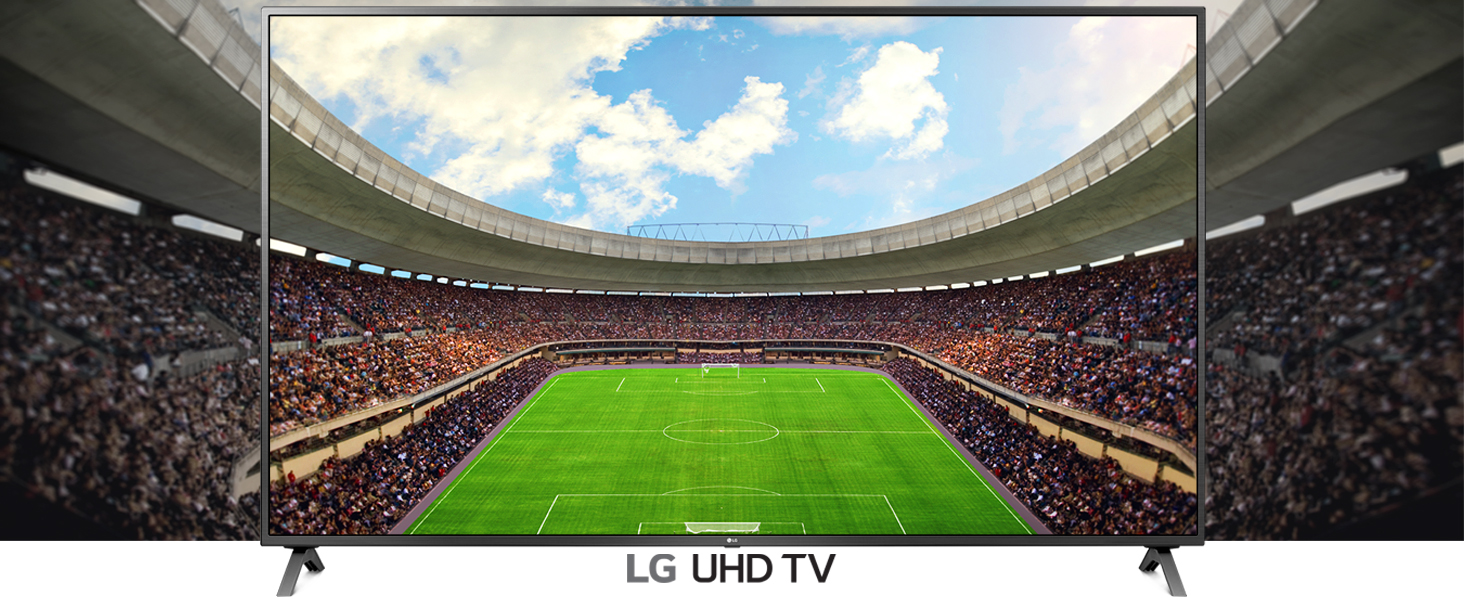
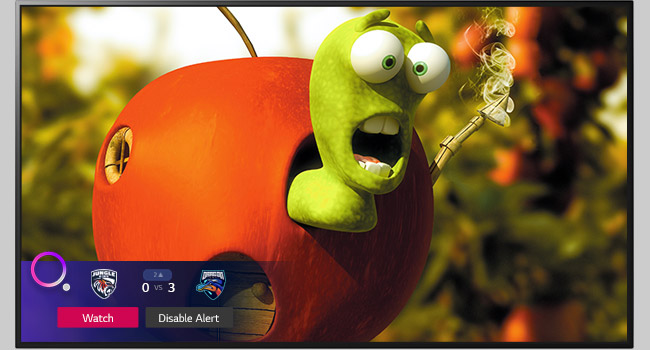
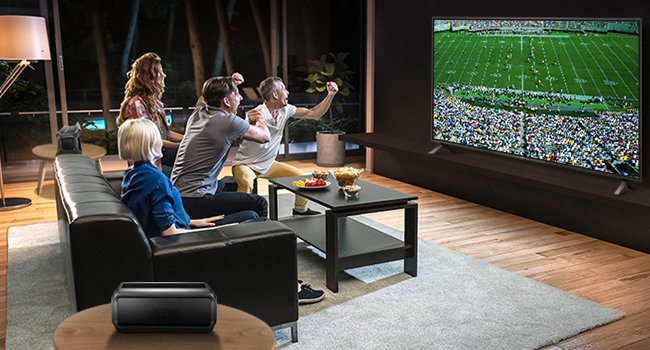
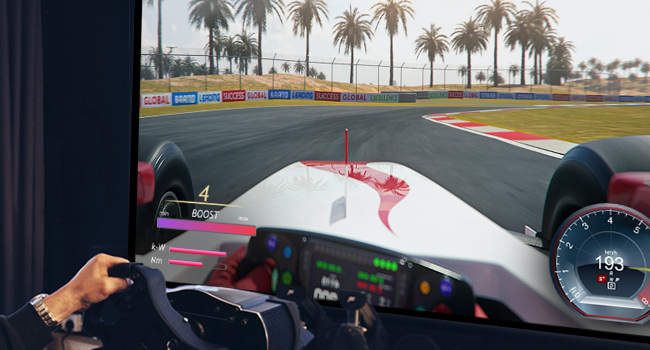
The LG UN73 Series 43” Smart TV delivers a premium 4K UHD viewing experience with a vibrant IPS display and HDR support. Powered by a Quad Core Processor, it ensures smooth streaming and enhanced picture quality. Featuring built-in Alexa, Apple AirPlay 2, and Bluetooth Surround Ready, it seamlessly integrates with your smart home and audio devices. The Magic Remote with voice and motion control plus LG’s webOS platform makes navigation intuitive and fast. With multiple HDMI and USB ports, this sleek, wall-mountable TV is designed for the modern connected lifestyle.


| ASIN | B0817LKC2S |
| Additional Features | Flat |
| Aspect Ratio | 16:9 |
| Audio Input | HDMI, USB |
| Base Depth | 7.31 inches |
| Best Sellers Rank | #68,668 in Electronics ( See Top 100 in Electronics ) #271 in LED & LCD TVs |
| Brand | LG |
| Built-In Media | Power Cable, Remote Control, User Manual |
| Color | Black |
| Connectivity Technology | Bluetooth, Ethernet, HDMI, USB, Wireless |
| Connector Type | HDMI, USB |
| Content Sharing Direction | Mobile to TV |
| Control Method | Voice |
| Controller Type | amazon_alexa |
| Customer Reviews | 4.6 out of 5 stars 1,722 Reviews |
| Display Backlight Configuration | Direct LED |
| Display Backlight Setting | [Direct Backlight Control] |
| Display Backlight Technology | LED |
| Display Language Options | English |
| Display Refresh Rate in Hertz | 60 |
| Display Size Class | 43 inches |
| Display Technology | LED |
| HDR Format Supported | HDR10, HLG |
| Hardware Interface | Composite Video, Ethernet, HDMI, Radio Frequency, USB 2.0 |
| Integrated Surround Sound Format | Stereo, Surround Sound |
| Internet Applications | Google TV, Hulu, Netflix, Prime Video, Vudu |
| Item Dimensions D x W x H | 6"D x 44.1"W x 26"H |
| Item Type Name | Television |
| Item Weight | 17.9 pounds |
| Line Voltage | 100-240 VAC 50-60 Hz |
| Manufacturer | LG |
| Mfr Part Number | 43UN7300PUF |
| Model Name | 43UN7300PUF |
| Model Number | 43UN7300PUF |
| Model Series | 43UN7300P |
| Model Year | 2020 |
| Motion Enhancement Technology | TruMotion 120 |
| Mounting Type | Can be wall mounted |
| Number of Audio Channels | 2 |
| Number of Component Inputs | 6 |
| Number of Component Outputs | 3 |
| Number of Composite-Video Inputs | 1 |
| Number of Items | 1 |
| Operating System | webOS |
| Parental Control Technology | Built-in device controls |
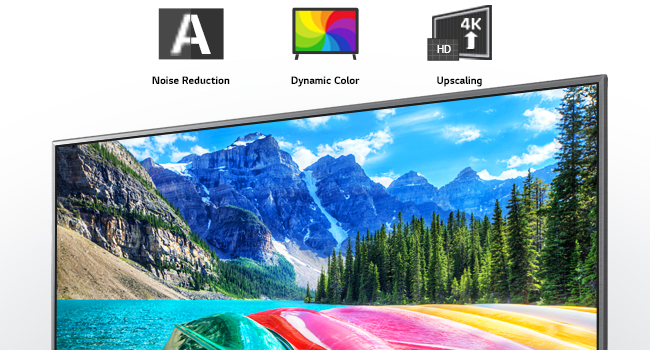
| Picture Quality Enhancement Technology | Double Step Noise Reduction, Real 4K, Active HDR |
| Power Consumption | 0.49 watts |
| Refresh Rate | 60 hertz |
| Remote Required Battery Size | AA |
| Resolution | 4K |
| Screen Finish | Flat |
| Screen Size | 43 inches |
| Signal Format | 4K, HDR10, HLG, possibly HGiG |
| Size | 43 Inch |
| Speaker Description | Two down-firing speakers, each with 10 watts of power. |
| Special Feature | Flat |
| Total Number of HDMI Ports | 3 |
| Total USB 2.0 Ports | 2 |
| Total Usb Ports | 2 |
| Tuner Type | ATSC |
| UPC | 719192639560 |
| VESA Mount Standard | 200 x 200 mm |
| Warranty Description | 1 Year Parts & Labor |
| Warranty Type | Limited |
| Water Resistance Level | Not Water Resistant |
| Wireless Technology | Bluetooth, Wi-Fi |
J**T
Perfect upgrade to previous LG
I bought this for my bedroom to replace a 43" LG model that did not have the SmartTV features. This TV is perfect. The picture is beautiful and the SmartTV features are exceptional and easy to use. I especially like the energy-saving feature for bedroom use. At night I turn it to maximum with a single click and the TV dims way down for watching in the dark as I drift off to sleep. Then in the morning I can turn off the energy saving feature and in a single click the picture is bright and vivid for daytime viewing. The LG WebOS SmartTV is great - we have this on our larger LG SmartTV in the living room. LG fans already know how nice this is, but if you are new to LG, its important to know that this interface makes it SO simple and seamless to switch back and forth between all the streaming apps right from the TV. Amazon Prime, Netflix, YouTube, Hulu, Cable Box, Google... its all right there on the menu and all can be controlled from a single remote. Just perfect.
M**N
Great tv
Great tv. Haven’t had good luck with tv’s(Sony and Vizio) but this one has been the best of the 3 brands. It is a smart tv which takes a little time “learning” how to use. Great picture but a sound bar(LG) helps.
K**.
A+ for picture and features and value for the money.
Love this TV! Great ultra HD picture quality; I can see every hair out of place on someone’s head. The blacks are black and the colors are vivid. The remote with mouse capability is fantastic, and it has buttons that take you directly to Netflix and Prime Video - do they know the audience or what? The only thing I would improve is the user manual. It’s very light - come on LG, waste a little more paper already, and beef it up. I was able to get everything assembled and running in 30 minutes, but I’m handy, and an IT professional. If you’re not, it might not be as intuitive. Overall I give this TV an A+ for picture and features and value for the money.
G**R
Good picture
I like the magic remote, as it acts as a mouse with a pointer. It makes it easier to select things when on the internet. I bought a center table mount for this TV and pitched the legs that came with it. If you do get a table mount make sure the brackets for the TV are vertical, as horizontal ones will cover up the jacks on the back. I haven't taken the time to fine tune the picture for color or contrast. But out of the box settings gives a good picture. The sound at times does not seem to be crisp and clear, somewhat muffled? Over all well pleased with the TV. The 43 inch is the perfect size for the room I have it in. I would recommend buying this TV.
W**R
So far so good after a week
I gave it 5 stars. But, here are some issues with LG and Amazon 1) It took trust to order it because I could not find out if it took a 200mm x 200mm mount. Since my old LG was 200mm I did not want to pay another $55 for a mount. The 43" does take 200mm or ~8 inch machine holes apart in the back. This was a huge relief. Just HUGE. Amazon needs better photos of the back of TVs and actual statements about hanging. 2) LG does NOT include the wall mount special washers and screws. Ahh, but my old one had exactly what I needed so there was no delay in mounting. Order the washers and screws at the time you order the TV. Make sure your mount is 200mm x 200mm and check to see if your mount is compatible. The legs on this thing are cheap and crummy. I recommend NOT using them. If there is a tremor or someone bumps the TV, you will likely see your TV crash. Why doesn't LG provide useful info to Amazon???? 3) Set up was fairly easy, but a bit confusing. Comcast helped me figure out the set up. You get to go to Amazon or Netflix really fast. It is an awesome TV for $306. Wow.
M**L
Ruins you for DVDs.
My old HDTV was starting to have issues which went away after it was on for a while, but this means it would eventually fail. I wanted 4K. I wanted high quality. I needed it to be no more than 40” wide. Once you go under 43”, most units are 1080p and not 4K. I saw an older version of this one in a store. Shopping online I saw this newer (2020) version. Item arrived well packaged. I swear this thing is lighter than the smaller HDTV it replaced. I went with a tabletop stand as the feet for this unit (as is with most of them) are too far apart for the TV cabinet we have. First, you should know that the human eye can’t see in 4K resolution. How this applies is simple. With HDTV, you NEEDED Blu-ray with larger sets or you would easily see the “artifacts” from DVD video compression. On smaller sets, the quality difference was less obvious. Well, 4K makes it obvious...period. Watch a DVD mastered for HDTV and it’s like watching a DVD of a show recorded in the old TV format. HDTV was sharp enough to let you spot how much a show was filmed on a studio set and with studio lighting. Well, 4K will give you the same effect on shows recorded for HDTV...it’s that much of an enhancement in video quality. So, if your old HDTV shows on DVD look worse, this is why. Second, there is a learning curve to this TV. No buttons on the set, so you depend on the remote. There is an app for iPhone and iPad to interface over a network, and the TV can connect via Ethernet cable or WiFi...giving anyone with the app some control over the TV when it’s on. There is almost too many features, and the manual is pretty pathetic for showing you how to use the remote. Expect to spend some time tinkering to get used to the remote even though it is somewhat intuitive in its design. Third, the ability to have Internet channels is of dubious value to me. I wish all of them could be deleted from the home screen, but it seems some have proprietary placement and can’t be deleted. Watching these channels will consume bandwidth, so if you normally stream video, you may like it. The most value it offers at this point is adding a weather channel so we can get the weather situation on demand. Built in sound is adequate. If you want to try it as is before paying for external speakers, you might be happy as it sounds out of the box. Didn’t rate LG tech support as I’ve not needed them so far.
J**S
Very Good Television
I bought this Television for the primary reason of having something large to use for a computer monitor in my office. I am very pleased with the size. An important thing to take away is the product will not work properly out-of-the-box when using this with a computer. I primarily use the HDMI connection and tried manually setting everything to get the screen to properly format/fit the TV. Out of the box, windows automatically recommended the proper setting and zoomed the font sizes accordingly. All outside icons and bottom task bar were always off the screen. Even worse the lag was intolerable. I altered many settings on the TV and within windows to no avail. I then opted to return the LG and buy a Samsung. While waiting for my new TV to arrive I took one more spin. Ultimately, it is a very simple fix. The HDMI input one uses needs to be renamed (Edited) to read PC. It was that simple and definitely not something the TV automatically does on its own. Under the HOME Application within the TV menu you have to actively seek out the inputs and find the HDMI associated to the PC. Find the edit function for that HDMI input and have the icon edited to read PC and use the PC picture. From there everything just works. I wish I had known this from the start.
A**K
Perfect 43" TV
I purchased this TV to replace an older Samsung HD tv. The ThinQ TV is a great buy and very well designed. Its lightweight was a welcome surprise. It comes with all the necessary hardware and the legs are perfect for the entertainment center it sits. The setup was easy, and the smart remote is fantastic. I set up the TV, a Blu-ray player, and a VCR without issue and am able to use all three devices. The WEBOS is awesome and I was able to set up my Netflix and Prime video account without issue. The picture quality is fantastic and I look forward to using this TV for a long time.
Trustpilot
4 days ago
5 days ago