


📡 Stay tuned, stay ahead — TV that moves with you!
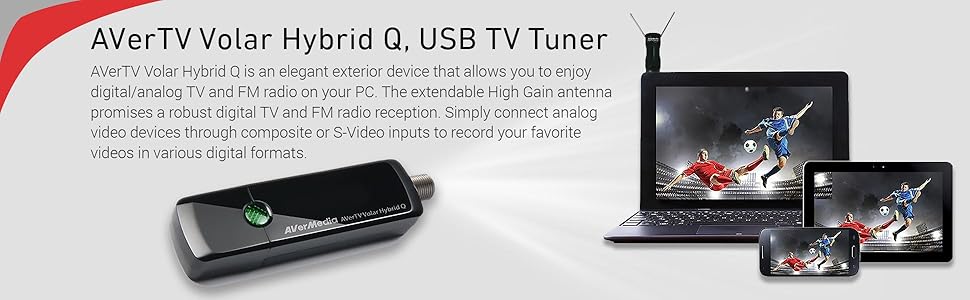
The AVerMedia Avertv Volar Hybrid Q is a versatile USB TV tuner that supports ATSC, Clear QAM, analog TV, and FM radio. Featuring dual-channel HDTV recording, an extendable high gain antenna for superior reception, and real-time recording optimized for iPhone/iPad, it offers seamless integration with Windows and Android TV 7.0+. Enhanced by TimeShift, EPG scheduling, and remote streaming via SnugTV, it transforms your PC into a powerful multimedia hub.
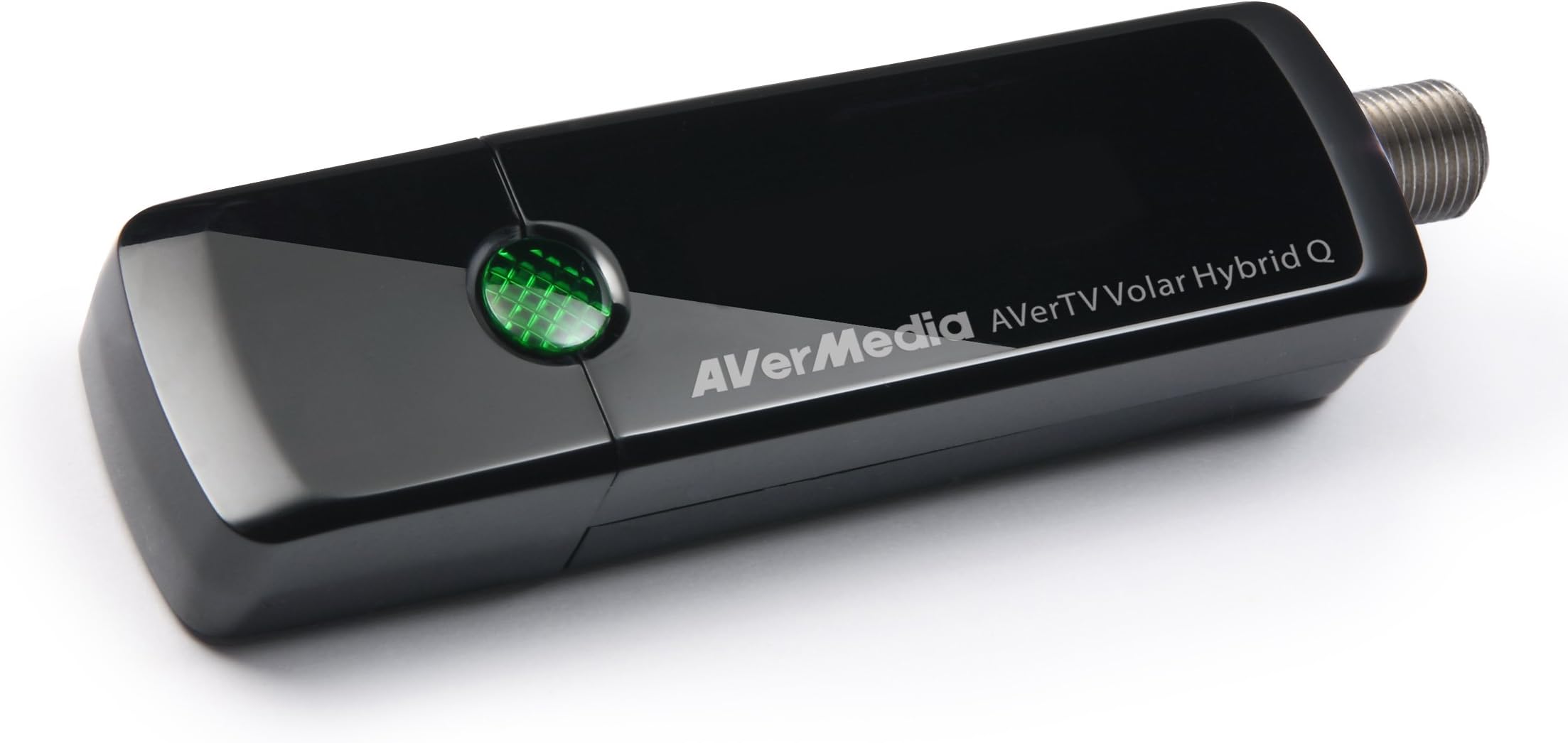


| ASIN | B006PU81QE |
| Analog Video Format | NTSC |
| Antenna | Radio, Television |
| AntennaDescription | Radio, Television |
| Brand | AVerMedia |
| Built-In Media | Digital / analog TV / radio tuner, HDTV antenna |
| Color | Black |
| Colour | Black |
| Connectivity Technology | USB |
| Connectivity technology | USB |
| Connector Type | usb |
| Connector type | usb |
| Customer Reviews | 3.6 out of 5 stars 593 Reviews |
| External Testing Certification | CE, FCC |
| Global Trade Identification Number | 00795522963772 |
| Includes Remote | No |
| Item Type Name | AVerTV Volar Hybrid Q Digital / Analog TV / Radio Tuner - ATSC, QAM - HDTV |
| Item Weight | 0.5 Pounds |
| Manufacturer | AVerMedia Technologies, Inc. |
| Mfr Part Number | H837 |
| Model Number | H837 |
| Tuner Type | analog,atsc,digital,digital/,fm |
| Tuner technology | analog,atsc,digital,digital/,fm |
| UPC | 796594126409 795522963772 796594365785 |
A**R
One Star
Without av cable it's a use less
K**D
Works well!
Hooked it up to my bedroom PC and was able to attach the coaxial cable from our set top box, installed the software, and it just simply works! The software isn't the greatest, but it get the job done! Had also ordered a Happauge unit of the same type, but it didn't want to work with the signal from my set top box, just the coaxial cable directly from the wall, so I returned it. Also returned this TV tuner, but to no fault of it's own. My plan all along was to be able to use my bluetooth headset to watch regular TV so I don't wake up family at night. Was using a PC with a bluetooth adapter for a little while until a discovered the "MEE audio Connect Universal Dual Headphone Bluetooth Wireless Audio Transmitter for TV", and I'm using that now instead.
T**8
TV on my PC
Using Win 10 Home 64 bit and included driver/software CD didn't have the support for my system. Avermedia site has updated program/driver software on this page: (...) The installation was simple enough plug in the device and antenna and run the downloaded software the new software/driver package supports Win7 x86, Win7 x64, Win8 x86, Win8 x64, Win8.1 x86, Win8.1 x64, Win10 x86, Win10 x64. The software works well and although not super intuitive it should pose no problem with anyone with modest PC skills to navigate and set up the unit. Run the channel scan and watch TV. The supplied antenna did pick up 33 channels but not very well. There were dropouts and poor sound on every channel. I Then tried a Amazon Basics leaf antenna. It was a little better with dropouts but sound was better. I then attached an amplified RCA indoor antenna Model #: ANT1251F and all 33 channels were clear and the sound was perfect. You should buy one here and avoid feeling like your tuner is a bad purchase: http://www.amazon.com/RCA-Amplified-Indoor-HDTV-Antenna/dp/B000HKGK9I/ref=sr_1_1?ie=UTF8&qid=1457640200&sr=8-1&keywords=RCA+Model+%23%3A+ANT1251F I assume I would get even more channels with an omni-directional amplified outdoor antenna but this RCA meets my needs. The unit runs very warm when in use but not too hot. The recording feature and time shift work perfectly well and the programmed recording probably is fine too although I haven't tried it yet. All in all it works very well and I can recommend the unit.
C**N
Muy buena compra
El producto es bastante bueno, el vendedor lo da a muy buen precio, en cualquier otro lado cuesta más de $1000 pesos mexicanos. La calidad es excelente y el tiempo de respuesta buenísimo.
A**R
Works Well if You Know What you are Doing
If you use this in a laptop with the supplied software, you may be frustrated that it doesn't turn on. From trial and error, I discovered that if you keep your laptop plugged into the electrical outlet, the software doesn't turn the device on, but as soon as you unplug the power supply from the wall and use the battery, the software recognized the usb device and worked well. So, if your device doesn't work, unplug the power outlet, get the device recognized by the software, then, plug the laptop back in. This was odd! It's a software glitch. It works well, once you know this.
Trustpilot
1 month ago
3 days ago