Desertcart purchases this item on your behalf and handles shipping, customs, and support to Tunisia.
🚀 Power your professional edge with unstoppable multi-WAN speed & security
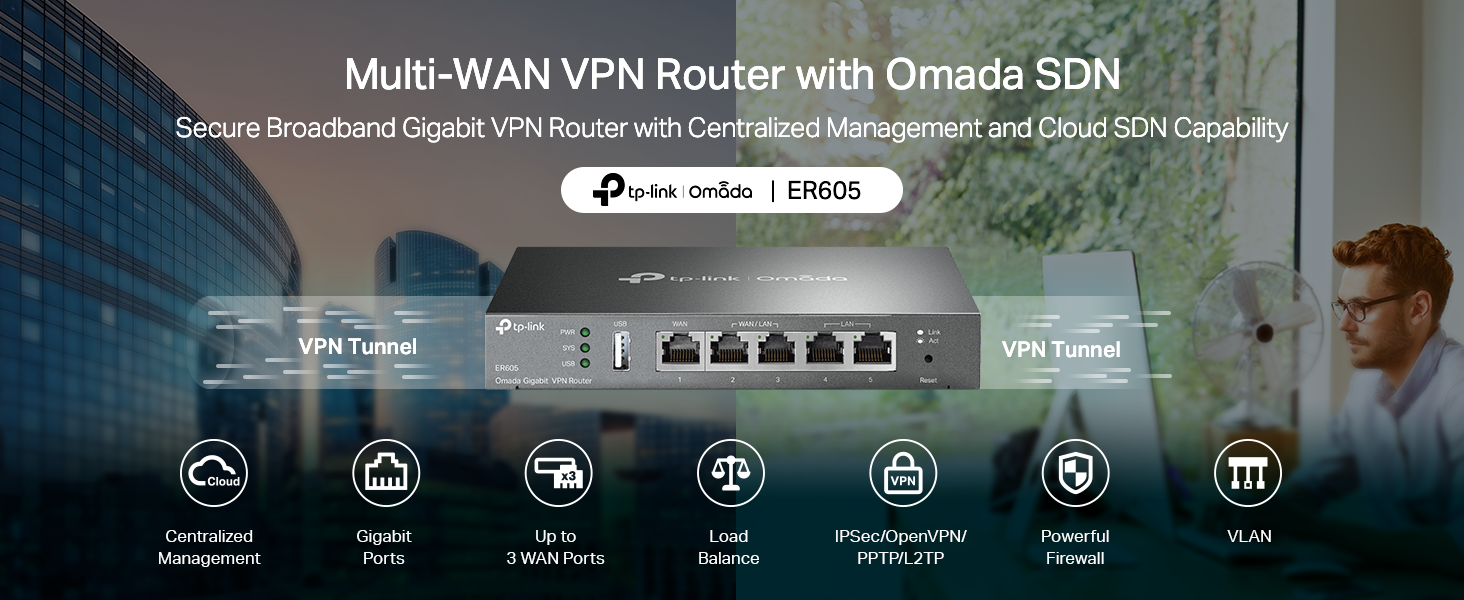
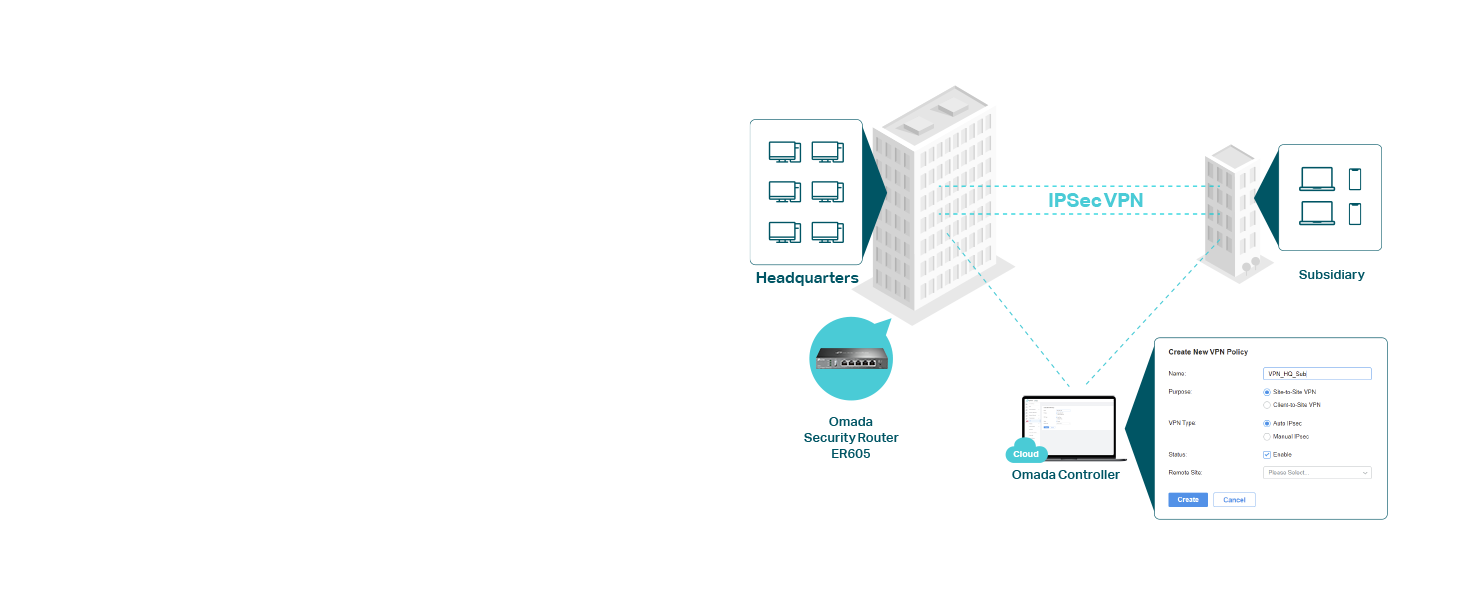
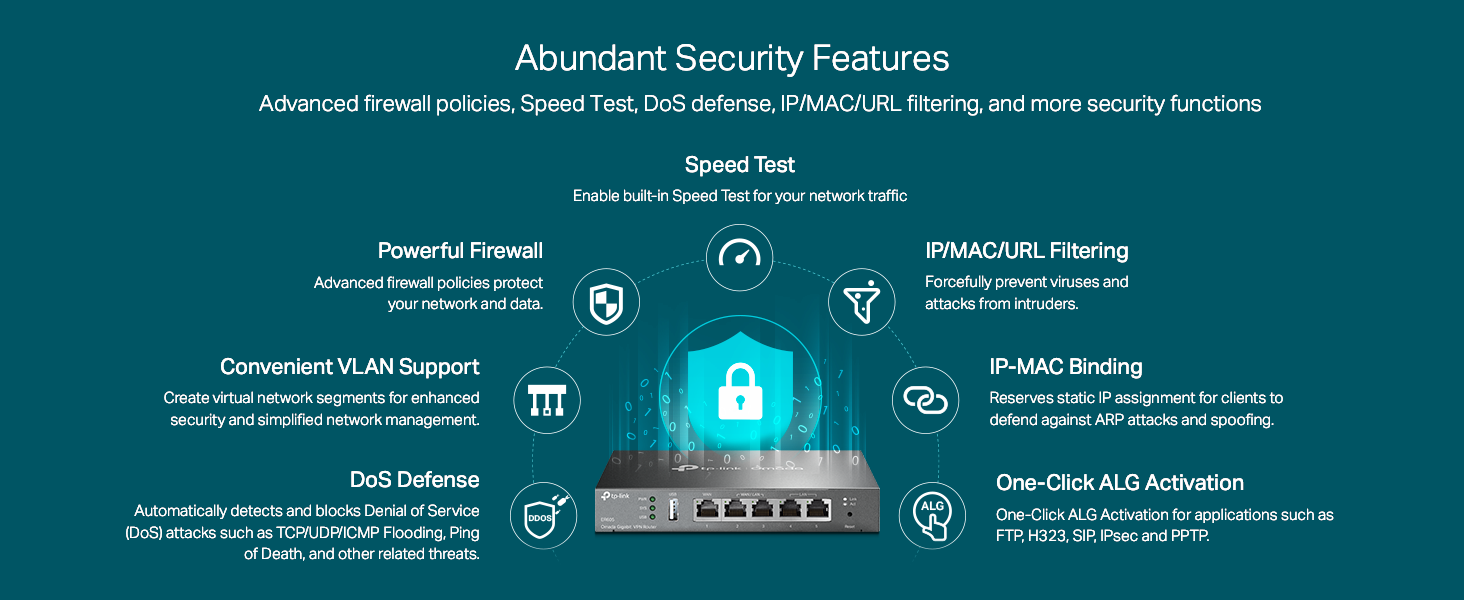
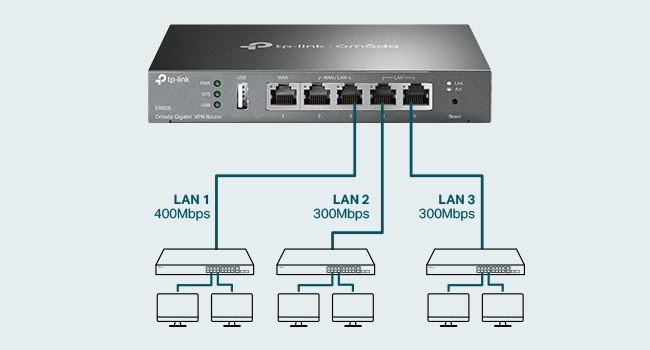
The TP-Link TL-R605 SafeStream is a high-performance Gigabit VPN router featuring 4 WAN ports for advanced load balancing and failover, 5 gigabit Ethernet ports, and robust VPN support with up to 68 simultaneous tunnels. Integrated with Omada SDN cloud management, it offers seamless remote control and enterprise-grade security, making it ideal for professionals managing complex home labs or small business networks.


| ASIN | B08QTXNWZ1 |
| Antenna Location | Home |
| Antenna Type | Internal |
| Best Sellers Rank | 66,510 in Computers & Accessories ( See Top 100 in Computers & Accessories ) 529 in Routers |
| Box Contents | Gigabti VPN Router ER605, Power Adapter, Quick Installation Guide, RJ45 Ethernet Cable |
| Brand | TP-Link |
| Brand Name | TP-Link |
| Colour | silver |
| Compatible Devices | Laptop, Personal Computer, Smart Television, Tablet |
| Compatible devices | Laptop, Personal Computer, Smart Television, Tablet |
| Connectivity Protocol | Ethernet |
| Connectivity Technology | Ethernet |
| Control Method | App |
| Coverage | Limited lifetime |
| Customer Reviews | 4.5 out of 5 stars 4,755 Reviews |
| Data Transfer Rate | 1 Gigabits Per Second |
| Frequency | 5 GHz |
| Frequency Band Class | Dual-Band |
| Frequency band class | Dual-Band |
| Global Trade Identification Number | 00845973089597 |
| Has Internet Connectivity | Yes |
| Has Security Updates | Yes |
| Is Modem Compatible | No |
| Item Dimensions L x W x H | 15.8L x 10W x 2.5H centimetres |
| Item Weight | 358 g |
| LAN Port Bandwidth | 1000 Mbps |
| Manufacturer | TP-Link |
| Manufacturer Part Number | TL-R605 |
| Maximum Upstream Data Transfer Rate | 4000 Megabits Per Second |
| Model Name | ER605 |
| Model Number | ER605 |
| Model name | ER605 |
| Number of Ports | 1 |
| Operating System | RouterOS |
| Other Special Features of the Product | Access Point Mode |
| Router Firewall Security Level | Advanced |
| Router Network Type | wired |
| Security Protocol | IPsec, OpenVPN, L2TP, PPTP |
| Special feature | Access Point Mode |
| UPC | 840460604635 845973089597 |
| Unit Count | 1.0 count |
| Voltage | 240 Volts |
| Wi-Fi Generation | Wi-Fi 6 |
| Wireless Compability | 802.11ax |
| Wireless communication standard | 802.11ax |
A**H
I've put this unit to the maximum test
I bought this unit because I only have vdsl. I bought a second line to gain more bandwidth. I I run alot of services in my homelab. Even when I'm downloading or uploadeding large files it only sits at 60 percent. Great for people who need a backup line or load balance between 4 connections. I it has good fetures like port forwarding and all standerd networking. I works with cloudflare tunnels
D**X
Great bit of kit
2 mobile network routers in the house, combined in a load balancing cfg. (When one fails the other kicks in).... No need to run mobile routers in modem mode. Works perfectly, with some nich little security features too. Bargain!
J**N
Absolutely amazing bit of kit!
I used this to switch out my BT Router and it works BEAUTIFULLY. Absolutely amazing bit of kit! 👍🏽👍🏽
M**D
Great value, missing some features
This works very well as a basic IPv4 router. My internet is faster and more stable than when I use my BT Smart Hub 2. That said, it's missing: - full IPv6 support (I only get a link-local address, and there is no IPv6 firewall) - per-device traffic stats/graphs - IGMP proxy (so can't use it with BT TV) Given the price, this is OK, but I would have expected the above features on any router.
D**E
da
it a good router but need the controller to use it fully
A**S
Solid like a rock
Originally went for an EdgeRouter, but had tons of issues getting that connected to ONT. The device was not passing the 300 Mbps through. After days of battling with that router decided to send it back and went for this one. In less than 5 mins I was up and running. Obviously, it does not have the deep packet inspection capability of the EdgeRouter that comes in handy BUT, it does what it says on the tin. Very happy.
S**B
Garbage - Worst Decision I made
If you want a basic load balancer then fine. Unlike nearly every router I have worked with there is NO local DNS functionality so you have to install your own. Don't bother with the firewall it does NOT work. Put an access control to block incoming traffic, I can still access the IP address from the WAN. Tried to block an IP address outgoing nope stops nothing. Tried the MAC filtering same result I can go anywhere on the web with no restriction. Basically, if you buy this then the only feature you will get is load balancing and I am not convinced it even does a good job at that. Testing show I spend most of the time being sent via the 72Mbps link and not the 500Mbps. Just avoid the ER605 its just junk.
A**R
Prosumer router, not for every home user
More feature-rich than a typical router. Documentation and support are not at the same level as those of other enterprise products. Talking about the features: The main selling point is there: up to 3 + 1 WAN connections. It can do link aggregation of those out of the box nicely without controller. Configuring the priority of those WAN uplinks is tricky though. You will need a lot of patience but doable without OMADA, so the box does work as a standalone device, and priorities the use of connections. Speed is OK, as long as you do not do any software-based actions. (Means you want to stick to the HW supported settings. If you go for QoS, or go for VPN encoding your speed will drop by 50 - 95%. E.g. SW based VPN encryption can do 30 Mbps at max as opposed to normal routing with 950-980 Mbps) Plus point is the power consumption: real-world readings are 5.5-6.5 W Minus points startup takes 6+ minutes (so a power spike can cause a long internet outage) no local DNS server, you have to reference all your devices via IP (the box designed to work in a larger corporate network, so in home office it is an issue)
M**.
Supports redundant WAN (ISP Uplink) and basic VLAN
This product is marketed to small business needs, I am using it for a home router, and it works well for that but requires some technical aptitude. Our old WiFi 5 (802.11ac) system was dying. Big house, need at least two access points. Our access point died (would lose connectivity once a week, then once a day) and our combo router/access point was starting to have issues, so it was time to replace it. I went with TP-Link Omada specifically because I wanted affordable ceiling-mount access points that uplink (backhaul) over Ethernet and can be individually replaced/upgraded as needed, separate from the router. I wanted Omada because of the ease of administration of everything through a single interface. The ER605v2 is the least expensive TPLink Omada based router I could find and I like the fact that it offers the ability to connect to two separate WAN uplinks for redundancy. It does have a stand-alone configuration interface but I'm using an Omada hardware controller to configure it. It's boot time is longer than I would like but since the initial setup I have not had to reboot it. I do recommend a UPS so that it doesn't need to be booted after a power failure. The Omada controller interface can be somewhat confusing to understand but once you have it doing what you want it to do, it just works. I get the full gigabit download/upload my ISP offers. For a router without built-in WiFi, this is an excellent option *especially* if you plan to use Access Points controlled by an Omada controller. I was able to do some basic VLAN configuration (e.g. separating IoT devices from main LAN) with it despite not having any L3 switches on my network, but for some VLAN capabilities apparently you need one model up (ER7206). It works well. I have not (yet) tried the VPN features.
J**N
Excellent routeur fiable avec failover efficace
Très bon routeur pour le prix. Le TP-Link ER605 est facile à configurer et l’interface est claire. Je l’ai acheté principalement pour le failover WAN, et cette fonctionnalité fonctionne très bien. Avec un léger ajustement via le policy routing, on peut obtenir exactement le comportement souhaité. Stable, fiable et efficace — excellent choix.
S**T
Easy to setup and use
Great product
D**H
Good product
Good product
M**E
Great item but supplied with US power adaptor
This was supplied with a US Power Adaptor, I had a suitable one from my drawer of stuff but if you don't it would be useless! Easy to set up if you are familiar with what it does. I set it up with two broadband sources feeding into a network switch and let it look after the DNS. I set all my NICs to IPv4 for convenience.
Trustpilot
5 days ago
1 month ago