Desertcart purchases this item on your behalf and handles shipping, customs, and support to Tunisia.
📶 Elevate your Wi-Fi game — Stay connected, stay ahead!
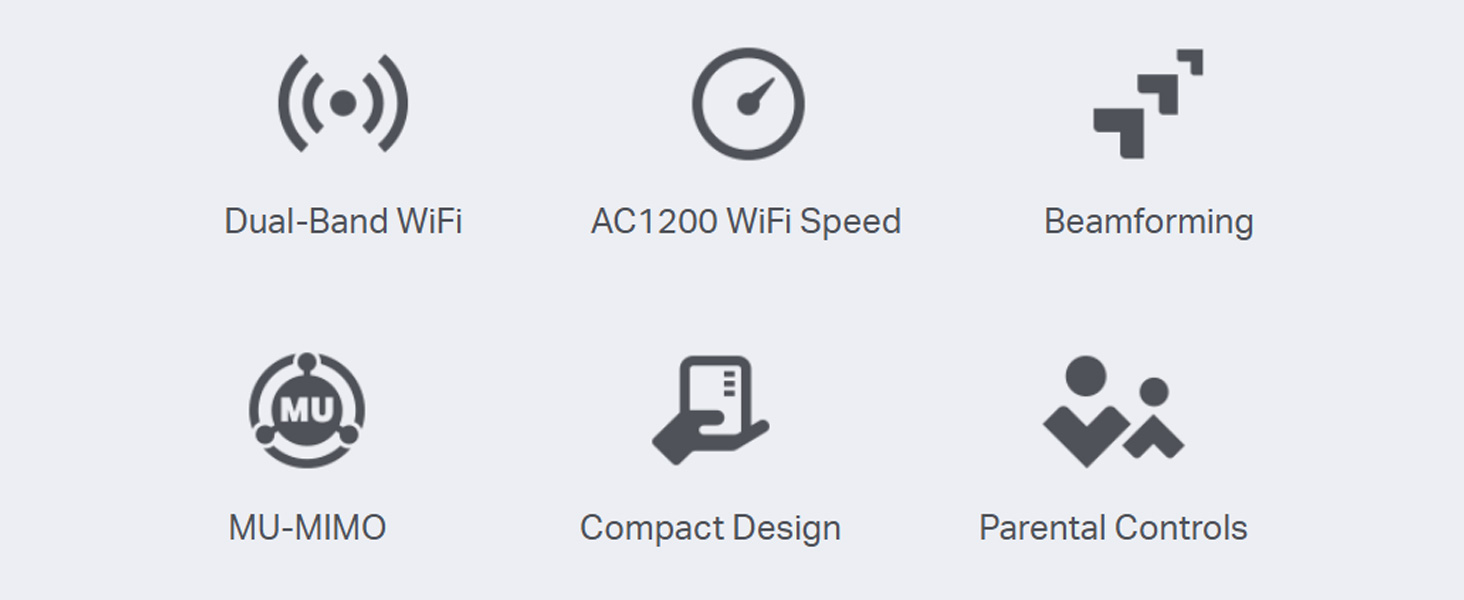
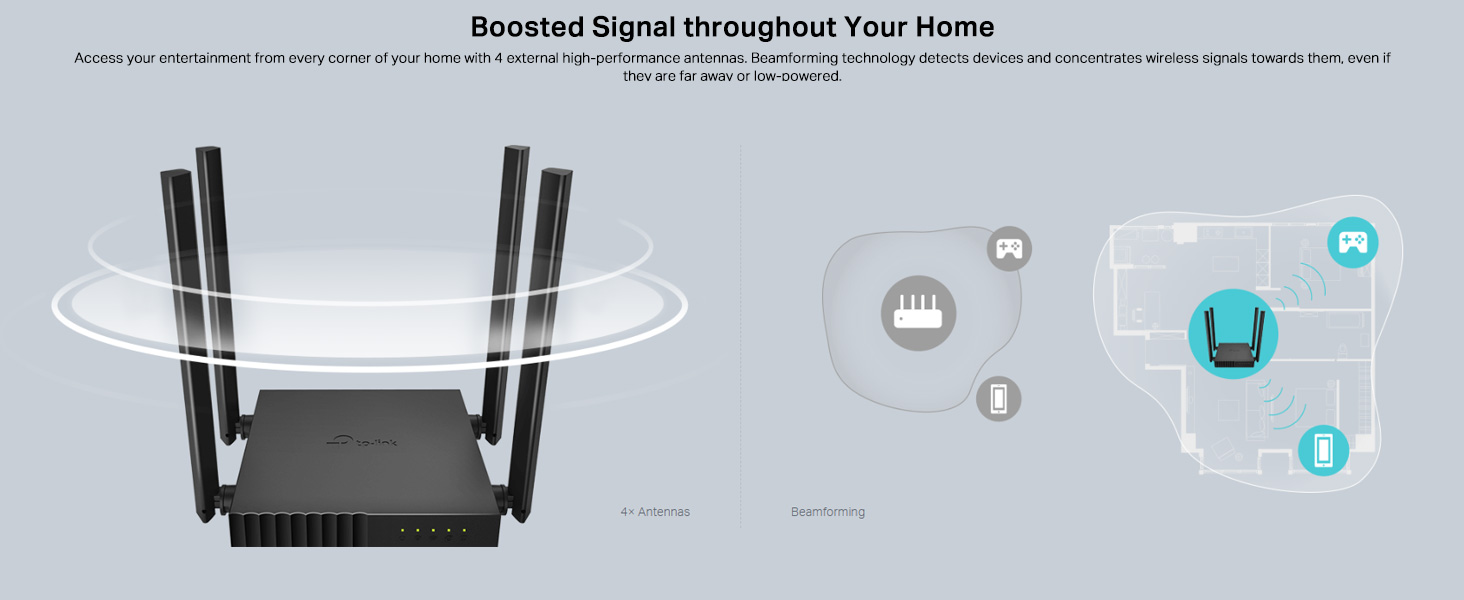
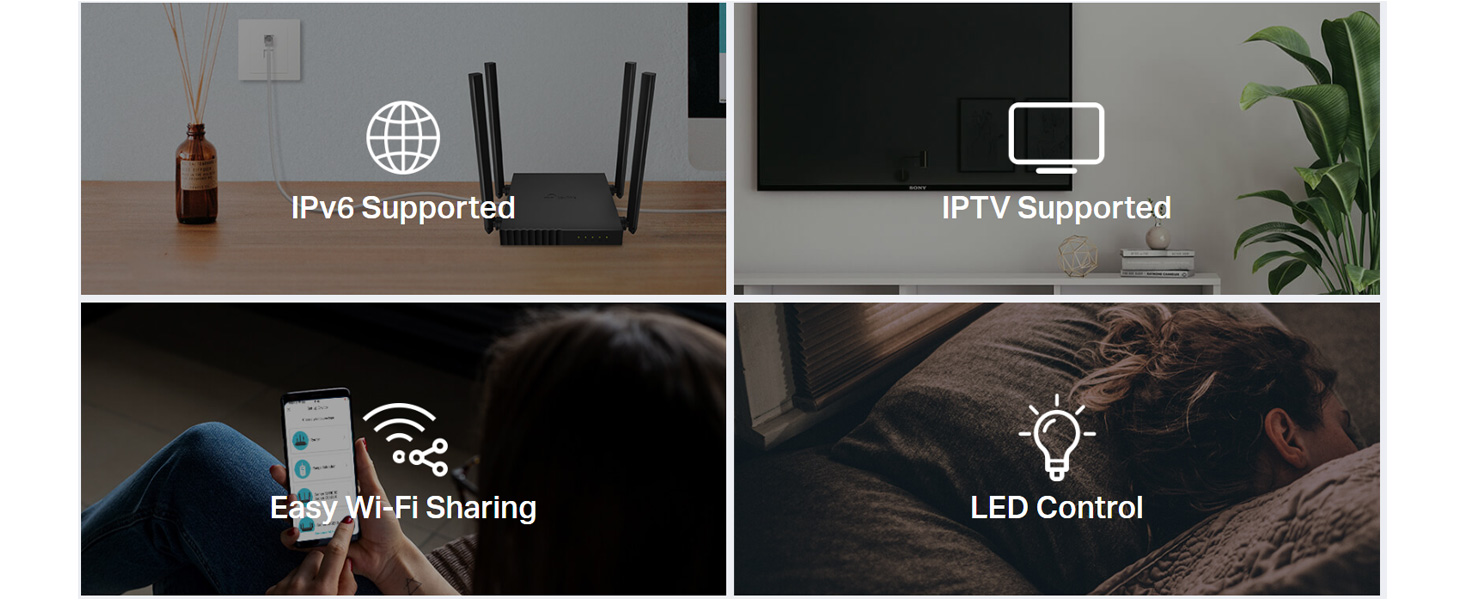
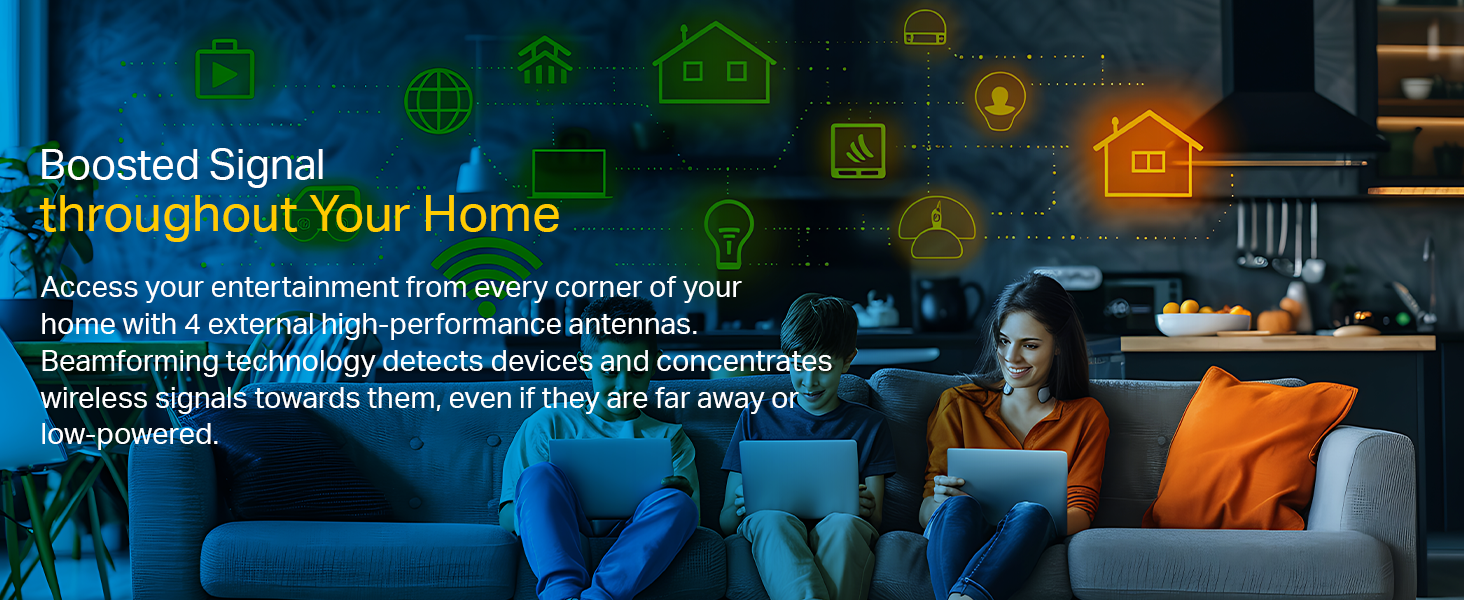
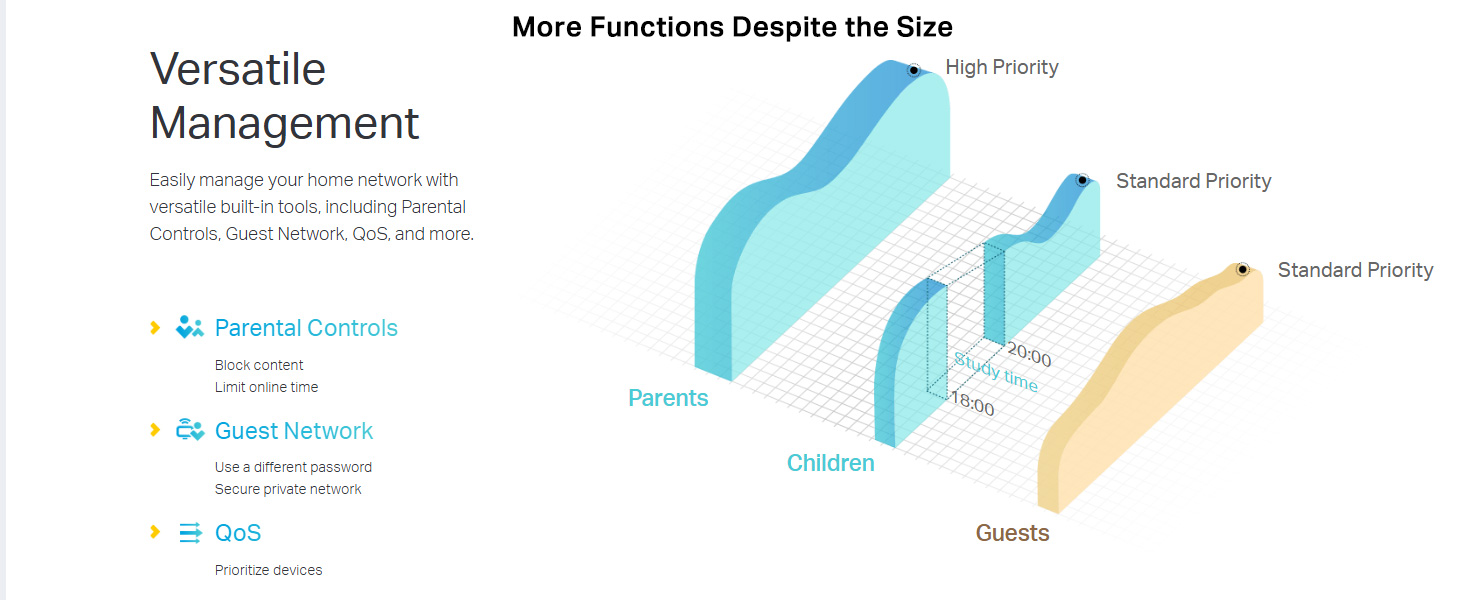
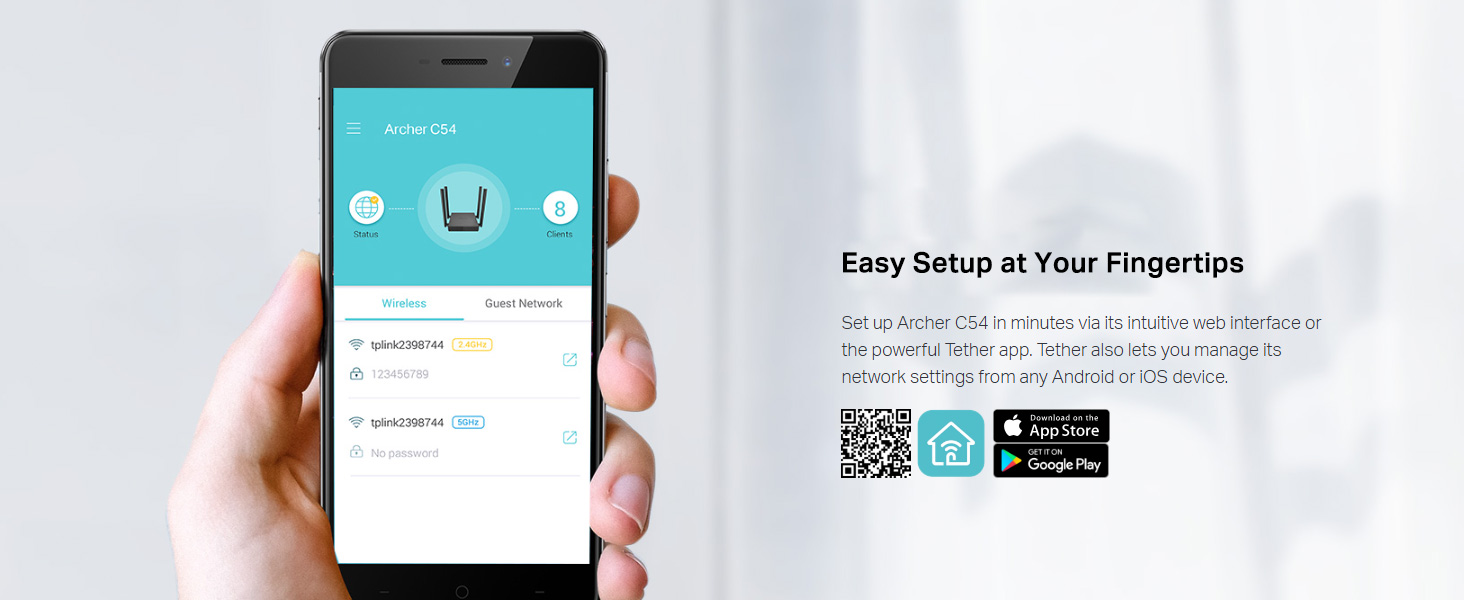
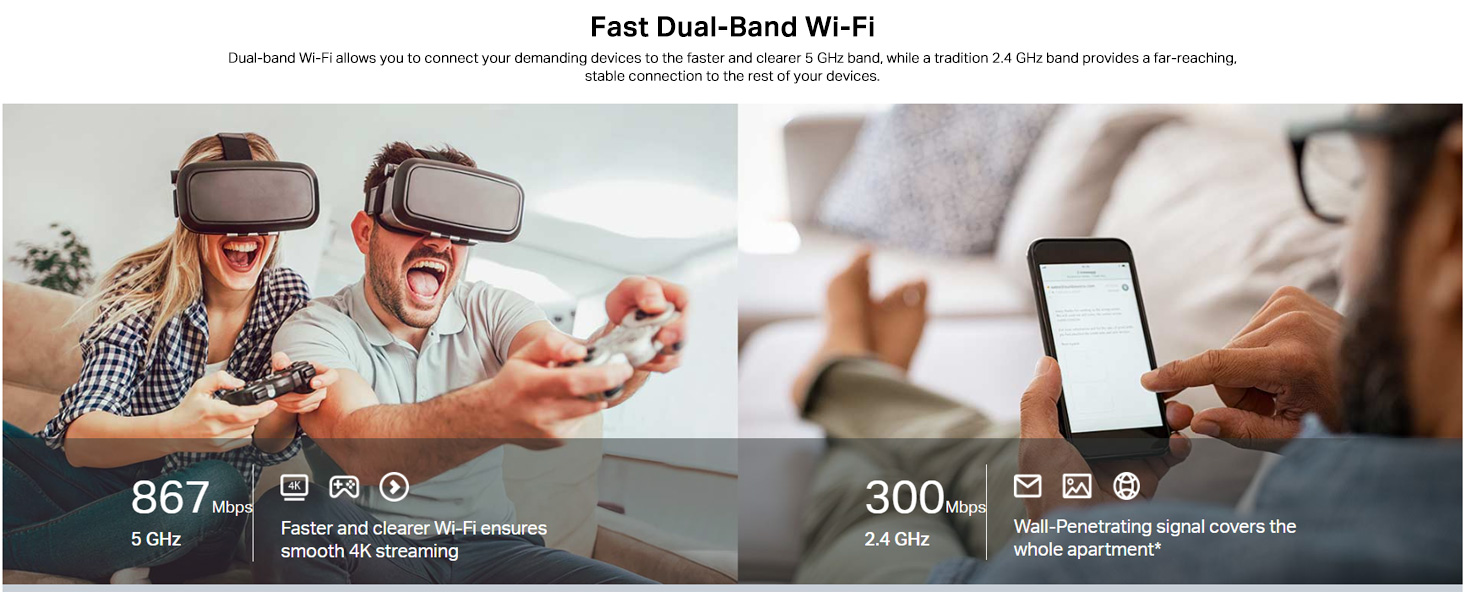
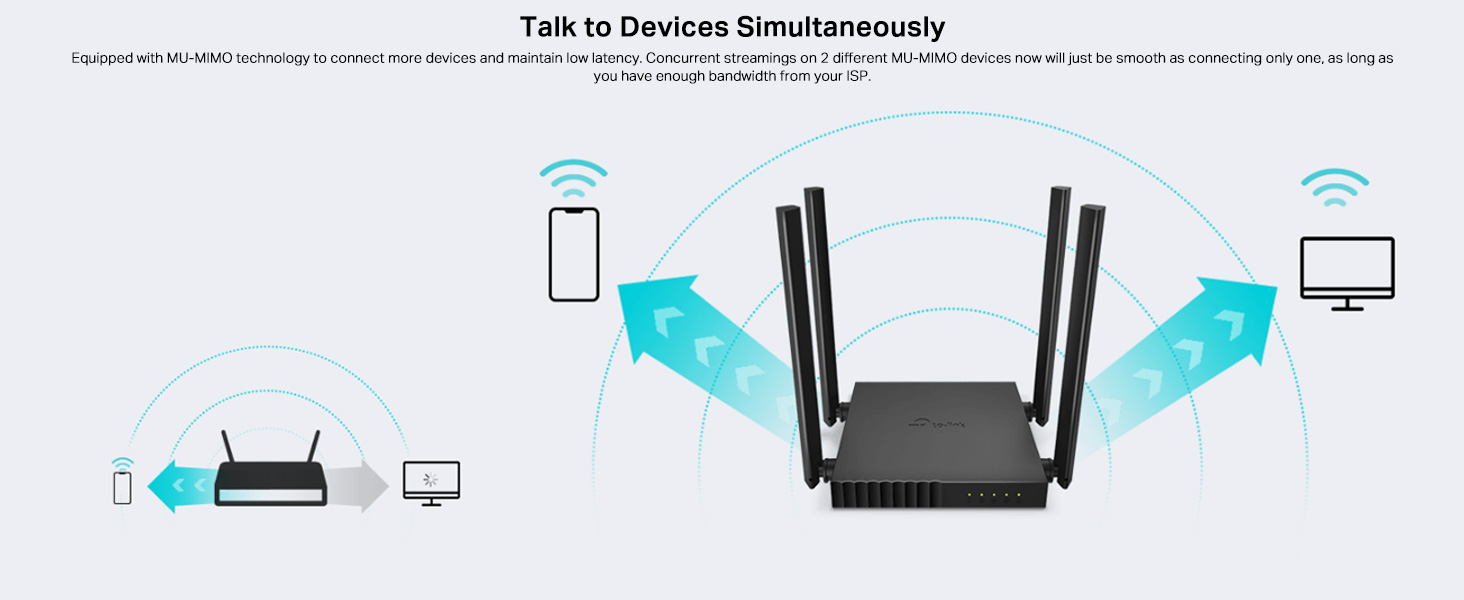
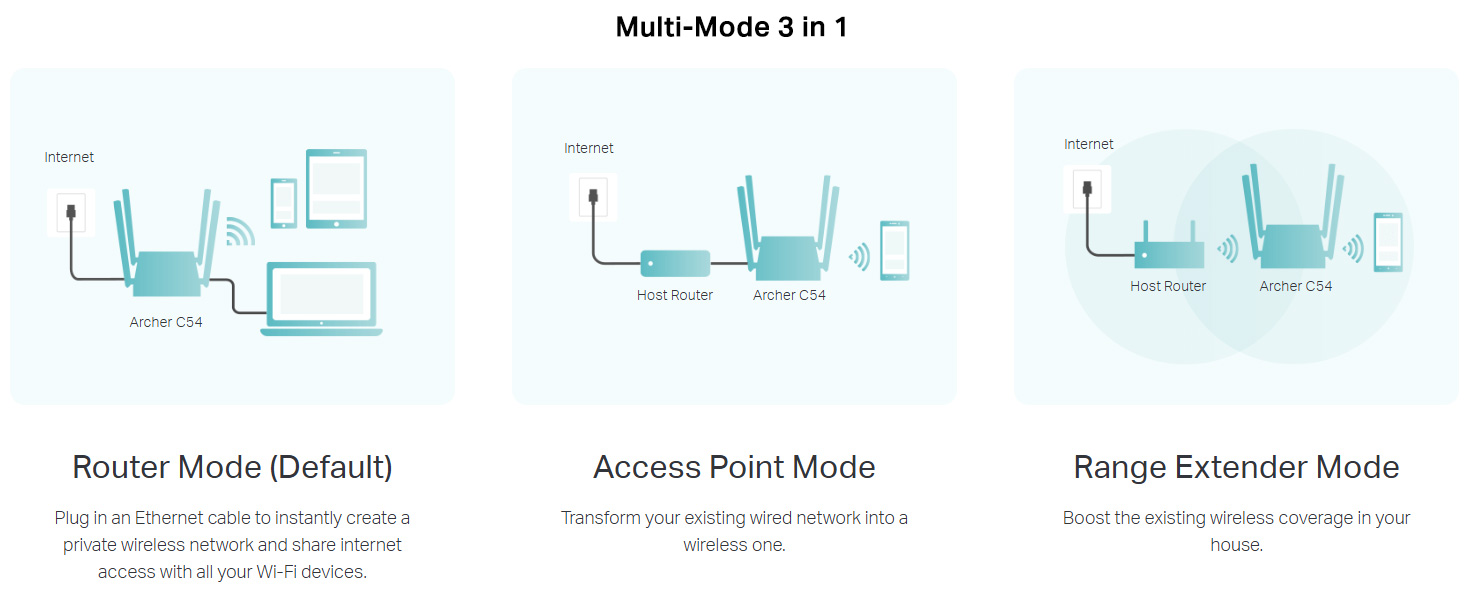
The TP-Link Archer C54 AC1200 Dual Band Wi-Fi Router delivers up to 1200 Mbps wireless speed with robust 4-antenna beamforming technology for wide coverage. It supports multiple modes including Router, Access Point, and Range Extender, plus advanced parental controls and a secure guest network. Designed for seamless 4K streaming and smart home connectivity, this compact router is perfect for professionals seeking reliable, high-speed internet with flexible control.


| ASIN | B08GGC84CR |
| Antenna Location | Business, Home |
| Antenna Type | Fixed |
| Best Sellers Rank | #1,469 in Computers & Accessories ( See Top 100 in Computers & Accessories ) #21 in Routers (Computers & Accessories) |
| Box Contents | Archer C54 Router, Power Adapter, RJ45 Cable, Quick Installation Guide |
| Brand | TP-Link |
| Brand Name | TP-Link |
| Colour | Black |
| Compatible Devices | Laptop, Personal Computer, Smart Television, Smartphone, Tablet |
| Connectivity Protocol | Wi-Fi, Ethernet |
| Connectivity Technology | Ethernet |
| Control Method | App |
| Country of Origin | India |
| Coverage | Wide Area |
| Customer Reviews | 4.2 out of 5 stars 990 Reviews |
| Data Transfer Rate | 867 Megabits Per Second |
| Frequency | 5 GHz |
| Frequency Band Class | Dual-Band |
| Global Trade Identification Number | 00845973089337, 06935364089337 |
| Importer Contact Information | TP-Link India Private Limited Office No.1, Tower 2, Level 2, Raiaskaran Tech Park, Andheri Kurla Road, M.V Road, Andheri East-400072 Contact: Toll Free 1800-209-4168, [email protected] |
| Is Electric | No |
| Is Modem Compatible | No |
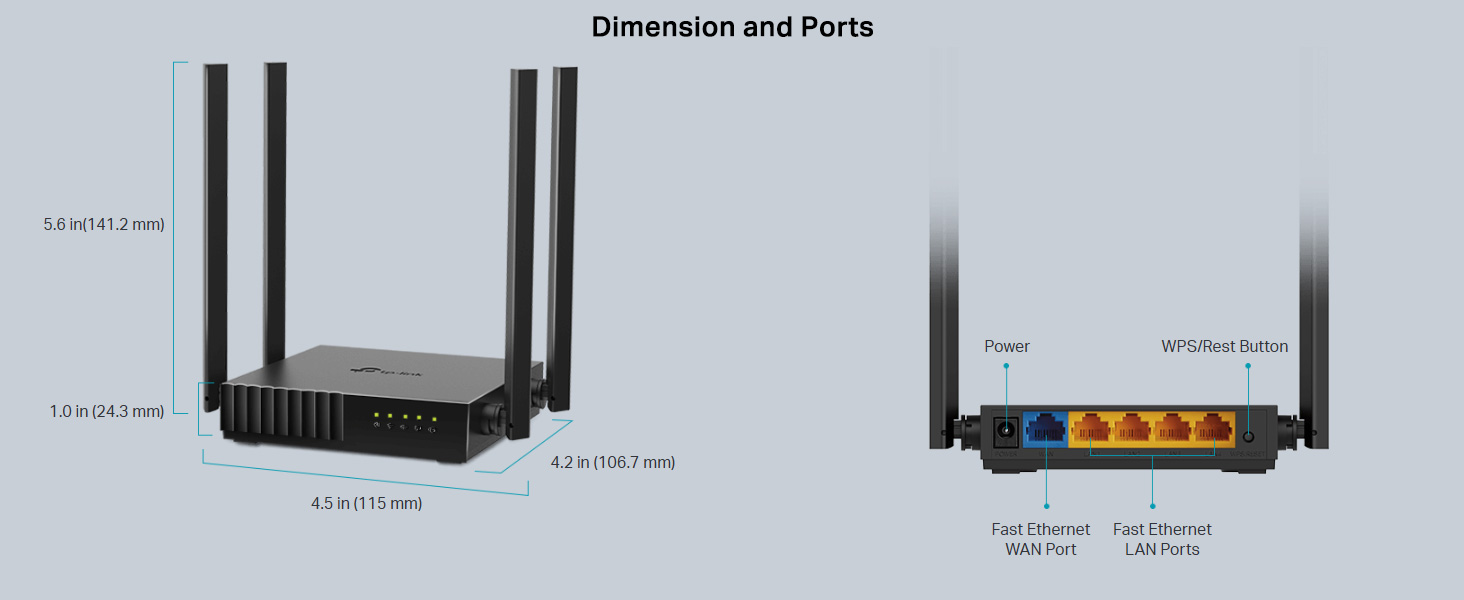
| Item Dimensions L x W x H | 11.5L x 10.7W x 2.4H Centimeters |
| Item Type Name | Router |
| Item Weight Unit of Measure | 125 Grams |
| LAN Port Bandwidth | 10/100 Mbps |
| Manufacturer | TP-Link, TP-Link Systems Inc. 10 Mauchly, Irvine, CA 92618, USA or TP-Link India Private Limited Office No.1, Tower 2, Level 2, Raiaskaran Tech Park, Andheri Kurla Road, M.V Road, Andheri East-400072 |
| Manufacturer Contact Information | TP-Link Systems Inc. 10 Mauchly, Irvine, CA 92618, USA or TP-Link India Private Limited Office No.1, Tower 2, Level 2, Raiaskaran Tech Park, Andheri Kurla Road, M.V Road, Andheri East-400072 |
| Manufacturer Part Number | ARCHER C54 |
| Maximum Upstream Data Transfer Rate | 867 Megabits Per Second |
| Model Name | C54 |
| Model Number | ARCHER C54 |
| Number of Ports | 4 |
| Operating System | Windows |
| Other Special Features of the Product | Beamforming, Guest Mode, Parental Control, Remote Access |
| Packer Contact Information | Vivaan Electronics Technology PVT LTD. Plot No.573, Sector 8, IMT Manesar, Gurgaon 122051, Haryana, India |
| Security Protocol | WPA, WPA2, WPA3, WPA/WPA2-Enterprise (802.1x) |
| Special Feature | Beamforming , Guest Mode , Parental Control, Remote Access |
| UPC | 767531619858 845973089337 |
| Unit Count | 1 Count |
| Voltage | 220 Volts |
| Warranty Description | 3 year manufacturer |
| Wi-Fi Generation | Wi-Fi 5 |
| Wireless Communication Standard | 802.11ac |
| Wireless Compability | 802.11ac |
P**H
Good but doesnt support one mesh
Good for speeds upto 100 mbps but doesn't support one mesh,(c64) supports it
N**N
Decent Product
Decent product, But I cannot say it is so good as it still lacks sufficient range when used as an extender. I was expecting more.
H**S
Very few of the TP link routers that support range extender mode out of box.
Why this particular model? My primary purpose for this router was the range extender mode . Upon checking the models and prices I found this to be the best option. Note most tp link or any other router brand do not support range extender option out of box. Meaning you to have to manually check router configuration settings and change the ip....to sum up not feasible for average user. Now some will tell you, that you can use ap or wds bridging. Nope. Let me tell you why, 1. AP mode supports extending both 2.4 amd 5ghz band but your new router has to be physically connected to the old one with a ethernet cable. 2. Wds bridging mode supports connecting two routers without a cable but it can only support either 2.4 or 5ghz band at one time. Meaning you only get single band extension. 3. Range extender mode. Now this is the best. It allows you to simply extend both 2.4ghz and 5ghz band without any ethernet cable connection to primary router. This will extend your wifi range throughout the area. Most routers do not have this mode. Plus this is a gigabit router so it will also support net plans over 100mbps. TP link is a tried and trusted brand when it comes to routers. There are other cheaper alternatives but I always trust tp link over others.
P**I
Best router
Best router
V**I
Good for Basic Use, But Beware of the 100Mbps WAN/LAN Ports!
Hey If you are planning to buy this Please watch out my message. Its a humble request If you are just looking for a cheap router to connect a few phones to scroll social media or watch YouTube, the TP-Link Archer C54 gets the job done. However, if you are a gamer, download large files, or have a fast internet plan, read this before you buy. The Big Flaw: 100Mbps WAN/LAN Ports Even though this is advertised as an "AC1200" router capable of high Wi-Fi speeds, the physical connections on the back are only 100Mbps WAN/LAN ports (often called "Fast Ethernet"). What This Means For You: Do not buy this if your plan is over 75-100 Mbps: Because of those 100Mbps WAN/LAN ports, it is physically impossible for this router to give you speeds higher than 100 Mbps. Even if you pay your ISP for a 200 Mbps or 500 Mbps plan, this router will hard-cap you at 100. Terrible Bufferbloat (Ping Spikes): If you have a 100 Mbps plan, the second you start downloading a game or a large file, the router's 100Mbps physical limit gets completely jammed. My download ping was spiking over 100+ ms, making gaming impossible while downloading. The Fix is Annoying: To stop the lag, I had to go into the router settings and artificially limit my own internet speed to 80 Mbps just to give the router's processor enough "breathing room" to keep my ping stable at around 39ms. If you have 10+ devices in your house or an internet plan of 75 Mbps or higher, spend a little extra money and make sure you buy a router that specifically says it has "Gigabit Ports" (10/100/1000 Mbps). Because of its port limits, the C54 is strictly a basic task handler.
R**G
Value for money
Whatever you buy. Anyways, this is overkill. You're not gonna need. This much speed anyways.
A**H
good product
good product overall 👍
S**N
STAY AWAY FROM THIS UNIT/MODEL
Got this as it seemed like a great discounted deal. While the router seems to work fine, what they don't tell you is this router has a HARDWARE (known issue perhaps), where "irrespective of your ISP connection speed, it won't let you speed greater than 10-15mbps, NO MATTER WHAT", even if you are siting next to it and no other devices connected Tried every possible settings (restart, upgrade, change to dedicated band) but the slow speed remains. We ditched this asap, and went with Archer C6 and happy to report great speeds (as expected) snow. SUMMARY: STAY AWAY from this model like a PLAGUE.
Y**H
Great price and great service
Works great & Great price I Definitely recommend this product. 🌟
Y**D
ممتاز
جهاز قوي ممكن يبان انه صغير شوية بالحجم بس اداء جبار
L**H
Very good product
I found very good speed and ontime delivered. Thank you very much
M**T
Stabil ve Güçlü...
Evimdeki tüm ağ problemlerini kökünden çözdü. Çok stabil çalışıyor. Çok memnunum. Çok teşekkürler.
A**A
.
ممتاز
Trustpilot
2 months ago
5 days ago