Desertcart purchases this item on your behalf and handles shipping, customs, and support to Tunisia.
📦 Ship smarter, faster, sharper — your ecommerce edge starts here!
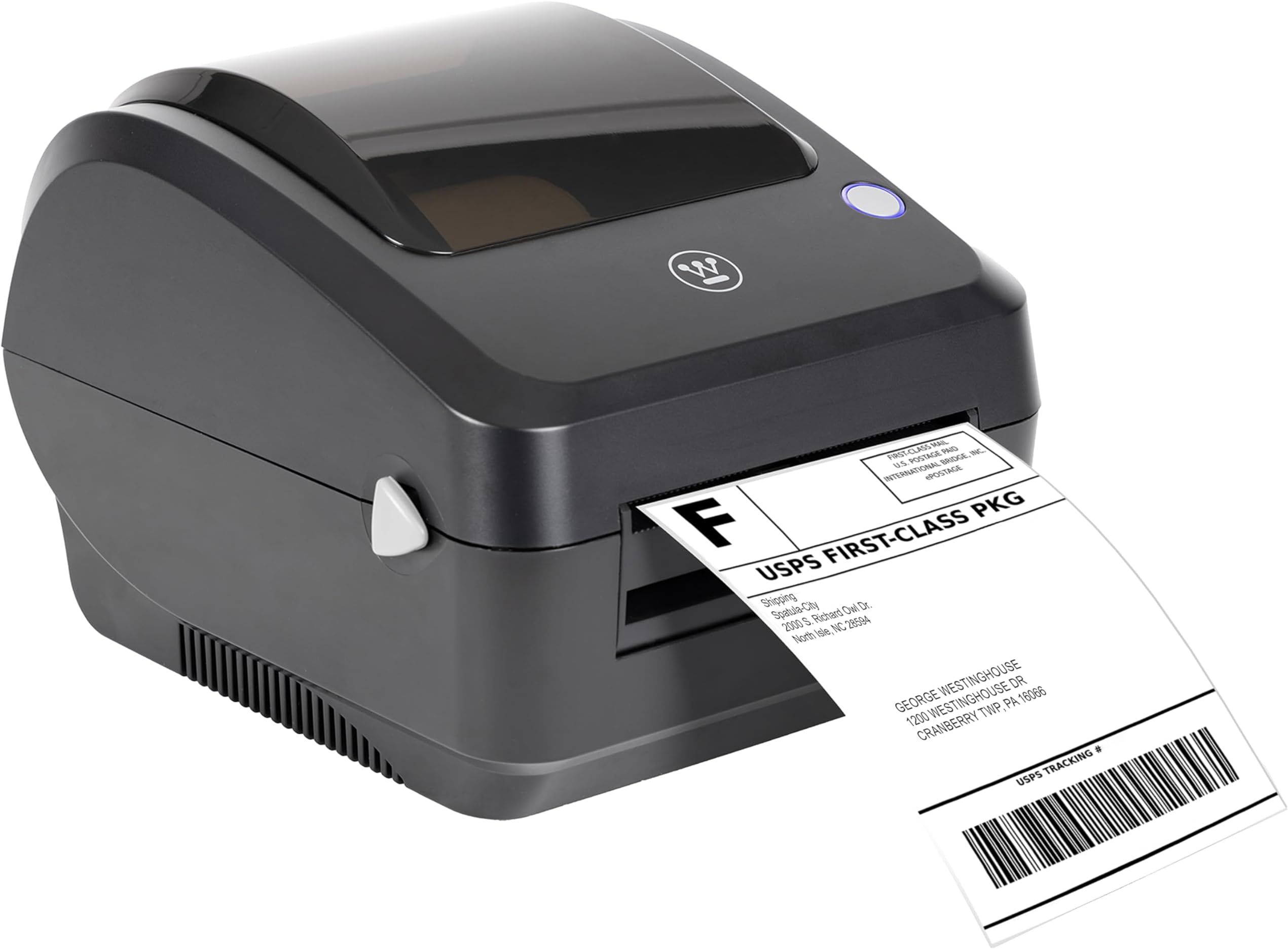
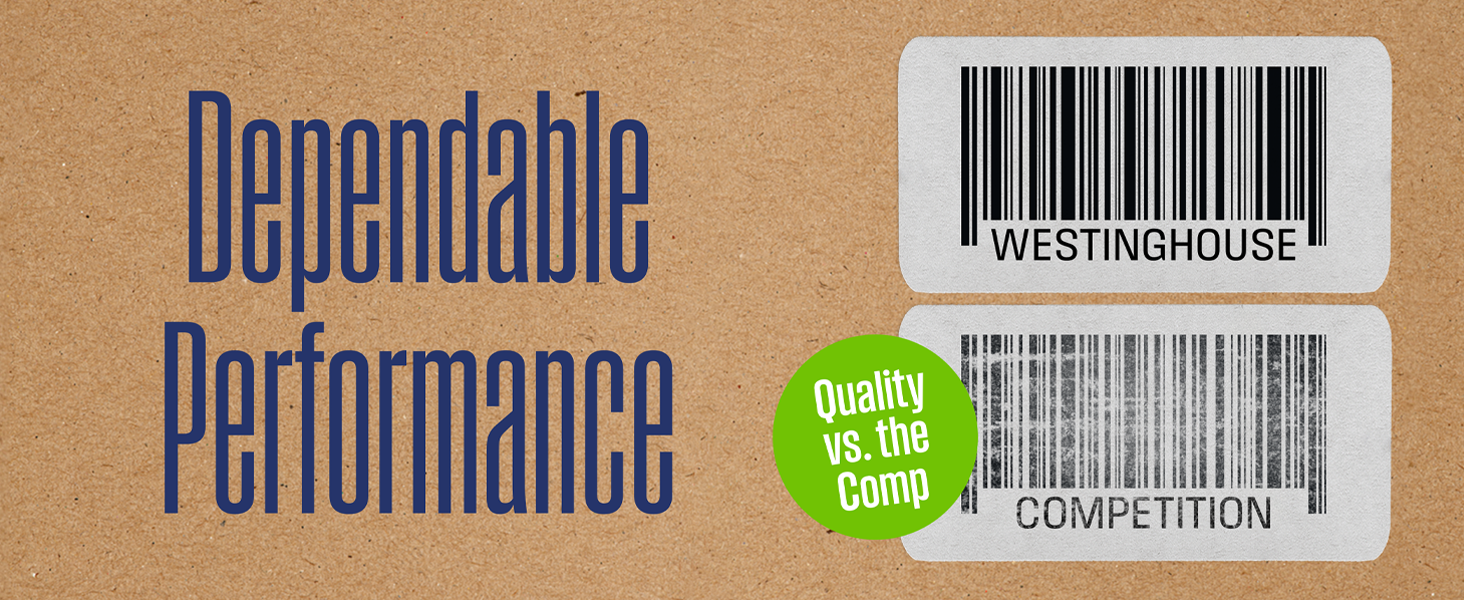
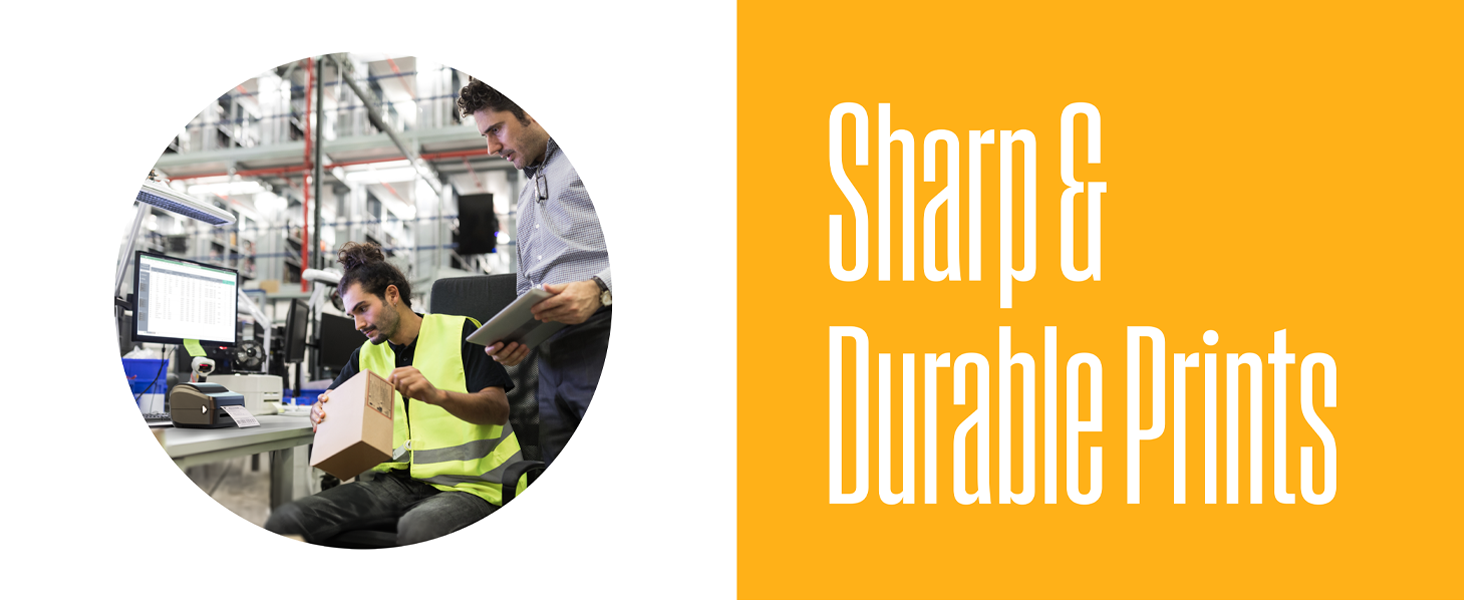
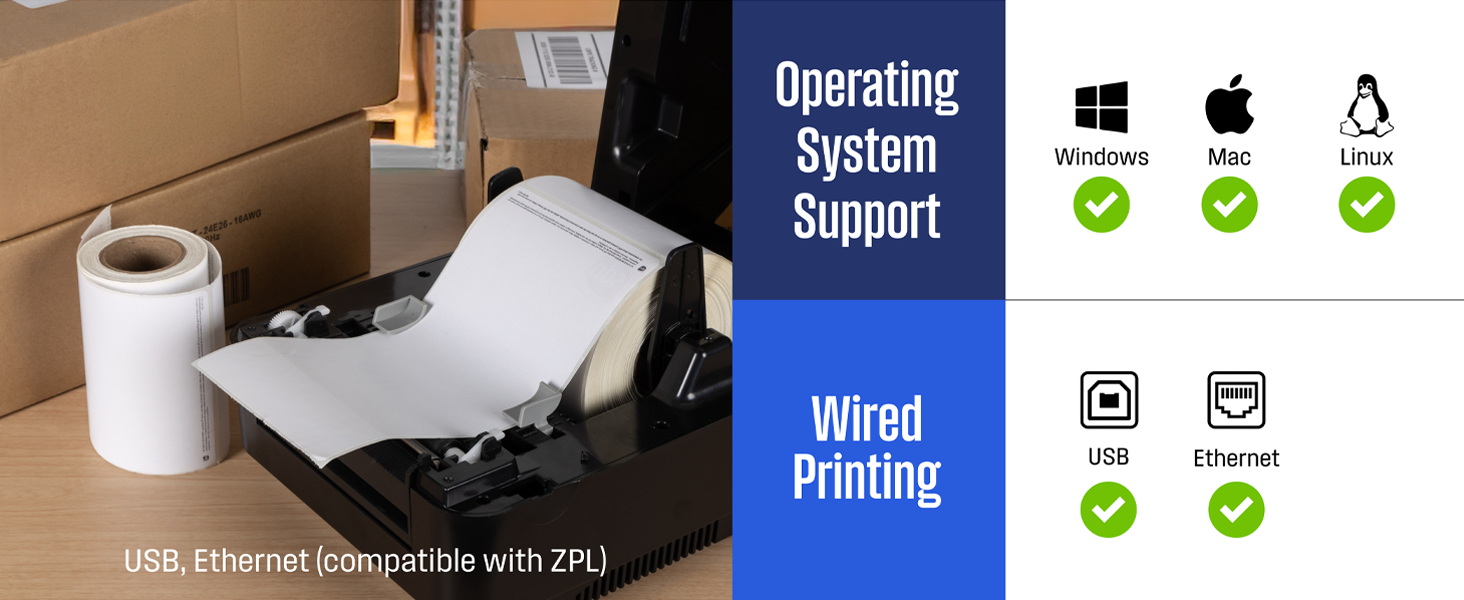
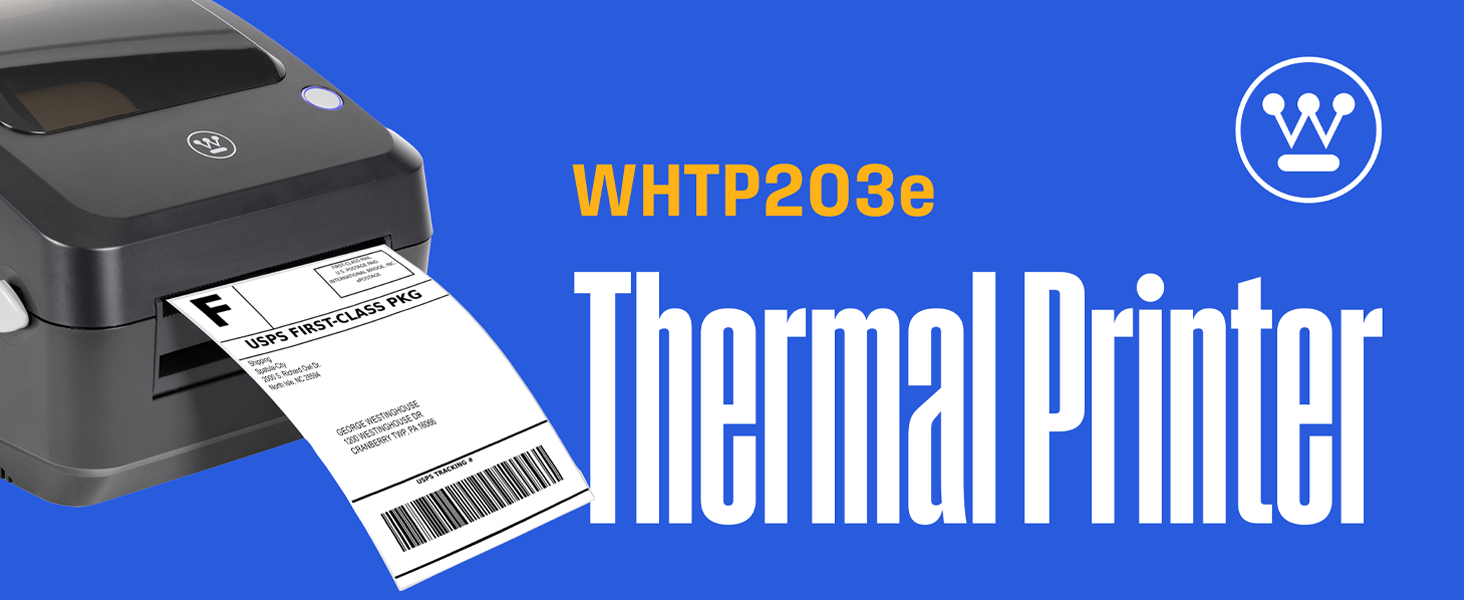
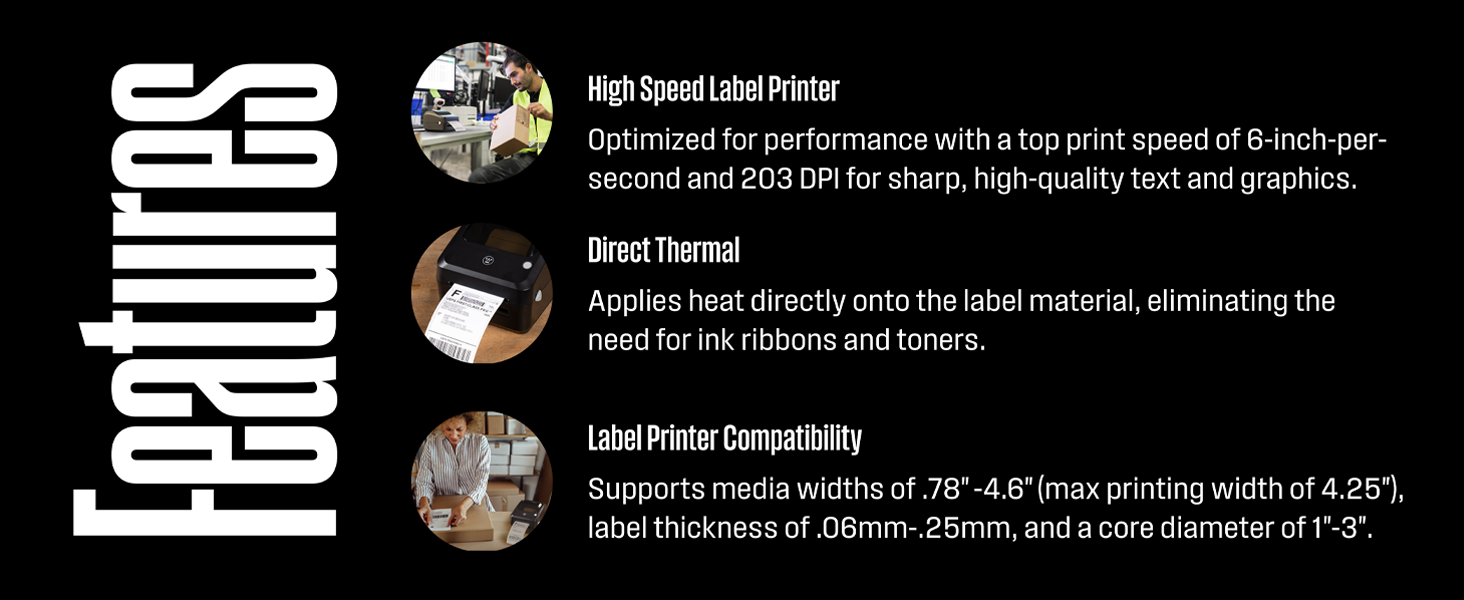
The Westinghouse Thermal Shipping Label Printer is a commercial-grade, 4x6 direct thermal printer designed for small businesses and ecommerce pros. It delivers fast 6-inch-per-second printing at 203 DPI resolution, supports USB and Ethernet connectivity, and works seamlessly with USPS, UPS, FedEx, Shopify, and Amazon. With no ink required and durable construction, it’s the reliable desktop solution for high-volume, professional shipping label printing.


| ASIN | B0D4C7P2MS |
| Additional Printer Functions | Print Only |
| B&W Pages per Minute | 60 |
| Best Sellers Rank | #16,819 in Office Products ( See Top 100 in Office Products ) #51 in Desktop Label Printers |
| Brand | Westinghouse |
| Built-In Media | USB Flash Drive, USB Cable, Power Adapter, Power Cord, User Manual, Reference Card, Sample Printer Labels, Internal Label Holder |
| Color | WHTP203e |
| Compatible Devices | Desktop PC, Laptops |
| Connectivity Technology | Ethernet, USB |
| Control Method | App |
| Controller Type | iOS |
| Customer Reviews | 4.6 out of 5 stars 365 Reviews |
| Duplex | Automatic |
| Hardware Interface | Ethernet, USB |
| Ink Color | Black |
| Item Dimensions D x W x H | 9.45"D x 8.36"W x 6.88"H |
| Manufacturer | Westinghouse |
| Maximum Copy Resolution Black and White | 203 x 203 DPI |
| Maximum Copy Speed Black and White | 360 pages_per_minute |
| Maximum Media Size | 4 x 6 inch |
| Maximum Print Resolution Black and White | 203 DPI |
| Maximum Sheet Capacity | 100 |
| Model Name | WHTP203e |
| Model Number | WHTP203e |
| Model Series | WHTP |
| Number of Drivers | 2 |
| Number of Ethernet Ports | 1 |
| Other Special Features of the Product | Portable |
| Paper Size | 4 x 6 inches |
| Print media | Labels |
| Printer Connectivity Type | Ethernet, USB |
| Printer Output Type | Monochrome |
| Printer Type | Thermal |
| Printing Technology | Thermal |
| Processor Count | 1 |
| Resolution | 203 x 203 DPI |
| Series Number | 3016 |
| Special Feature | Portable |
| Specific Uses For Product | Ecommerce, Shipping, Warehouse |
| Total Usb Ports | 1 |
| UPC | 850060155086 |
| Warranty Type | limited warranty |
D**S
Fast, reliable, and no ink needed
This thermal label printer has been a great addition to my shipping setup. It's easy to install over USB, prints crisp, clear 4x6 labels quickly, and requires no ink. The build feels solid and commercial-grade, and it handled everything I threw at it without jamming. Highly recommended for anyone shipping regularly.
Z**X
Fast and easy to use shipping label printer
I’ve been using the Westinghouse Thermal Shipping Label Printer for my business, and it’s been fantastic. Setup was super easy with the USB connection and included sample labels, and it started printing crisp, professional 4×6 labels right away. It handles USPS, UPS, FedEx, Amazon, and more without a hitch, and the fast, direct thermal printing means no ink mess and no extra cost. It’s reliable, efficient, and has made shipping so much smoother. definitely a great buy for anyone sending packages regularly!
J**F
Easy setup; well-priced; supports ZPL. Great printer choice.
Printer was easy to setup and get connected to the network. Supports ZPL printing on both fan-fold and roll labels. Total time from opening the box to having the attached label printed was 28 minutes and 5 minutes of that was figuring out how to make a star in ZPL. Nice, straight label path makes for easy loading and I expect minimal jams/frustration down the road. Good price as well; great all around!
D**S
Super User Freindly
I have been using this printer in a buinsess setting for six months now. It is used regularly and we are yet to have any issues arise. Super easy to set up initally and to reload. Its size is great and does take up too much desk space. The labels read very well and we have used them for various projects. Highly suggest this printer!
G**X
Extremely flexible, good price, no label DRM nonsense
After trying several label printers in an attempt to make use of hundreds of dollars of old Dymo labels that won't print any more (Dymo now DRMs their labels! don't buy Dymo!), and everything else failing spectacularly or costing absurd amounts of money: This is the obvious winner. It handles every strange label we have, mostly without any fine tuning needed at all, and prints clearly and quickly. I'm more than happy with this. And for getting it to work with a particularly problematic label, I ended up calling support... and got a human immediately! Who knew extremely technical details, and solved it perfectly! Honestly that was one of the best product-tech-support experiences one had in nearly a DECADE. The only things I would want for a V2 are: - USB-C for power, so I don't need an adapter too - 300 DPI, because otherwise tiny labels are difficult to put barcodes on But for the price? Fantastic.
M**L
Easy Setup and Use
I purchased this thermal printer to replace another brand that I had so many issues with. I am SO GLAD to have the Westinghouse Thermal Printer. The setup was extremely easy, done in only a few minutes. So far I have printed several labels with no problems at all. The labels print quickly and the print is sharp! Would definitely recommend!
J**S
Dont waste money on cheaper printers... get this!!!
I originally purchased a different thermal printer that had strong reviews and a lower price, but it ended up being very disappointing. It wouldn’t feed properly, and every other print resulted in an error. The driver preferences were mostly in Chinese with poor English translations, which made setup frustrating. I returned it and decided to purchase this printer instead, and I’m so glad I did. It worked right out of the box and feeds labels perfectly. The driver preferences are in English and installed easily on my computers. The included instructions were clear and helpful. As an added bonus, it has an Ethernet port so I was able to hardwire it to my network. Once set up, it has worked flawlessly. I’m extremely happy with this purchase!
C**T
Very Hard to setup as Stand Alone Network printer
First of all,,, Westinghouse supplies you with a sample roll of 50 labels to get started that is was not in the description when I bought it... Rufus even said that it did not come with labels. Plus, you get a card with the printer that says if you review the printer on Amazon, email them the link and they'll send you another roll of labels (see photo) The size of the printer is average, not heavy and looks well built. I give this printer 5 stars for it's printing speed and clarity but I'm giving 3 stars overall because Westinghouse is still in the 20th century expecting that everyone connects their printers to their computers and has ZERO instructions to set this baby up as a Stand Alone Network Printer. If you have any kind of business where your printers are not attached to computers, If you need this printer to connect to the network so you can place it somewhere more advantageous for your business operations you'll need to read on and and I'll tell you how I set it up to be a Network Stand Alone Printer but you've got a bit of network admin work ahead of you. If you are the type of person who doesn't mind if this printer connected to your computer... it is a great label printer. The setup on a PC or Mac was very easy when connected via the included USB cable however, once connected via USB to your PC or Mac, you're tethered to your printer and while you can share it to the network, you still can't move or shut down your computer and still give access to the printer to others on your network. The setup files come on a small USB Thumb drive or you can download them... see link below. HOWEVER, it you want to use this as a Stand Alone NETWORK printer NOT TETHERED TO YOUR COMPUTER, you're going to need know how to query your router as this printer does not print a Self-Test manually with the power switch and label feed button like most thermal label printers. You will have to login to the printer information page to get that info and since you won't know what it's IP address is to type into your browser, you've got to query your router for attached devices to get its IP address. The Printer DOES automatically pull an IP from the router via DHCP when plugged in to an Ethernet cable, but the print driver installation software does NOT detect the networked printer except only as attached by a USB cable. Once you get the IP from your router, Type that IP into a browser and hit enter,,, the printers live information page will come up. Once you can open the Printer Information Page on your browser you can then set the IP address to a Static vs Dynamic address (see photo) by clicking the NETWORK link. We prefer setting printers up with STATIC addresses so that nothing ever changes and printers are always accessible to all. Every printer on our network has it's IP Address on a label for easy setup. Setting up the printer on your computers. Set up the printer as a network printer (Global Icon on a Mac) and use the protocol: Line Printer Daemon - LPD and use the Westinghouse WHTP203e driver supplied on the USB drive or download the driver from https://westinghouse.com/pages/thermal-printer-whtp203e If all of this is above your head and you don't want it tethered to your computer, buy something else and save yourself the headache.
G**R
Really Practical Label Printer
I just received this unit; it shipped on time, arrived quickly, and was all that it said it would be. Looks to be good and sturdy. Super simple to install; connect one cable (USB-included, although it can be connected to a network via Ethernet cable-not included), install the driver software from the included memory stick, and print. The install took 5 minutes, including unpacking from the shipping box (by the way, they did a great job of packaging - very well protected). I tested it using a few labels I created with a third-party label maker (Label Live), and it printed much clearer than the previous, lesser-known brand printers we had been using. It looks like Westinghouse has a good product, with matching support on the website, so that we should be able to rely on this printer for some time. I picked this unit up as a test unit to make sure it would work in our manufacturing shop environment, and I'll probably order a dozen more to use as at-workstation part-label printers on our shop floor. I'm satisfied so far!
T**R
Poor software and driver support
Firmware / print server on this machine is incomplete and does not work. Drivers are not well made and don't work reliably. prints fine
Trustpilot
2 weeks ago
3 weeks ago