Desertcart purchases this item on your behalf and handles shipping, customs, and support to Tunisia.
๐ผ๏ธ Elevate your art with pro-level prints that demand attention.
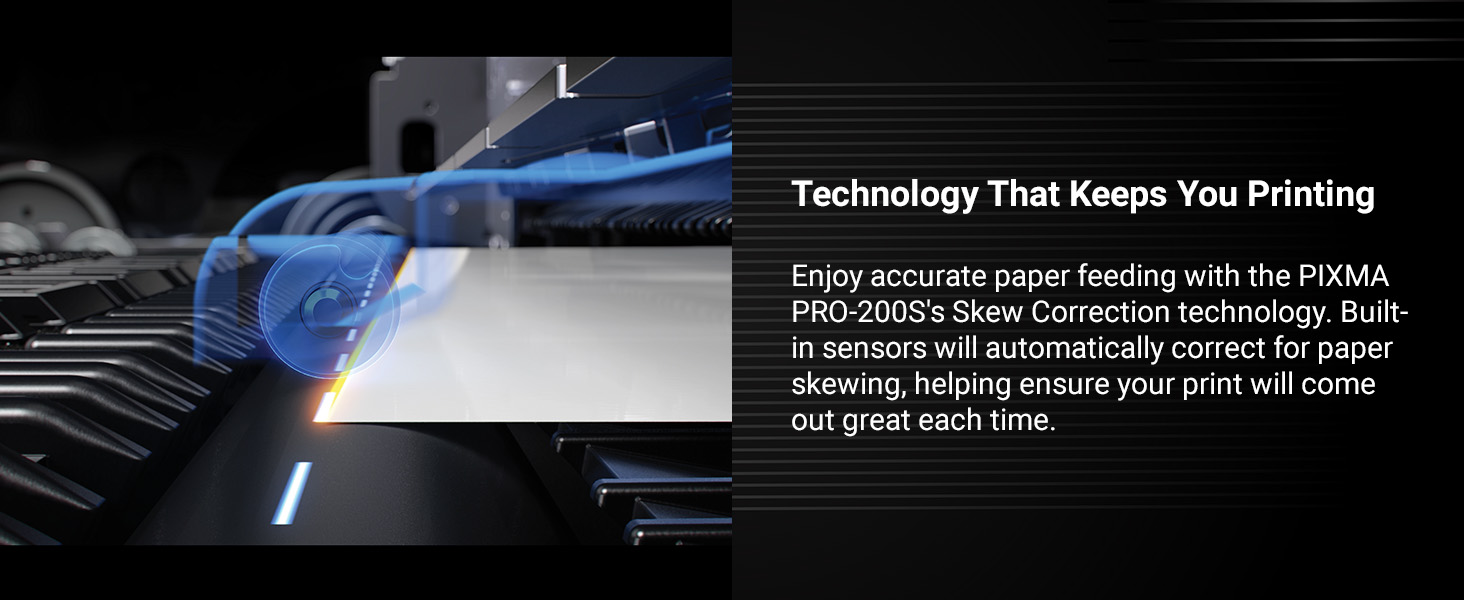
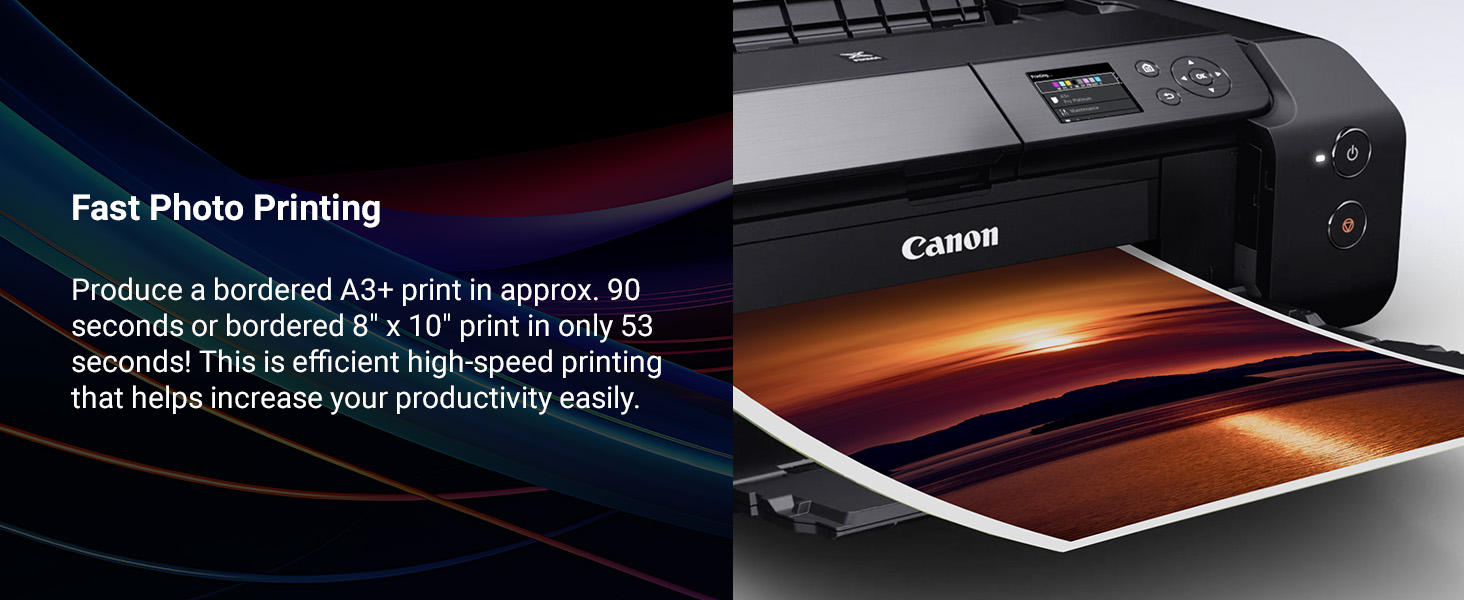
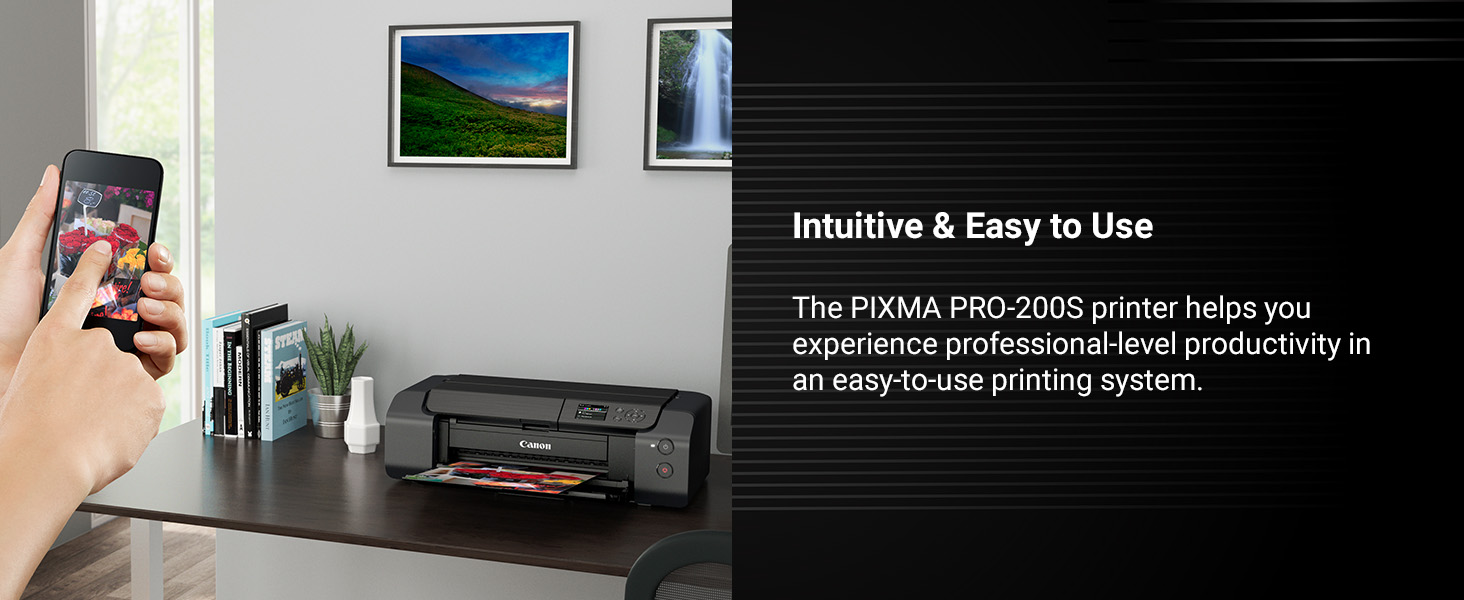
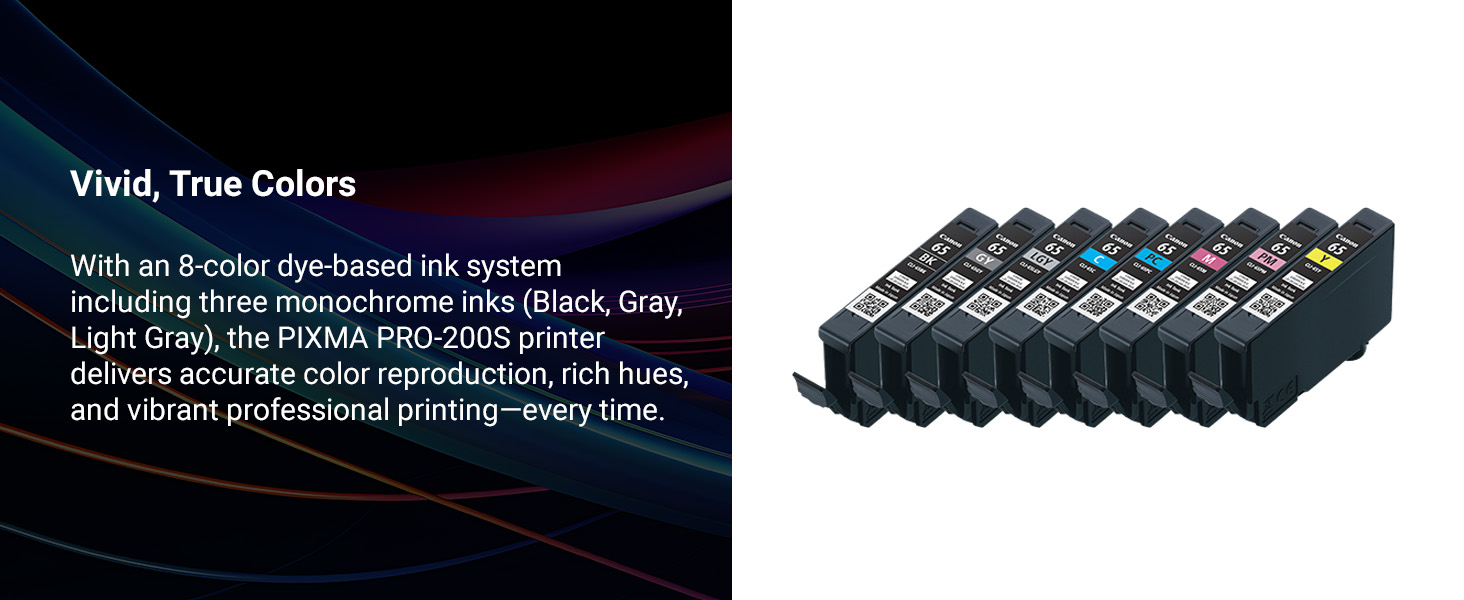
The Canon PIXMA PRO-200S is a professional-grade 13" wireless inkjet photo printer featuring an 8-color dye-based ink system for vibrant, high-resolution prints up to 4800 x 2400 dpi. It supports borderless printing up to 13" x 19" and delivers fast print speeds, producing A3+ prints in just 90 seconds. Equipped with a 3.0" color LCD for easy monitoring and Wi-Fi connectivity, this printer is designed for photographers and graphic artists seeking gallery-quality output with versatile media handling.


| ASIN | B0DSR9KCG2 |
| Additional Printer Functions | Print Only |
| B&W Pages per Minute | 2 pages_per_minute |
| Best Sellers Rank | #21,114 in Office Products ( See Top 100 in Office Products ) #40 in Ink Tank Printers |
| Brand | Canon |
| Built-In Media | Inkjet Cartridges, Paper |
| Color | Black |
| Color Depth | 48 bpp |
| Color Pages per Minute | 2 pages_per_minute |
| Connectivity Technology | Wi-Fi |
| Customer Reviews | 4.1 out of 5 stars 210 Reviews |
| Duplex | Simplex |
| Hardware Interface | Ethernet, USB |
| Ink Color | cyan, magenta, yellow, black |
| Item Dimensions D x W x H | 28.7"D x 18.6"W x 14.04"H |
| Item Type Name | Inkjet Printer |
| Item Weight | 32 pounds |
| Manufacturer | Canon |
| Maximum Copy Resolution Black and White | 4800 |
| Maximum Copy Resolution Color | 4800 x 2400dpi |
| Maximum Copy Speed Black and White | 2 pages_per_minute |
| Maximum Media Size | A4 |
| Maximum Print Resolution Black and White | 4800 |
| Maximum Sheet Capacity | 100 |
| Maximum print Resolution Color | 4800 x 2400dpi |
| Model Name | PIXMA Pro-200S |
| Model Number | 6875C002 |
| Model Series | PIXMA PRO |
| Number of Trays | 2 |
| Other Special Features of the Product | Energy Star |
| Paper Size | 3.5โ x 3.5โ (Square), 3.5โ x 5โ, 4โ x 6โ, 5โ x 5โ (Square), 5โ x 7โ, 7โ x 10โ, 8โ x 10โ, Letter (8.5โ x 11โ), Legal (8.5โ x 14โ), 10โ x 12โ, 11โ x 17โ (Ledger), 12โ x 12โ (Square), 13โ x 19โ (A3+), 210ร594mm (Panorama Size), Custom (up to 13โ x 39โ) |
| Print media | Paper (plain) |
| Printer Connectivity Type | Wi-Fi |
| Printer Output Type | Color |
| Printer Type | Inkjet |
| Printing Technology | Inkjet |
| Resolution | 4800 x 2400 |
| Special Feature | Energy Star |
| Specific Uses For Product | Multi-Purpose |
| Total Usb Ports | 1 |
| UPC | 013803381122 |
| Unit Count | 1 Count |
| Warranty Description | 1 year limited |
| Warranty Type | Limited |
D**N
Incredible Photos, Low Ink Usage and Easy to Use
Before buying this printer I did exhaustive research on print quality and reliability. In truth, if you're looking for a quality dye-based ink photo printer, either Canon or Epson would fit the bill. But the research I found showed that the Canon print nozzles do not clog as frequently, and that Canon printers require less overall maintenance. The 200S is cartridge-based, so ink costs will be higher than the tank printers. Still, this printer seems pretty economical because after set-up, it did not use any ink that I could tell. After printing several letter-sized photos to test out different Canon papers, the ink levels are still almost topped up. The printer quality is, simply put, amazing. Even matte black and white prints are stunning. The colors on glossy, luster, and semi-gloss papers really pop. The blacks and gradients show details that I couldn't detect on my computer or phone screen. If you are a photographer or artist, you will be extremely happy with the results! Now, for the downside. Firstly, the printer itself big and fairly heavy. So you'll need a deeper and sturdy table to place it on. That said, it is also very well built and does not feel flimsy at all. Secondly, the set-up is not the best. If you use the phone, the install screens seemed to jump, and I couldn't expand the view without losing the page. I had to go to a youtube video of the installation, which was much better. There was also the issue of connecting to my wifi, which took a while. I also have a Canon Laser printer that was connected to wifi, and that connection was interfering with linking up to the 200S. After I turned off the laser printer, the 200S made the connection. I installed this for both my cell phone and my computer, although the install makes you choose one or the other. Others have said that the installation is not that great and I have to agree. Also, a note to Canon-- please hire an instructional designer who knows how to write clearer instructions! I'm pretty tech-oriented, so I figured I could get this to work. But this is a customer service issue and those who are not tech confident may have some issues completing the installation. If you're plugged in through USB it may be easier but I didn't use that option. I downloaded the Canon App for my phone, and print through that. I haven't yet downloaded any ICC files for other papers because I'm trying out the Canon papers first. So far, they are excellent. Overall, once the printer is set up, the ease of use, low ink usage, and super high quality prints make the Canon Pro-200S an incredible photo printer.
W**N
Great print quality
Iโm very happy with the print quality. Prints are almost stunning. Another plus is that it is probably the quietest printer Iโve owned. My only negatives are that I wish the ink cartridges lasted a bit longer, and that print speed was a little faster. However, the cartridges are not expensive and the print quality is worth the wait. So far, Iโve printed roughly thirty 8.5โx11โ borderless prints mostly on matte photo paper, and the black cartridge is more than half consumed with dark gray and one or two others not far behind This is a dye-based printer, and Iโm hoping that print longevity meets my needs. Iโll be experimenting with that in the next few months. The set-up guide was a bit unclear in places, but overall, set-up was easy, including wireless connectivity. Canonโs Professional Print and Layout software is not the most polished, but it gets the job done. For me, this printer represents a nearly ideal compromise among print quality, initial cost, operating cost, and maximum print size. After a bad experience with a rival brand photo printer almost twenty years agoโearly onset print quality issues followed by discontinuance of support and even cartridge salesโI wasnโt sure Iโd ever buy another. But as of today, Iโm wishing I hadnโt waited so long to jump back in.
D**H
Easy setup, great looking photos.
Canon Pro โ 200S Printer. To start with, Awesome! To begin with, this review. I had a Canon 8720 printer that would not connect to WiFi after changing servers. I conducted extensive research and ultimately decided to purchase the Canon 200S printer. When it arrived, it took approximately 40 minutes to unpack the printer and get it up and running. I did buy a USB cable before it came as insurance in case it did not connect to my new server. It had no problem connecting to the WiFi through the control panel on the printer. It found my WiFi server very quickly. I logged in with my password and began printing immediately. I thought my old Canon 8720 printer produced great photos, but this Canon 200S blows it out of the water. I have printed numerous exceptional-looking photos. I also printed an 8x10 photo of my Granddaughter and it looked better than the original photo. This Canon printer prints a little slower than my old printer, but it is printing high quality photos, which takes a little longer. The ink levels have not dropped much so far, so I hope that will be the case moving forward. I'm hoping this Canon printer lasts a long time. As stated at the start of this review, Awesome printer.
J**O
Great but...
Every other print gets this same error "1006 no paper in tray" which there is paper i put some every time im about to print. If it wasnt for that hassle and the lack of settings for such an expensive machine it would get 5 stars from me. Well a month later and the printer already doesnt work. Im past the return window so im furious. 700 down the drain...
H**.
Beautiful prints, mildly frustrating at times, but worth it
I love how my printer has been working so far, but there have been a few hiccups along the way. Definitely be prepared to be ready to navigate various errors during and after setup. At one point I had to redo the connection to my wifi/computer entirely because it would not register to my PC at all. There is also a slight learning curve as to what to put in the top feed/manual feed, though I would recommend manual feed for most things. It lets you print borderless and does not give you weird errors about margins (top feed will refuse to print if you do not set the paper size to "A4 margin" or "letter margin", etc.). Manual feed also allows you to use thicker paper and paper with special coatings on it. Also I cannot use the Professional Print and Layout program anymore, either, which is a bit disappointing because I liked how easy it was to use. Once it prints, however, it prints beautifully. I have been using paper from Red River, specifically their Polar Matte 60 and Palo Duro etching, which they recommend for the printer. All my prints so far have been vibrant and gorgeous, and nearly true to color (that is entirely on me, though, not the printer. I need to get better at making color adjustments). It prints at a decent speed, but the higher quality you want, the slower it will be. Overall would recommend this printer. I am just starting out with printing my artwork and making stickers and I am so glad I invested in this to start out with.
M**E
Great Printer for Crafters and Photographers
I love this printer! I do a lot of smaller photo printing and crafting projects, but had never spent the money to upgrade my level of printer. This printer is a game-changer for me, especially since I am now printing 13x19 prints. The quality has been excellent. The printer is larger and heavier than my HP models have been, but that was not a problem for me. The print speed is excellent. There are certainly more ink cartridges, but the print quality, IMO, makes it worthwhile. I have also made notepads and other printing crafts and I loved the printer quality for paper, stickers and heavier cardstock as well as photos. The WiFi connection has worked great with no issues. I highly recommend this printer for photographers and crafters.
M**M
Excellent Photo Priner
The picture quality is far better than any other printer I have owned. Everyone that sees the pictures comments on how sharp they look and the depth of color. I would highly recommend this photo printer.
N**Y
Expensive but delivers
My cheap HP printer won't take glossy photo paper so I needed a printer that produced quality glossy pictures and this one works well for that purpose. Very well boxed for shipping. Printer is slightly heavy. It set up fairly easily with the challenging part being adding a printer to my HP Desktop computer; 'Canon Pro-200S Series' worked for me. You have to pull out the paper tray, stand up the paper feeder back piece (photo 1) and flip the horizontal piece (photo 2) against the paper tray or it won't print - and it will tell you that. It has 8 ink cartridges and they must be installed as pictured on the printer according to color. The piece that holds the ink has to lightly snap into place on the left, interior side. No experience yet with how long the ink lasts. To be on the safe side, I bought the Canon glossy paper; colors are vivid and images print just as seen in your photo. I am using my ethernet cable so I am not dependent on WiFi.
Trustpilot
2 months ago
2 weeks ago