Buy anything from 5,000+ international stores. One checkout price. No surprise fees. Join 2M+ shoppers on Desertcart.
Desertcart purchases this item on your behalf and handles shipping, customs, and support to Tunisia.
🚀 Elevate your home network to warp speed and total control!
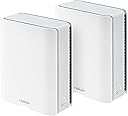
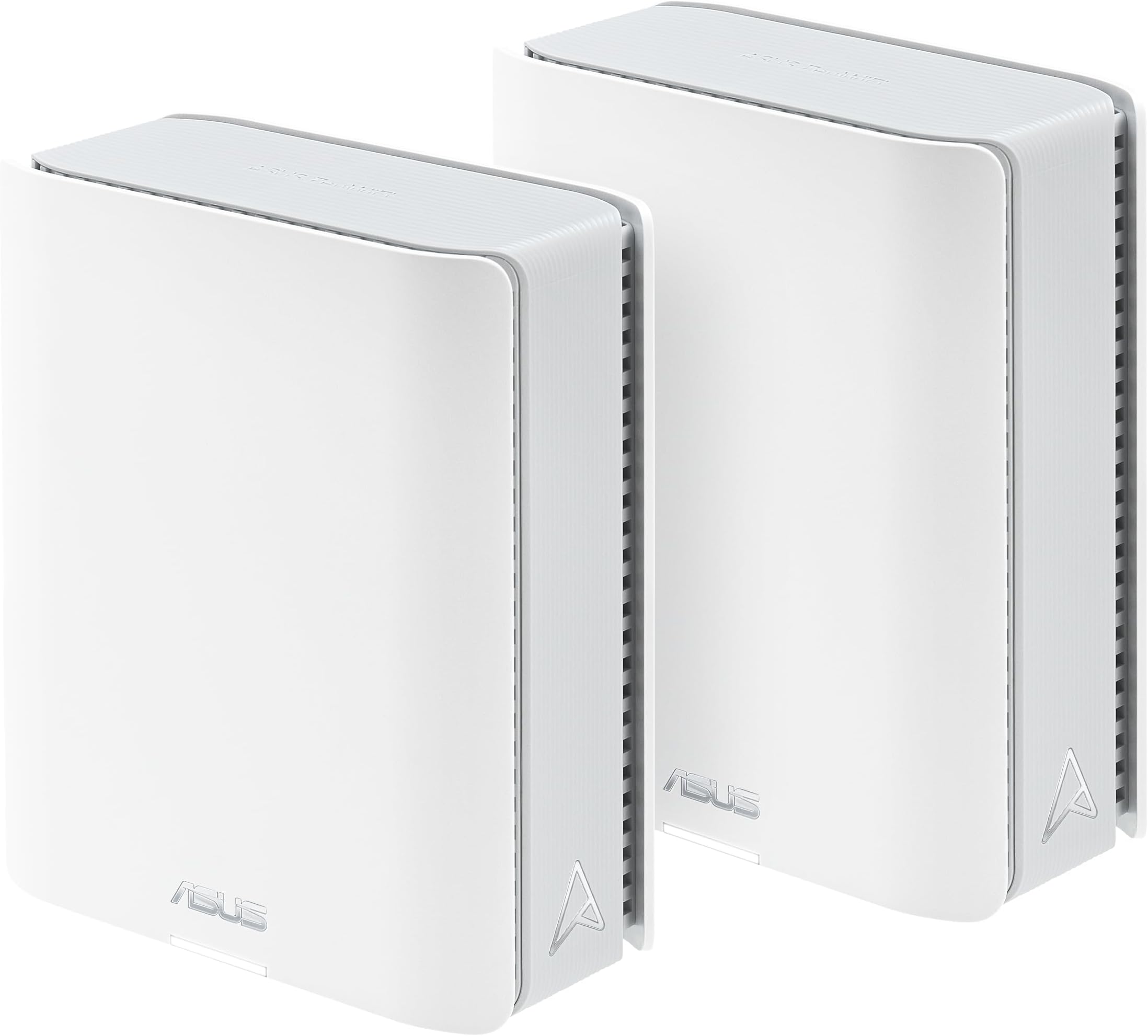
The ASUS ZenWiFi BT6 Tri-Band WiFi 7 Mesh system delivers cutting-edge 9.4 Gbps speeds and AI-powered Smart AiMesh coverage up to 5800 sq.ft. Designed for seamless whole-home connectivity, it features seven internal antennas, a 2.5G WAN port, and advanced security with AiProtection Pro and VPN support. Ideal for smart homes and professionals seeking reliable, high-performance WiFi with easy device management and parental controls.


| ASIN | B0DHWBW4MZ |
| Antenna Location | Business, Gaming, Home |
| Antenna Type | Internal |
| Best Sellers Rank | 242,232 in Computers & Accessories ( See Top 100 in Computers & Accessories ) 1,831 in Routers |
| Box Contents | BT6 (W-2-PK), Power Adapter, Quick start guide, RJ45 cable, Warranty card |
| Brand | ASUS |
| Brand Name | ASUS |
| Colour | WHITE |
| Compatible Devices | Personal Computer |
| Compatible devices | Personal Computer |
| Connectivity Protocol | Wi-Fi |
| Connectivity Technology | Bluetooth, Wi-Fi |
| Control Method | Touch |
| Controller Type | App Control |
| Coverage | 5.8 m². (2 pieces) |
| Customer Reviews | 4.1 out of 5 stars 62 Reviews |
| Data Transfer Rate | 8643 Megabits Per Second |
| Frequency | 60 Hz |
| Frequency Band Class | Tri-Band |
| Frequency band class | Tri-Band |
| Has Internet Connectivity | Yes |
| Has Security Updates | Yes |
| Is Modem Compatible | No |
| Item Dimensions L x W x H | 18.6L x 7.2W x 15.9H centimetres |
| Item Weight | 1.88 Pounds |
| LAN Port Bandwidth | 2500 Mbps |
| Manufacturer | ASUS |
| Manufacturer Part Number | BT6 (W-2-PK) |
| Maximum Upstream Data Transfer Rate | 4700 Megabits Per Second |
| Model Name | BT6 (W-2-PK) |
| Model Number | BT6 (W-2-PK) |
| Model name | BT6 (W-2-PK) |
| Number of Antennas | 7 |
| Number of Ports | 1 |
| Operating System | ASUSWRT |
| Other Special Features of the Product | 2 PACKS, Alexa Compatible, Guest Mode, VPN Security |
| Router Firewall Security Level | Maximum |
| Router Network Type | hybrid |
| Security Protocol | WPA/WPA2/WPA3-Personal, WPA/WPA2-Enterprise |
| Special feature | 2 PACKS, Alexa Compatible, Guest Mode , VPN Security |
| UPC | 197105537958 |
| Unit Count | 2.0 count |
| Wi-Fi Generation | WiFi 7 |
| Wireless Compability | 802.11.be, 802.11ac, 802.11ax, 802.11n |
| Wireless communication standard | 802.11.be, 802.11ac, 802.11ax, 802.11n |
D**.
Highly recommended
EASY SETUP BLAZING FAST 5 STARS ASUS ROUTERS ARE THE BEST
Y**G
Excellent WiFi System
This WiFi system is excellent. The app is user-friendly and functional. The setup instructions are straightforward and easy to follow. From unboxing to a fully functional system, it took about an hour. The two-unit mesh network covers my entire home and the surrounding yard effectively. The wireless backhaul is fast and stable. In just one month, I haven’t experienced any dropped connections or issues. My wireless (under ideal circumstances) and wired connection speeds are identical to those directly connected to the modem (550/40 Mbps down and up). The modem has become the bottleneck, and it’s time for an upgrade. Initially, I was considering a lower-tier WiFi6 mesh network, but the Black Friday offers made this WiFi7 package a more attractive choice.are identical to those hardwired directly to the modem (550/40 Mbps down and up). The modem is now the bottleneck and due for an upgrade. I was considering a lower tier WiFi6 mesh, but Black Friday offers made this WiFi7 package a better choice.
V**T
Do not buy anything Asus
Not working, support not helping, worst company ever.
L**N
Works great, but not for non-technical people
Works great in AP mode, but had an issue in Router mode. Initially, I plugged it into my Xfinity X1 modem which was in “bridge mode” (which connects the Asus directly to the internet). Every 8 hours or so it would lose its ability to route traffic to the internet (seemed to be a DHCP problem but never fully debugged), which could only be fixed by rebooting or physically unplugging the X1 from the ethernet port and plugging it back in. I finally fixed (worked around) the problem by switching the X1 into regular router mode, which causes the Asus to default to AP mode with a private/unroutable WAN IP. This works fine, except I have to setup port forwarding for any internet-facing features of the Asus such as OpenVPN and Wireguard servers. But, since I made this change, it’s been running pretty well, only becoming unroutable every few days. I fixed (worked around) this by enabling the “reboot scheduler” function to reboot the Asus every night. Seems to be working great since then and provides strong, fast internet all through the house. So, overall I’d say this is a great Wifi 7 mesh system for nerds who want the blazing speeds and can work through issues, and for kicks need the flexibility of an OpenWRT based system. NOT FOR NON-TECHNICAL PEOPLE!
J**M
Way too slow and parental controls don’t work
I love the app interface. It is so much simpler to use than our previous router. Too bad the parental controls won’t work! I have tried multiple times to turn on the “Family” option both on a device individually and by setting up a profile and adding each device to a profile, but neither worked. Also, the speed for download is terrible. It frequently takes 30+ seconds to load a single page, often timing out. We had to switch back to our old router and the same page takes seconds. I’ve tried following Asia’s YouTube videos on improving speed with no success. I would not recommend these.
Trustpilot
2 months ago
1 month ago