

Desert Online General Trading LLC
Dubai, United Arab Emirates
Desert Online General Trading LLC
Dubai, United Arab Emirates

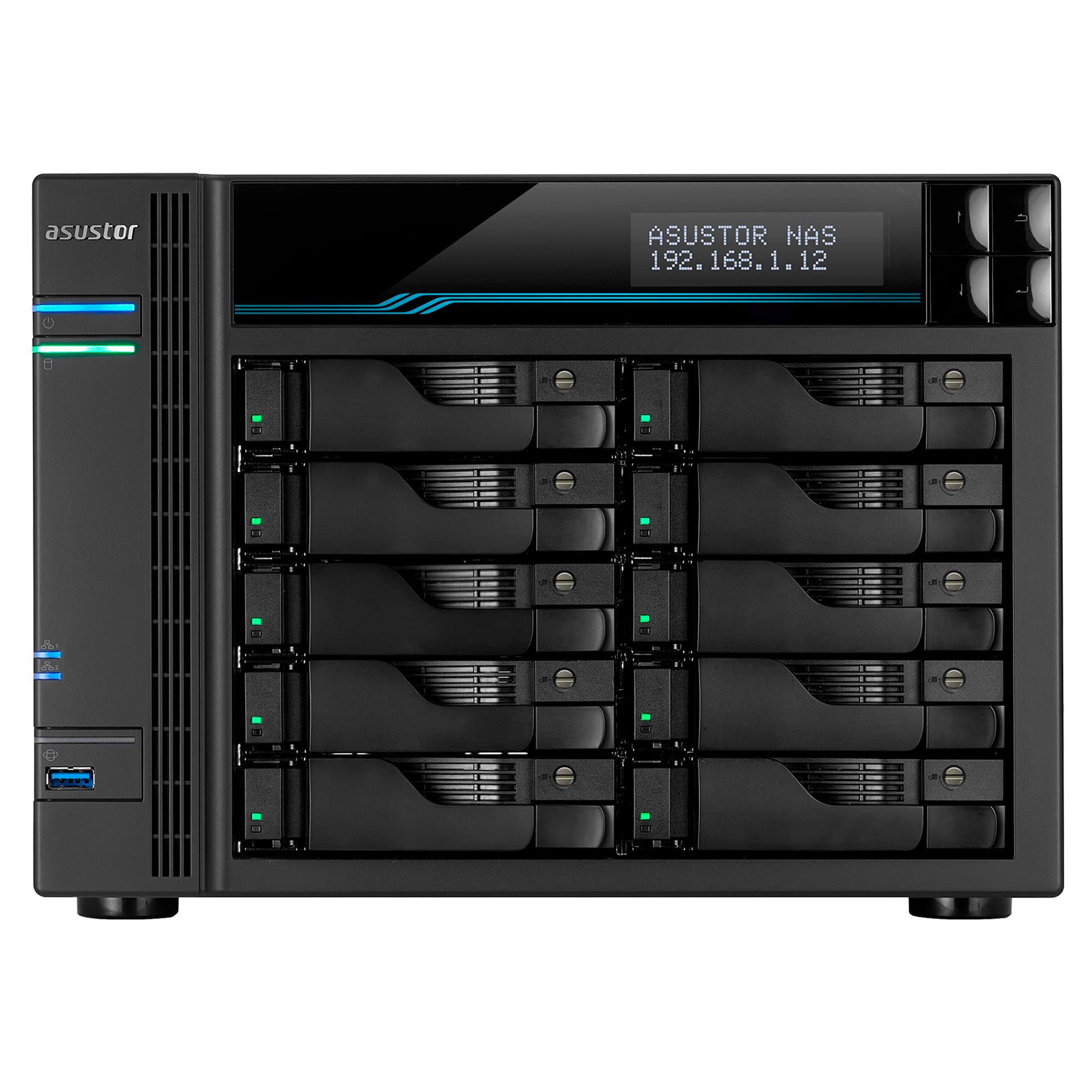



🚀 Unlock Enterprise Power & Speed – Your Data’s New Best Friend
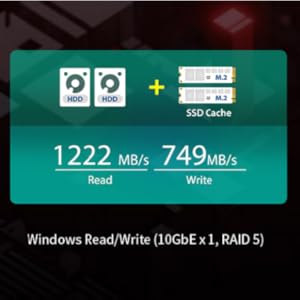
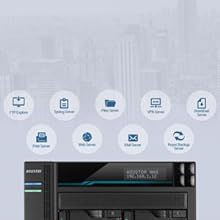
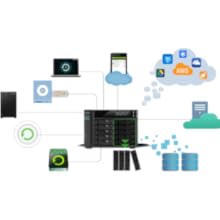
The Asustor Lockerstor 10 AS6510T is a high-performance 10-bay NAS designed for professionals and businesses demanding massive storage and ultra-fast data transfer. Featuring a 2.1GHz Intel Atom Quad-Core CPU, 8GB DDR4 RAM (expandable to 64GB), dual M.2 NVMe SSD slots for caching, and dual 10GbE plus 2.5GbE ports, it delivers scalable, reliable, and lightning-fast network storage solutions with a 3-year warranty.






| RAM | 8 GB |
| Hard Drive | 8 GB |
| Brand | Asustor |
| Item model number | AS6510T |
| Hardware Platform | Mac, PC |
| Item Weight | 13.67 pounds |
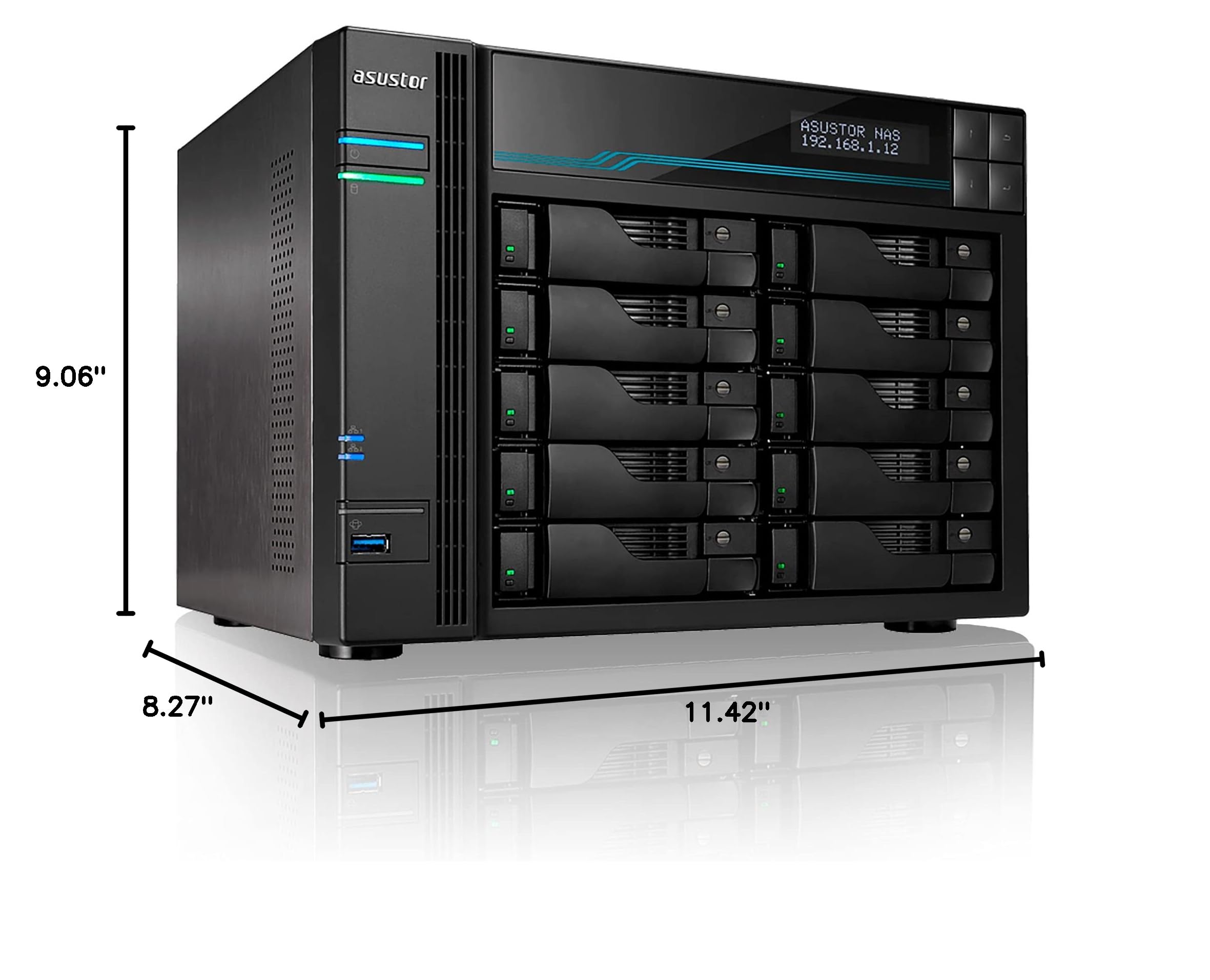
| Product Dimensions | 8.27 x 11.42 x 9.06 inches |
| Item Dimensions LxWxH | 8.27 x 11.42 x 9.06 inches |
| Color | AS65 |
| Number of Processors | 4 |
| Computer Memory Type | DDR4 SDRAM |
| Batteries | 1 CR123A batteries required. |
| Manufacturer | Asustor |
| ASIN | B07Y2BJWLT |
| Is Discontinued By Manufacturer | No |
| Date First Available | September 18, 2019 |
R**D
works well, good price point
I have TWO of these things because the price is so sweet (looking at you synology) - so 20 drives in total.First thing I've done in all of them - install RAM (up to 64 GB) and SSDs (two). These devices have a read/write SSD cache mode which I find unimpressive - it's okay, you can set up the SSDs as a separate high speed array and I recommend that.The 10gbit LAN connections have worked without issue. The i/o and latency is solid, I use both windows file sharing (CIFS/SAMBA) and linux (NFS)Most importantly, I just had my second drive failure (RAID6). Buzzer was off. I keep it by my desk, and it just pops up a red light on the bad drive tray - so you don't need to figure out which drive is bad, that red light tells you exactly where the issue is. I login to the web interface, see SMART error, so simply popped out the drive (while it is running), replaced the bad drive with a good one, and put that tray back in -- all while the system was running. The system automatically detected the new drive and began rebuilding the array - impressive data preservation! Now, I haven't investigated to see if this drive was ACTUALLY that bad, but I can say it was up for about 3 years before this, so it's not a common issue, and it's best practice to be cautious with un-backed-up RAID arraysThese are all great, but I do want to mention one bad thing which has struck this and many other NAS devices - hacking. Hackers will encrypt all the files and require bitcoin $ to decrypt. Asustor was historically hacked as such. I don't run any services that expose the box to the internet, and my box worked just fine through it all. Just be very careful, though, if you intend to both store important data on these AND connect it to the internet, it would be hacking vulnerable.
D**Y
Great all around device that could almost replace your desktop computer and much more.
Great and easy to setup and use for mail server, web server, and media server (using Plex) and does backups of all your devices as well as a security camera DVR. Love the online video courses for teaching you how to setup and use. Also with the HDMI you can use as a Home Theater PC. Hard Drives cost more as you increase size so that drives the price up greatly. You also need to add 2 cashing SSD drive to increase speed. also replace the factory 8gig and added an additional 8 gig more of memory of the same type for a total of 16 gig. They should offer it with all the additional features, it comes bare bones. You have to completely disassemble it to add memory and SSD's which is a little unnerving the first time. watch the YouTube videos.
H**X
Flexible NAS options. Excellent fit and finish.
Although I am still in the middle of installing my Asustor Lockerstor 4 Gen3 AS6804T, the process has been straightforward so far. After installing the 2.0 TB SATA drives from my old HP (defunct) NAS, the Asustor informed me that two of the drives were faulty. After replacing them with new 2.0 TB drives, I now have a functional RAID 6 array. My final step is to set up user accounts and define how I want ongoing backups to be done. The built-in user interface is a novel (and quite useful) adjunct to the ASUSTOR Control Center PC application, which is easy to use and has very flexible options. Fit and finish are excellent. Over time, I'll also populate the four NVMe M.2 slots.
V**R
WOL doesn't work
I received the delivery without issues, and since the hard drives haven’t arrived yet, I’m currently testing with two M.2 SSDs installed.However, the WOL (Wake on LAN) feature doesn’t seem to work.I registered the MAC address for Wake on LAN in ACC and enabled WOL in the power settings within ADM, but it still doesn’t function.For comparison, the WOL feature works perfectly fine on my QNAP NAS on the same network.If the WOL issue gets resolved, I’ll update this review. Currently, I’m using ADM version 5.0.0.RA82. If it turns out to be a hardware defect... I’d be really stressed. I hope to receive some support to resolve this issue.
A**Z
Better Than Qnap
I have a Qnap TS-451A NAS, which I got years ago. I spent months trying to set up a 4 drives RAID 5. Changed drives a few times, always using the ones listed as compatible. For those months, I would keep getting than drive 3 & 4 needed to be replaced -- regardless of which drive I put there, forcing me to rebuild the RAID. I gave up, and since then I've been using it with a single drive. I like the apps you can run, especially for me who do IoT development.I recently got the Asustor AS6604T NAS. Upgrade it the RAM to 12GB, put 4 drives on it, turned on and, just like that, it automatically created a RAID 5. It just worked. I'm in the process of transitioning my Docker container to the Asustor. It is much faster than the Qnap -- part because it has the latest hardware. Construction-wise, it well built. I love it!
M**S
more complex than synology. but better features.
I got this to help back up my Synology system after an energy spike damaged 2 drives. after rebuilding the drives, i was able to start the backup process. I was surprised on how easy it is to mount other non-Synology Nas drives. There are YouTube videos on how to do this. I have not tested the ethernet 10gb connections as I am limited at the moment to 1 and 2.5 connections. my home network is setup for only 1gb connections So far this system is running find. but i have noisy hard drives. i bought. mounting this system to the Synology. allowed me to triple my storage on my Synology
J**N
Highly Recommend
This Asustor NAS exceeds my requirements. It was purchased to replace an older Netgear NAS and I am not disappointed. I found the learning curve was easy. High quality with excellent connectivity. In addition to using it to store backups for 6 computers, I use to store duplicate files.
Trustpilot
3 weeks ago
2 months ago
2 weeks ago
1 week ago

