
DOWNLOAD THE APP


Customer Services
Copyright © 2025 Desertcart Holdings Limited
DOWNLOAD THE APP

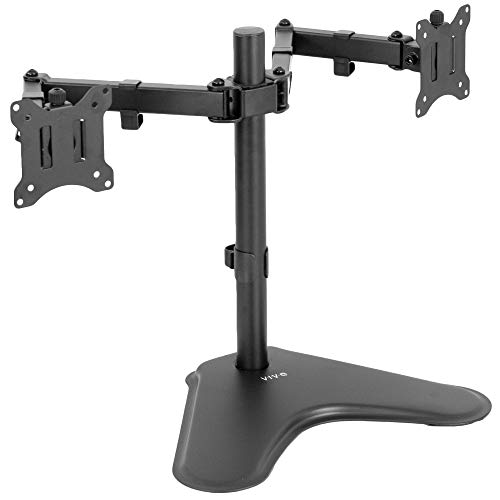

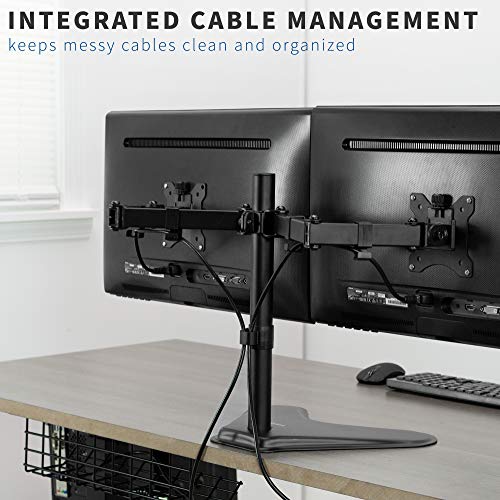


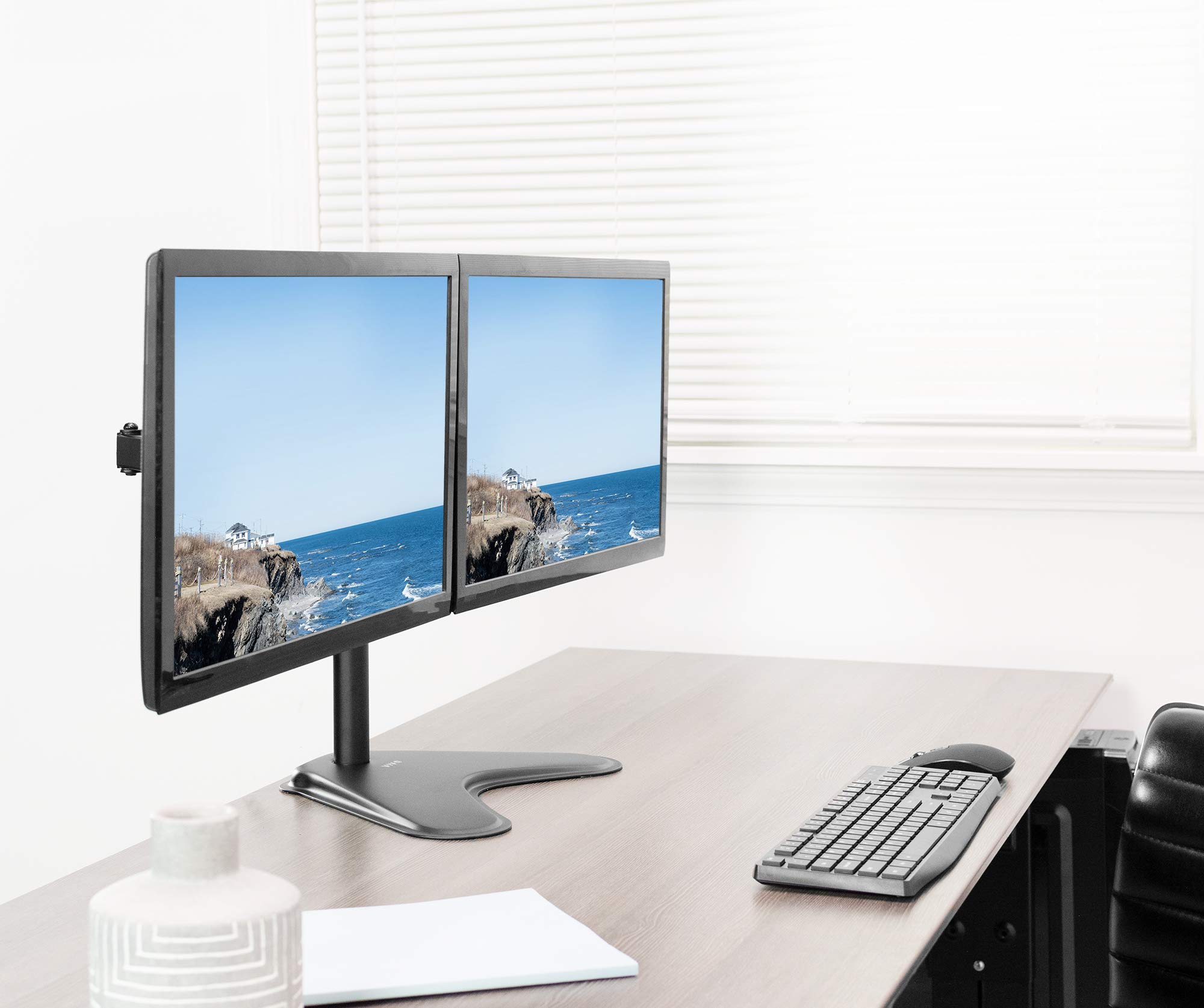

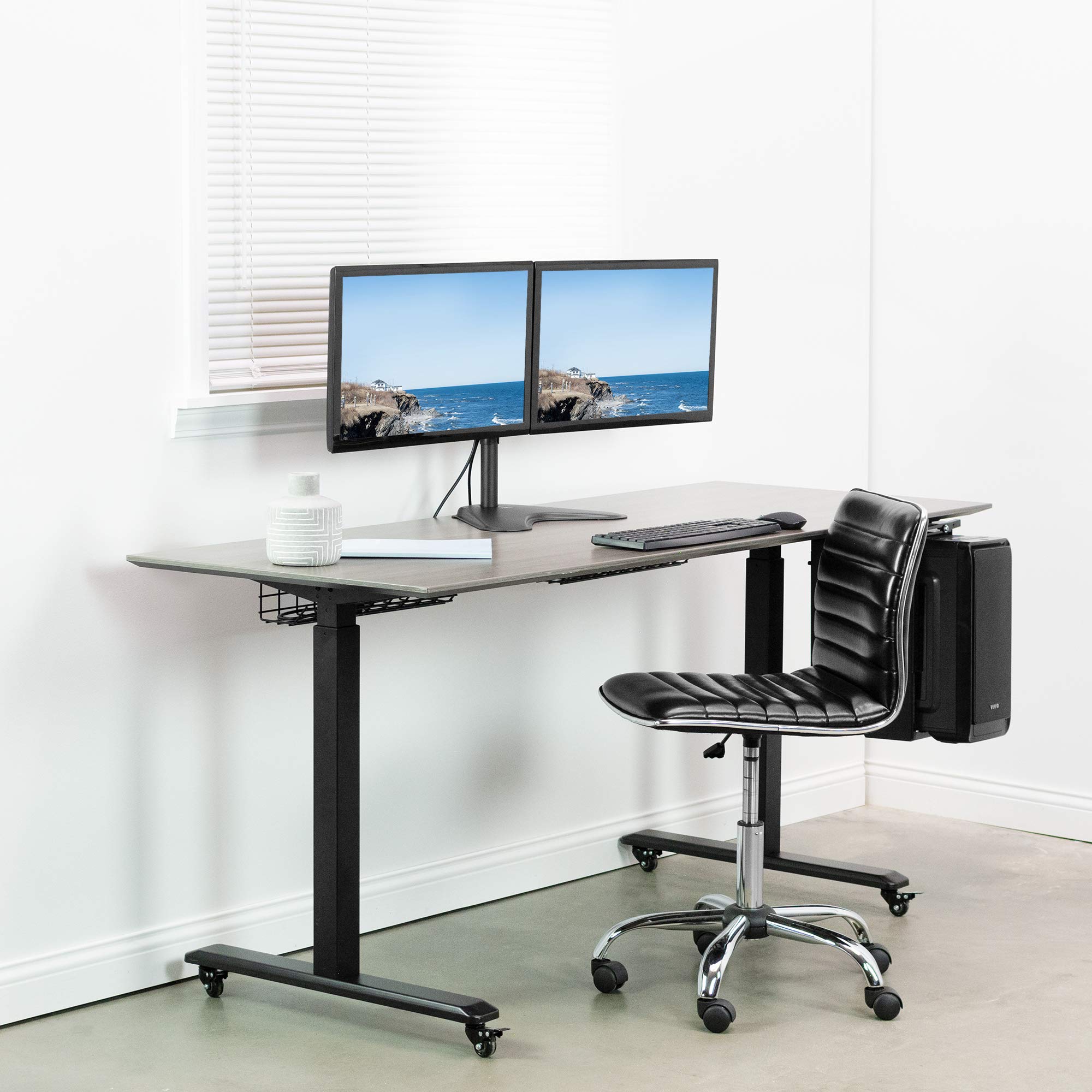


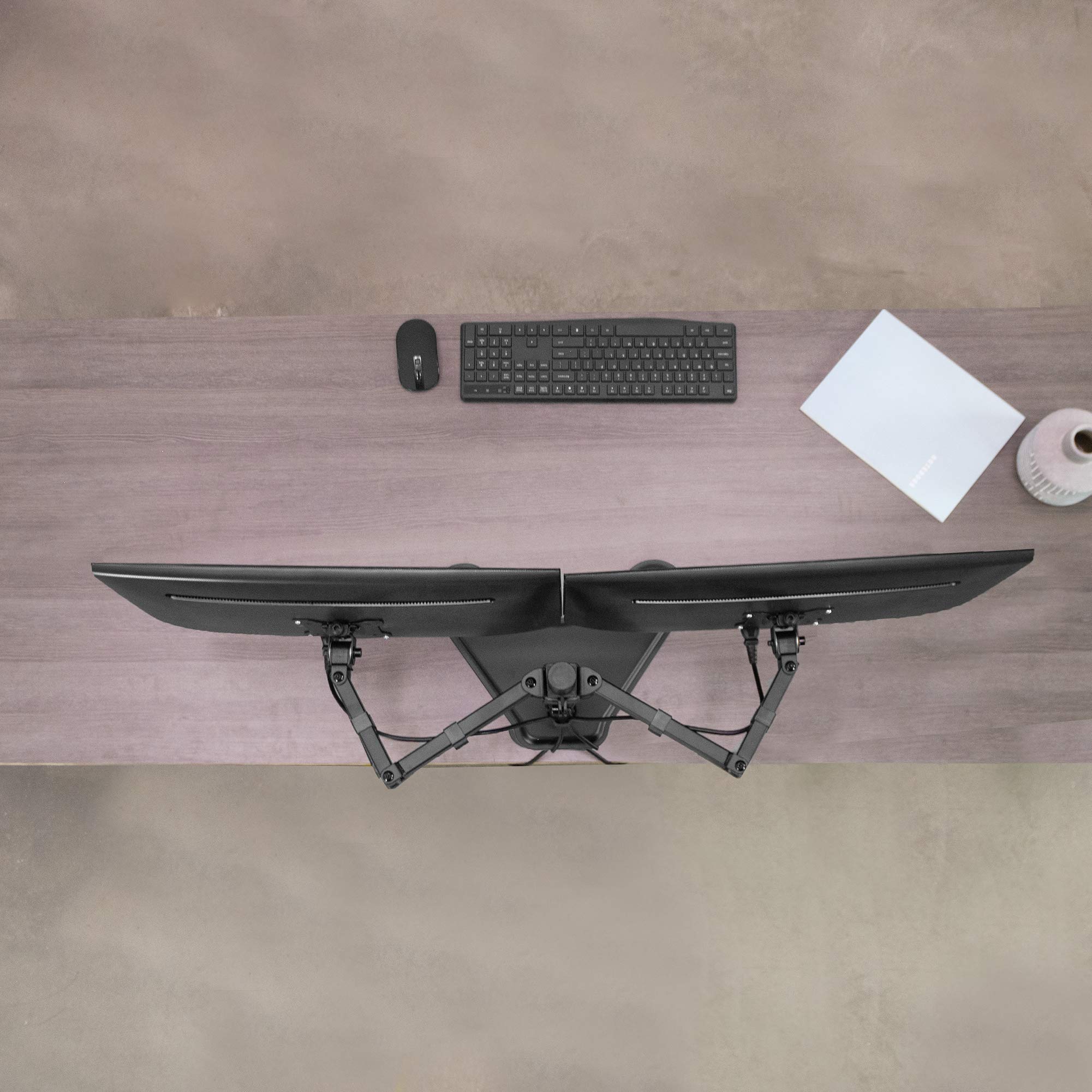
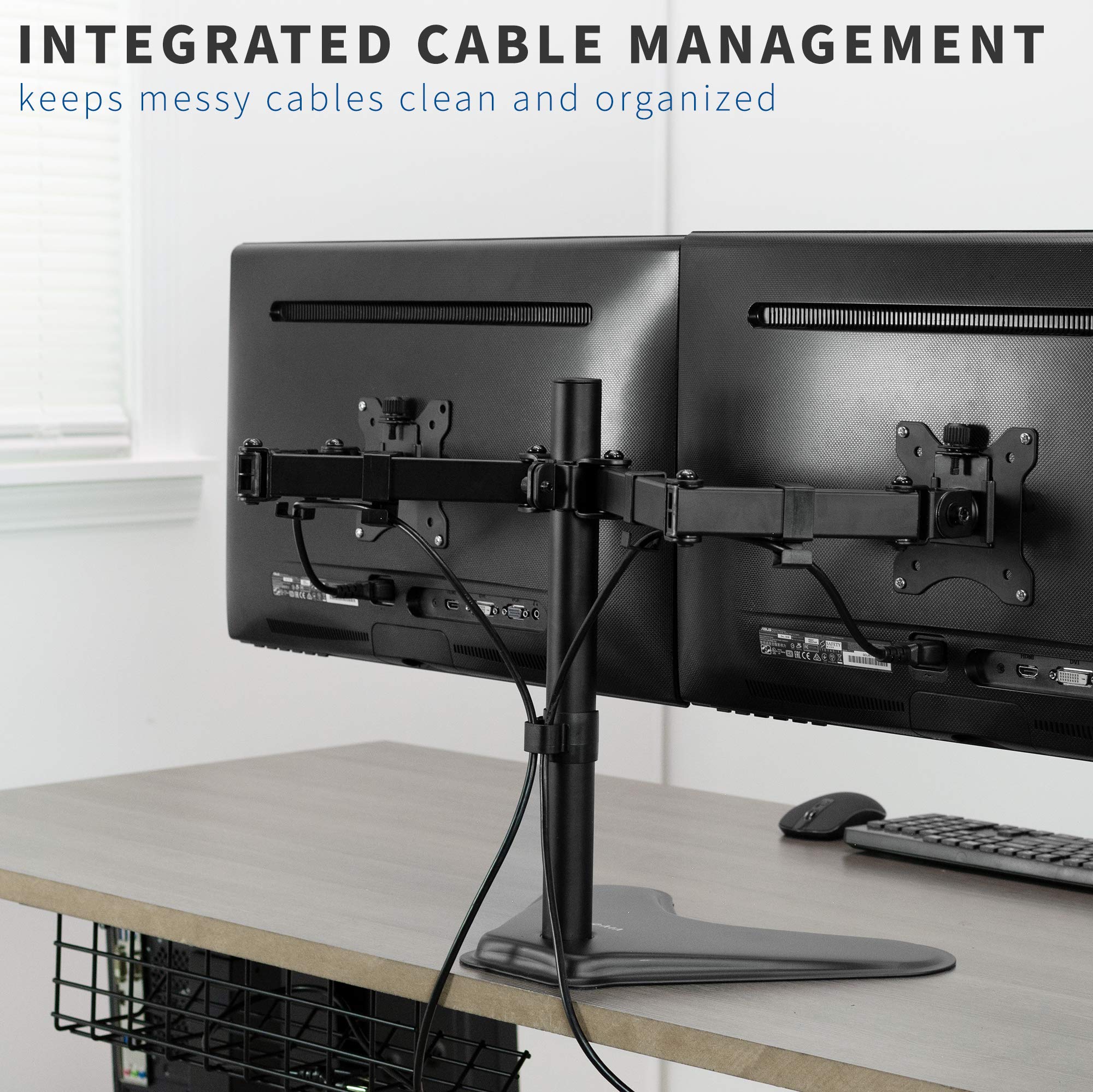
🖥️ Elevate your workspace — dual monitors, zero compromise!
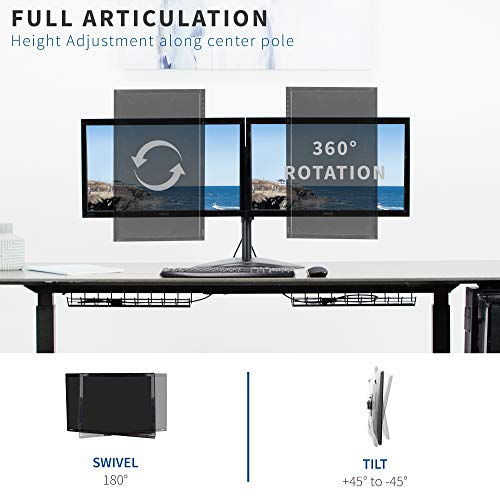
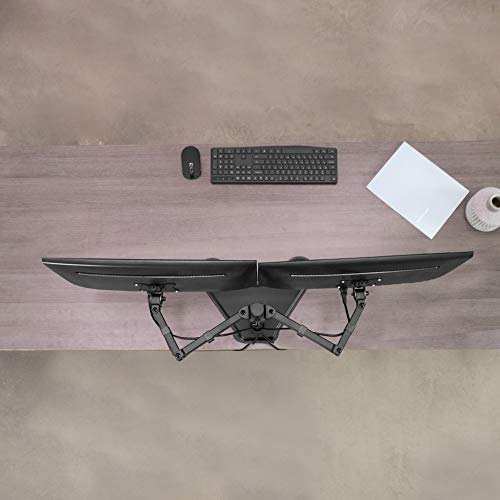
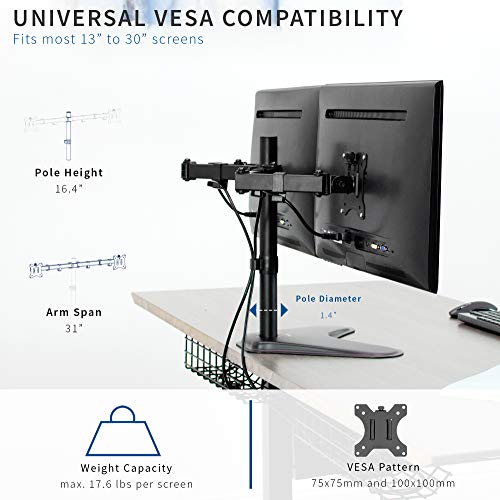
The VIVO STAND-V102F is a premium free-standing dual monitor mount designed for 13" to 30" screens, featuring full motion articulation including tilt, swivel, rotation, and height adjustment. Crafted from heavy-duty alloy steel with a stable base and integrated cable management, it offers ergonomic flexibility and a clutter-free desk. Backed by a 3-year warranty and easy installation, it’s the perfect upgrade for professionals seeking a sleek, productive dual-screen setup.


| ASIN | B074GBSXTM |
| Batteries Included | No |
| Batteries Required | No |
| Brand | VIVO |
| Compatible Devices | Monitor |
| Customer Reviews | 4.3 4.3 out of 5 stars (1,340) |
| Date First Available | 16 August 2017 |
| Does it contain liquid? | No |
| Item Weight | 4 kg 260 g |
| Item model number | STAND-V102F |
| Manufacturer | vivo |
| Material | Alloy Steel |
| Model | STAND-V102F |
| Mounting Type | Tabletop Mount |
| Package Dimensions | 45.43 x 30.74 x 11.67 cm; 4.26 kg |
J**A
I purchased two Acer K272HUL monitors and the included stands were at a set height. Because of my desk that has a steel bar that runs along each side underneath, getting a dual monitor stand that mounts to the desk with a clamp was not an option. This is a great alternative and really cleans up your desk space. The clamps for cable management are great too. If anyone has any doubts about the stability of the stand with two 27" monitors, any instability is only due to the fact that the arms need to be folded in a 'W' shape, not a double arc. If you attempt to keep the arms in a double arc and set the stand upright with the two monitors, the stand will easily tip over. Once I folded the arms in a 'W' shape, the stand was perfectly stable and has withstood my adjustments to the positioning and angles of the monitors without any concern of tipping over. Overall the quality of the hardware feels really good too. I would definitely not hesitate to use it on a more expensive monitor setup if I were to upgrade in the future. Just be very careful if you decide to set the monitors back down on a flat surface while mounted to the stand, as the arms will swing together and cause your monitors to collide. I had quite a scare when it happened earlier, but fortunately no damage was done. Edit: Not going to change my review, but one thing that is extremely annoying and a fail on the part of the engineer(s) is that the bolt for the adjustment for forward and rear tilt on the left arm is on the inside of the arm. Having to reach over the arm of the stand and the monitor both simultaneously to tighten and loosen the bolt that enables the monitor to tilt forward or backward is extremely troublesome. On the right arm this is not an issue, because the bolt head is on the outside so you simply can reach around the side to tighten or loosen the bolt. Being a mechanic, I fortunately have the tools. I was able to use a long handle ratchet with a hex socket to tighten/loosen the bolt on the left arm. I really do not feel like the included hex tool is adequate for this adjustment and you will be cursing the engineer(s) in no time if you try to get the monitor to sit level without a good ratchet and hex socket. I would also strongly suggest you have a small plastic level to check the monitors as you make your adjustments to get the monitor to sit level, because the bolt has to be very tight and will have a tendency to droop slightly if it is not tightened adequately. If I had to guess, I'd say I used approximately 30 to 40 ft-lbs of torque on the bolts that control the monitors ability to tilt.
G**D
Fuss free setup. Only issues I had was the tightening of the centralised spine. I had to use a lot of force to tighten it as the extra weight from the monitor is pulling it down
D**G
Item received in good condition and works well. Able to support 2 24inch monitors without toppling over.
A**R
I'll start with the cons - which may not happen in case of others. So I did not take off any star. 1. There are 3 screws that connect the base to the vertical pipe/rod. One of the screw female thread hole had a small welding metal drop, which prevented the screw to go in. I had to take a hammer and a screw driver to chisel the metal droplet out. It was a small metal drop that might have fallen near the thread when the welding was done on the rod. Did not take much time, but my hassle could have been lesser if quality control was in place. 2. One of the monitor mounting connector was fitted the opposite way. I had to unscrew that connector and fit it the right way so monitor swivel tightness can be done from the outer side. 3. The height of each monitor cannot be adjusted separately. Both monitors will remain at the same height. Now on the Pros: 1. All parts are metal and very sturdy. 2. Base is heavy and sturdy but will not stand upright if you fit only one monitor on one side. 3. I've put a 27" and a 25" monitor on it and if I try to push the vertical rod with force, the entire table shakes but the base doesn't even lift a bit. So it is extremely stable. 4. Cable management is superb. I have loads or cables behind the monitors but the cable management adapters/connectors could get it all in and hide the cables properly. 5. The base can sit 1.5 inches from the wall and can take 2 27" monitors with hardly any gap between the monitors. 6. The swivel friction can be adjusted .
J**K
Currently using this stand with a 24 inch Samsung monitor and a 30 inch curved Sceptre gaming monitor. I am able to fit both and have a reasonable range of motion and options to position these, but if you aren't positioning these monitors directly in front of you, the weight of larger monitors may be too much and cause the stand to become unstable if one or more arms isn't positioned properly. I don't have total freedom of motion which is my only gripe with the stand, (the base could be heavier, or multiple bases could be included) but for the price the stand does what it said it would. No real complaints. Construction was relatively easy and straight forward. Good buy.
Trustpilot
1 month ago
3 weeks ago