Desert Online General Trading LLC
Dubai, United Arab Emirates
Desert Online General Trading LLC
Dubai, United Arab Emirates






🌐 Elevate Your Home Network Experience!
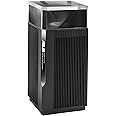
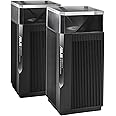
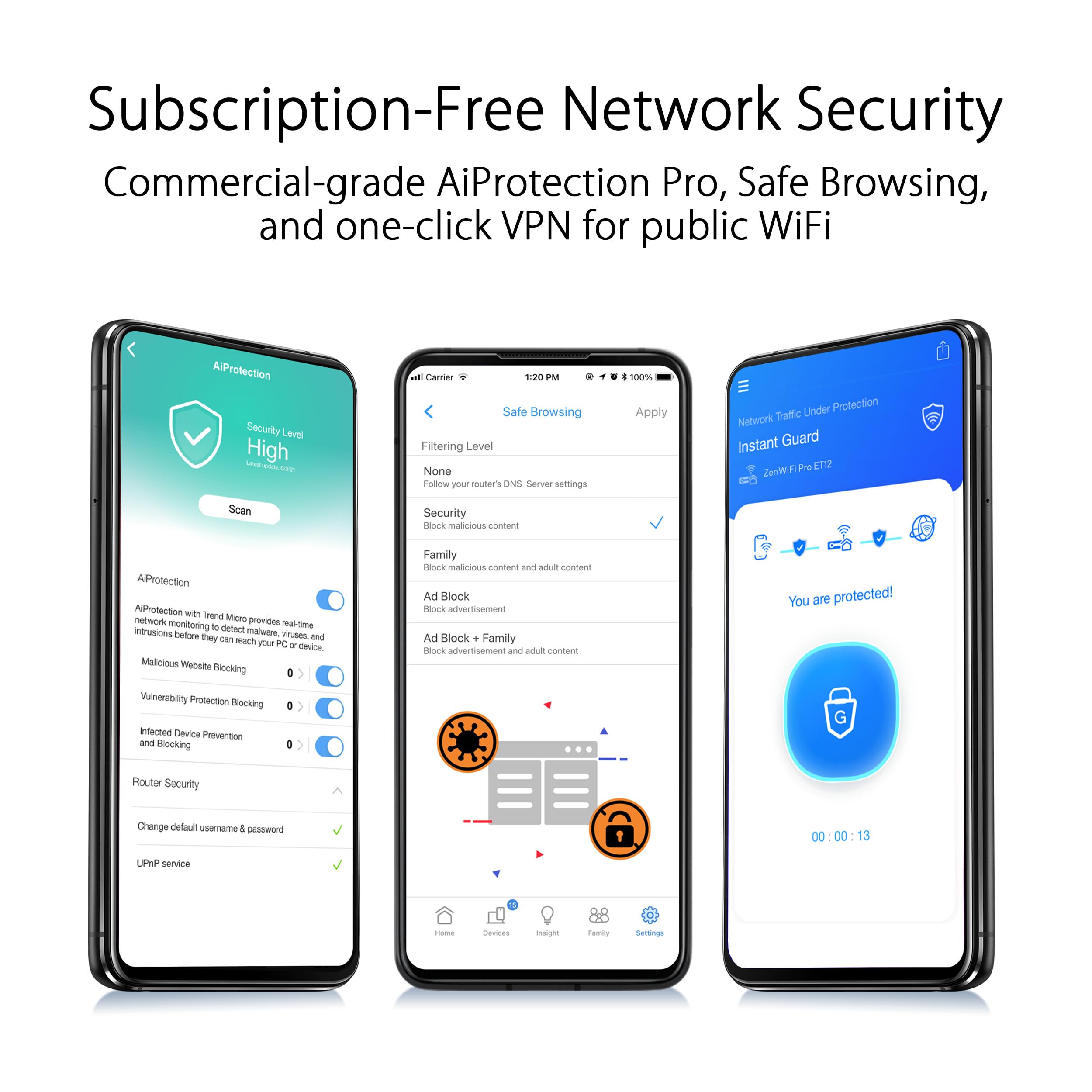
The ASUS ZenWiFi Pro AXE11000 Tri-Band WiFi 6E Mesh System offers unparalleled internet speeds of up to 11,000 Mbps, extensive coverage of up to 3000 sq. ft., and robust security features, making it the ideal choice for tech-savvy households seeking reliable and secure connectivity.


| Screen Resolution | 1920 x 1200 |
| Processor | none |
| RAM | DDR4 |
| Card Description | Dedicated |
| Wireless Type | 802.11n, 802.11ax, 802.11a, 802.11ac, 802.11g |
| Brand | ASUS |
| Series | ET12 (B-1-PK) |
| Item model number | ET12(1-PK) |
| Operating System | App, Windows, Mac OS, Linus |
| Item Weight | 3.31 pounds |
| Product Dimensions | 4.53 x 4.53 x 9.49 inches |
| Item Dimensions LxWxH | 4.53 x 4.53 x 9.49 inches |
| Color | black |
| Processor Brand | Intel or AMD |
| Number of Processors | 4 |
| Computer Memory Type | DIMM |
| Hard Drive Interface | Ethernet |
| Voltage | 110 Volts |
G**Z
Fast, reliable internet speeds at a great price!
if you want fast, reliable internet and don't want to spend the money on WiFi 7 right now, this 6E capable device is a must-have! I have owned a lot of Asus products, and they are always excellent. I have 3 of these in my house, and they perform excellently. No drops, fast speeds, and easy to set up.
G**.
Small foot print. Takes up less room on shelf
Dislikes: Expensive but what isn't that is any good?Likes: Most up to date WiFi at this time. I probably will never need any more band width or power. Flight Sim is the only "game" I play on the computer. The only thing I do is videos, communicate and educate with distant learning and rarely use more than one device at a time but I do have a few appliances. I live in a small town with only a few other WiFi systems that cross paths with me so I am not particularly crowded.I have one unit and so far it fulfills my needs but if I decide that I need expansion it is available and should be better results than other options.My phone and tablet are WiFi 6E so I can use it on it's own frequency because there is almost no others in the area that shows up on WiFi analyzer.I keep my desk top wired since it is close to router and I use it for the biggest part of what I do. The router has less wired ports than my previous routers but my desk top and the NAS are the only things I keep on wire anyway and there are simple options if needed.The setup and settings program is similar to previous Asus routers I have had but a little different with more options.Set up was a little confusing but like everything else these days no companies seem to realize they aren't writing instructions for themselves or professionals but for the end users with little to no knowledge of these things. To be simple enough for a cave man to do it he would have to know all of the different terminologies there are for each piece of the puzzle because they can't use just one term across the industry eventhough it is the same piece.It looks good and doesn't resemble the others that look like something from Lost In Space but in my environment it looks OK and being 4.5"x4.5"x about 9.5" it will sit in many book shelves given that the standard spacing is 9"-12" between shelves.The lighting isn't as intrusive as others with bright blinking led's that can give you epileptic seizures in the dark and can be turned off in the settings as long as you don't mind disabling the connection button and set it for light control. Which I did because I always disable the WPS for connection. (I am paranoid about push button connections)The reason I replaced my old Asus AT-RC68U is the antennas where breaking off, the signal seemed to drop out unexpectedly maybe from the antenna issue, and my newer electronics have better systems and I plan to add some security cams around with a wireless weather station. No external antennas on this one.
S**R
Asus is simply the best
I had an older version of an Asus router. This new one is just super fast and covers all the corners of my apartment. Plus, it has all the networking and security features which I use constantly. Especially the dual WAN and load balancing features.
D**Y
Powerful Asus Pro ET12
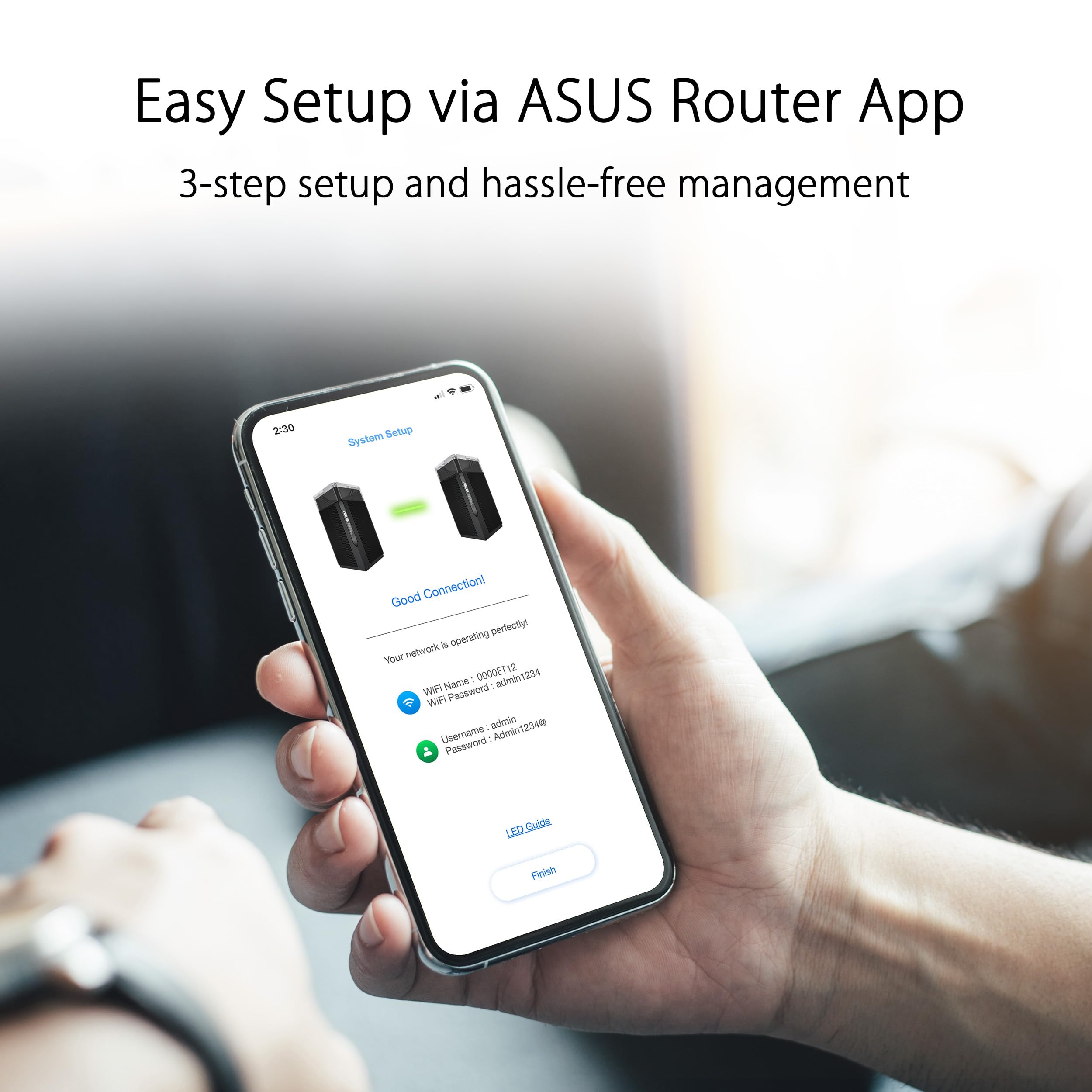
I thought this was going to be a single unit wrapped in bubble plastic wrap but nope, I was wrong for good, it came in a sealed original box, the pictures here on Amazon do not show the box as it does with the 2 pack option.I have a Netgear Nighthawk CAX80 pretty powerful as a Modem which provides with wifi 6 to the house. I have an office outside in the 2nd floor in the garage and I needed better wifi range. Well, after testing an eero Pro 6E (I love it but it does not separate the SSIDs so I had to return it) I decided to buy this et12 to future proof my home network.It was easy to set up: plugged it in, I downloaded the Asus router app and followed the instructions. Three options were displayed: pppoe, dhcp and static ip, I do not know what those meant so did some google and picked dhcp. Following instructions connected a cat8 to the Wan port (If you connect the cable into a different port it won't work) and that's it, gave my SSID, separated the 3 bands very cool this is what I wanted, I did hide the 2.4GHz band, I only need 5 and 6 GHz bands. It shows it's working in Router mode, not in AP (Access Point) mode.Looks very cool, it comes with a lot of security options (I need to do more research to activate the best options for me) I love those ports in the back to connect more devices. It has great range, I tested wifi speeds and I'm getting the same speeds as wired when I'm in the same room.I'm really happy with my purchase, Asus is a very reliable brand and I'll buy their products without fear. If you can afford it, buy it, you won't regret it!
S**T
Good Router, stable but I do not believe it is for 3000 sqft, drops connections too on 2.4G
So I purchased this router because the description said it covers 3000 sqft. My home is only 2500 sqft 1 story which I thought would work well but no. Although the 5G wifi works great the other 2 bands on 2.4G and 6G is horrible. First, the 2.4G band is super slow and it drops all my IOT connections. I have to reboot the router to get them back. The devices that are about 50 feet away seems spotty at best. worst, it just plain fails to connect. The 6G rate is a total joke. It is great at a few feet from the router but if you step away even 10 feet the rates drops lower than the 5G rate. Lastly, I bought another mesh router ET8 to do a mesh network since this router (ET12) doesn't seem to handle the whole house (which it should based on the description). Using the 6G back haul is horrible at 20 feet without any wall in between. Moreover, if you do you use the 6G as the back haul, for some reason, the rates you get on the 5G band drops to about 60-70% of the actual rates you get from the main router (ET12 in my case). So I decided to use the ethernet back haul. Once I did that, then my rates on the 5G band increased to 800ish down/up from 500-600ish/down/up when the 6G band was enabled for back haul. Weird. With lots of testing here and there. the best route was connect the back haul to ethernet only. Turn off 6G radio and don't use it. with this combo and settings I was finally able to get a stable network without drops or disconnects to all of my IOT devices and computers. I have about 20 devices connected. This also gave me the best overall speed.
Trustpilot
3 days ago
1 month ago
2 weeks ago
2 weeks ago