
DOWNLOAD THE APP


Customer Services
Copyright © 2025 Desertcart Holdings Limited
DOWNLOAD THE APP

📡 Unlock lightning-fast 5G Wi-Fi freedom—wherever you are, stay connected like a boss!
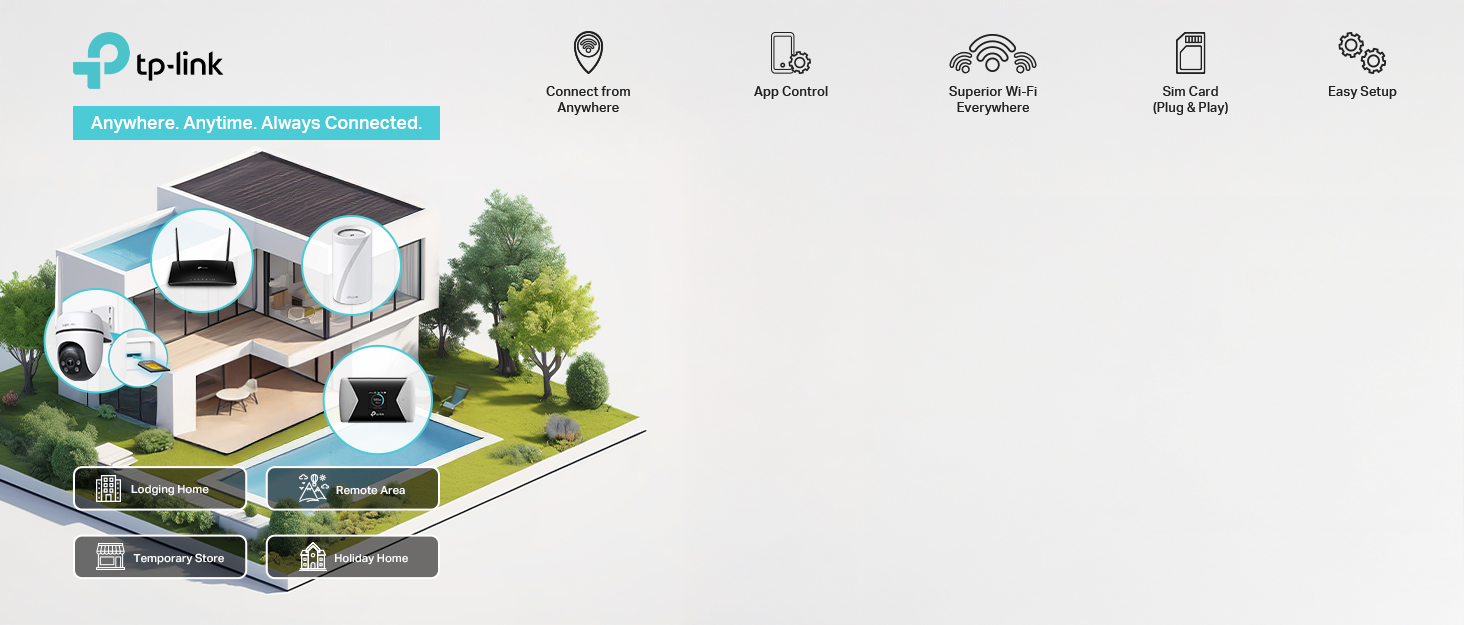
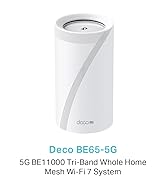
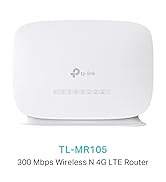
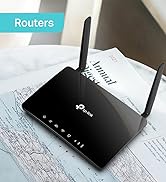
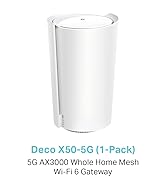
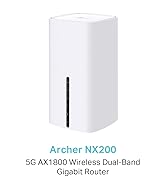
The TP-Link Archer NX200 is a cutting-edge AX1800 dual-band Wi-Fi 6 router featuring a built-in SIM slot for instant 5G connectivity with download speeds up to 4.67 Gbps. It supports plug & play setup, gigabit WAN/LAN ports for traditional broadband compatibility, and EasyMesh technology for seamless whole-home Wi-Fi coverage. Ideal for professionals seeking ultra-fast, flexible, and reliable internet without the hassle of cables.


| ASIN | B0D33SC5HJ |
| Are Batteries Included | No |
| Best Sellers Rank | 5,810 in Computers & Accessories ( See Top 100 in Computers & Accessories ) 49 in Routers |
| Brand | TP-Link |
| Colour | White |
| Connectivity Type | 4G, Wi-Fi |
| Customer Reviews | 4.2 4.2 out of 5 stars (175) |
| Date First Available | 30 Aug. 2025 |
| Guaranteed software updates until | unknown |
| Item Weight | 1.17 kg |
| Item model number | Archer NX200 |
| Manufacturer | TP-Link |
| Operating System | RouterOS |
| Product Dimensions | 9.9 x 9.9 x 1.9 cm; 1.17 kg |
| Series | TP-Link |
| Voltage | 12 Volts |
| Wireless Type | 802.11a, 802.11ac, 802.11ax, 802.11b, 802.11g |
A**X
Absolutely brilliant bit of kit
Honestly dead chuffed with this router. Stuck a 5G SIM in it and that was literally it—sorted! I use it daily and the speed is just cracking. My laptop’s always on the Wi-Fi but it’s seamless, no messing about. Even better, I can actually game online with it—wireless—and it’s absolutely spot on, hardly any latency. It’s a genuinely great product, works a treat. Highly recommend it if you’re after fast, stable internet without the hassle of cables.
P**H
Easy to set up for Broadband & WiFi over mobile
Sometimes it’s really useful to have a backup for when you have no or weak broadband but a good mobile signal. That’s where this device really comes into its own. My phone shows 4 bars of mobile and, once set up, we get 35-40Mbps download and nearly 15Mbs upload - fine for a couple streaming a single UHD TV plus browsing etc. although a larger family may struggle. Setting up was simple. We ordered a SIM from Smarty with unlimited data on a rolling monthly plan. Cheaper than our normal broadband contract and no rip off mid-contract price rises. Once fitted, activation was quick and easy. An ordinary mobile phone SIM was fine but don’t expect to use the phone service (wrong technology for a router). Messaging is supported via the TP-Link app but is really just for service messages. Better to get your SIM supplier to send its service / account messages to your email and ignore any phone number that comes with the SIM. The TP-Link app for the router is useful and simple to operate. If your SIM is on a rolling contract or has limited data per month, you can set the app to remind you when you need to renew and when you are running out of data. I found its measure of data consumed was close to that reported by the SIM provider. Once connected to the mobile network, I tried various locations around the house and, using a Speedtest utility on my mobile chose one that gave a good compromise between mobile speed and WiFi performance. One of the joys of broadband using mobile is that you are not tied to where a cable comes in to your premises so the router can be in a more convenient location. WIFi coverage from a single router is good for smaller premises but for large ones you will need a WiFi extender or a Mesh system. This TP-Link router claims Mesh compatibility. I haven’t tried it but it doesn’t look as though it is compatible with other TP-Link Mesh units let alone other manufacturers. I’d definitely suggest more research if this aspect is important to you. Finally, we connected this router to our existing internet devices. We turned off and disconnected our existing router. If you configure the TP-Link router with the same WiFi name as your old router, devices will eventually pick it up. However, it’s better to restart all the devices either by turning their WiFi off in their settings and then on again or by powering the unit off and on. This lets them get a new internet address allocated by your new router rather than the one allocated by the previous one that might clash with another device on your WiFi.
T**M
Excellent value for a 5G sim card router
Disclaimer: I use this with a Three 5G mobile sim card only in an area which supposedly has no 5G signal, but in reality does - although that signal can be variable even using an external aerial at approx. 2km from the mast across mostly open fields. In essence I use this purely as a 5G sim card modem (wifi turned off) because I already have a good router & wifi system. When I purchased this what I really wanted was a 5G sim card modem that can use an external aerial with to boost the signal as much as possible, but finding such a thing at an affordable price seems impossible. After reading dozens of reviews and after trying a Netgear M6 which turned out to be unsuitable for a number of reasons, I settled on this TP-Link NX200 since it seemed to offer everything that I needed at a reasonable -ish price. Initial setup is quite straightforward although I personally found myself using the standard web interface in preference to the "Tether" app, because it has way more settings. Talking of which TP-Link say that this isn't classed as a "premium" router which means that advanced settings are more limited - there's not even a "Pass-through" mode on this router for example. Also IMHO they could take lessons from Asus and Netgear for both web settings and the Tether app. In use though it's been quite consistent, reliable and it provides higher download speeds that the Netgear I was using that is three times the price of this, so maybe any grumbling about features and apps is expecting too much. Yes I have to reset the router fairly regularly BUT I suspect that's way more to do with mobile signal (see my disclaimer above) than it is to do with the NX200 - and I certainly don't need to reset this as frequently as the Netgear. The Tether app for me in my circumstances is next to useless. It connects sometimes but mostly doesn't, so for anybody planning to use one of these & the app for remote access I would say "beware". All things considered though I'm very happy with this NX200. I does most of what I want and doesn't need too much input from me to keep doing it, plus it is (for now) excellent value for a 5G mobile sim card router.
R**D
Cool bit of kit for the cost
simple as pop sim card into the unit and way you go, make sure you have a good data plan before using this, im running this on a network of a 16 devices including IPTV and smart devices too, good to check if you have a good signal on the best network in your area to avoid disappointment in the first please... great for motorhomes and motorboats.... if you a UPS unit it will last longer if the power gos off.... works on 3,4,5G network wifi coverage is also great you can change this from low med high RX/TX Finding a lot of TPlink devices better them most i have had in the past Size is good enough to pop on windowsill for best coverage too if you decide to have this for home broadband, at least you do not need to inform the ISP to disconnect and reconnect just switch off and when ready switch it back on in your new place able to use any network in the UK(should be able to use other networks round the world contact TPlink or simcard provider of not sure
C**S
terrible connectivity
Pros - fast internet Cons - many devices simply do not connect. Phone, home laptop and tablet were fine. Work laptop, 2x Amazon echos including one brand new, brand new TV either couldn't connect, or if they did were connected without internet. Phones drop out several times an hour. Had to return.
Trustpilot
2 months ago
1 week ago