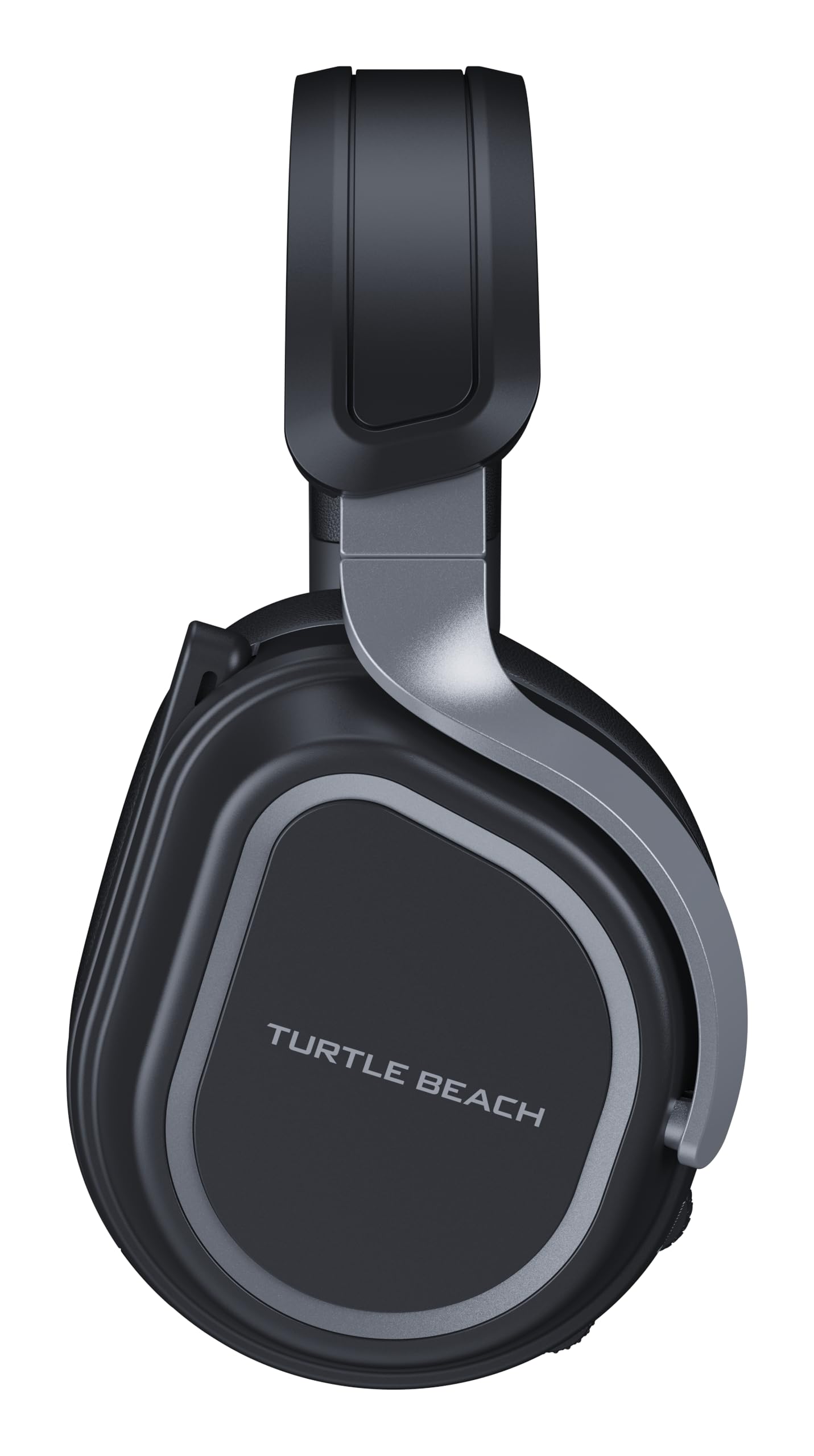
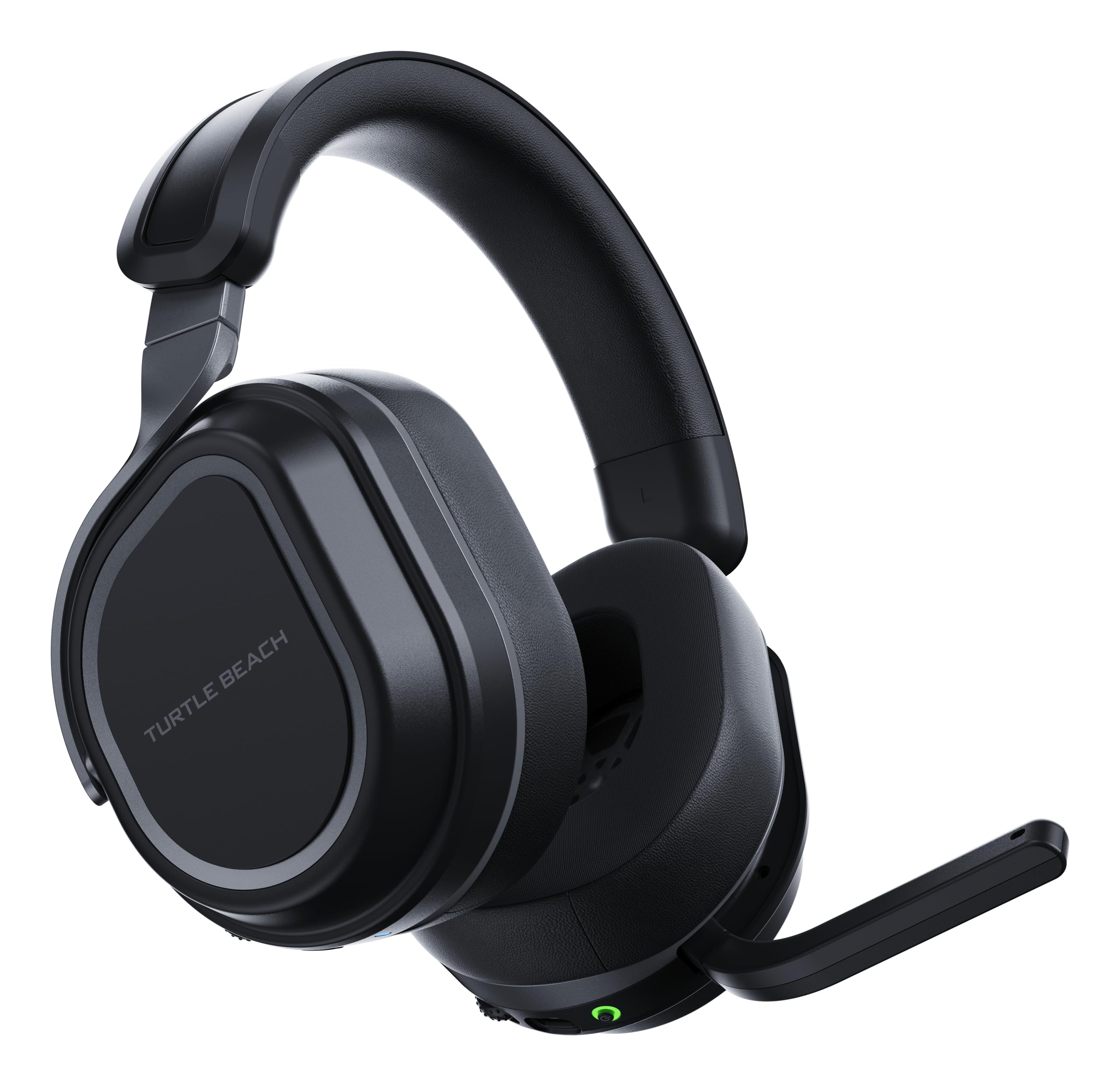
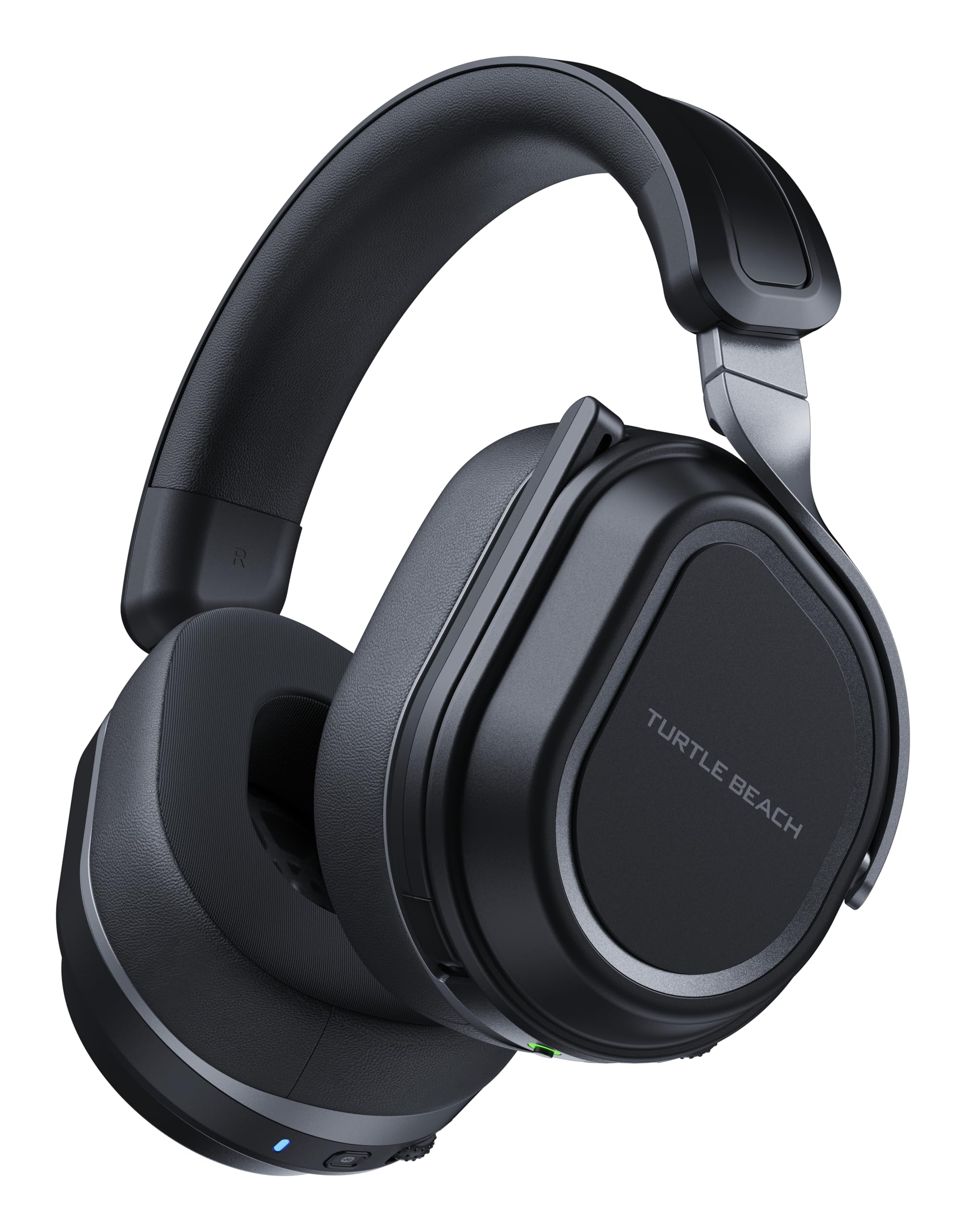
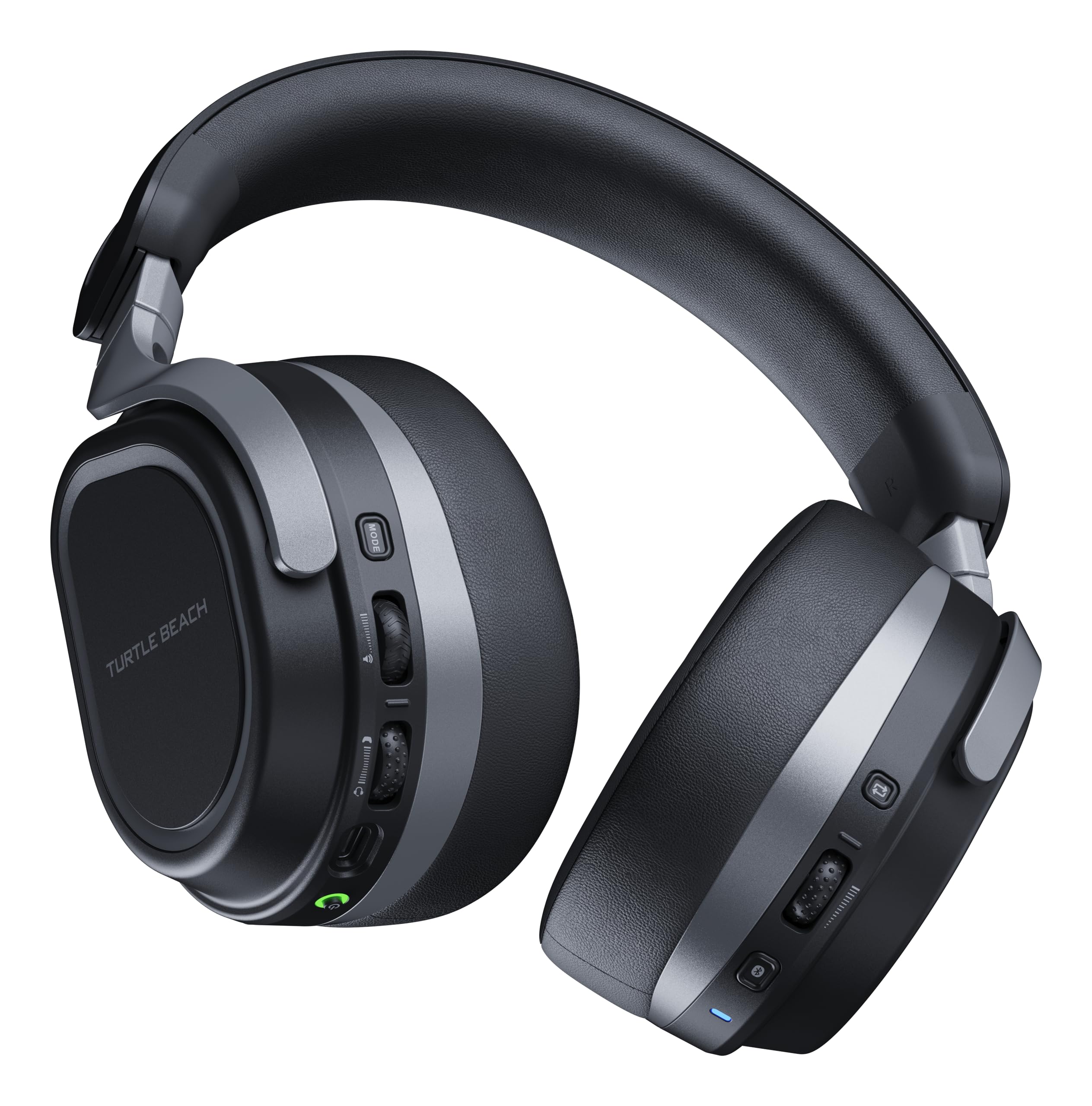
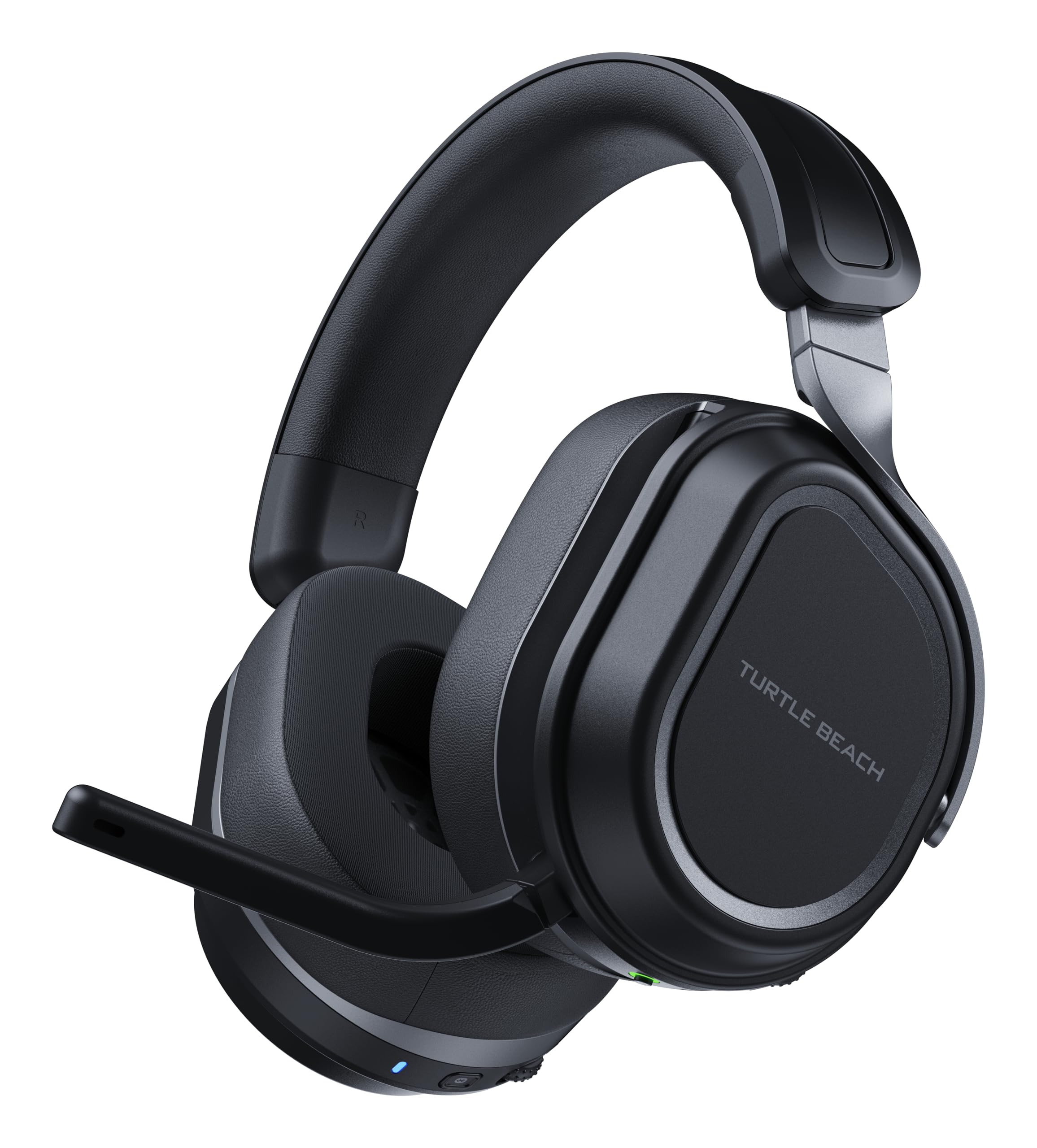
🎮 Level up your game with sound that dominates and comfort that lasts!
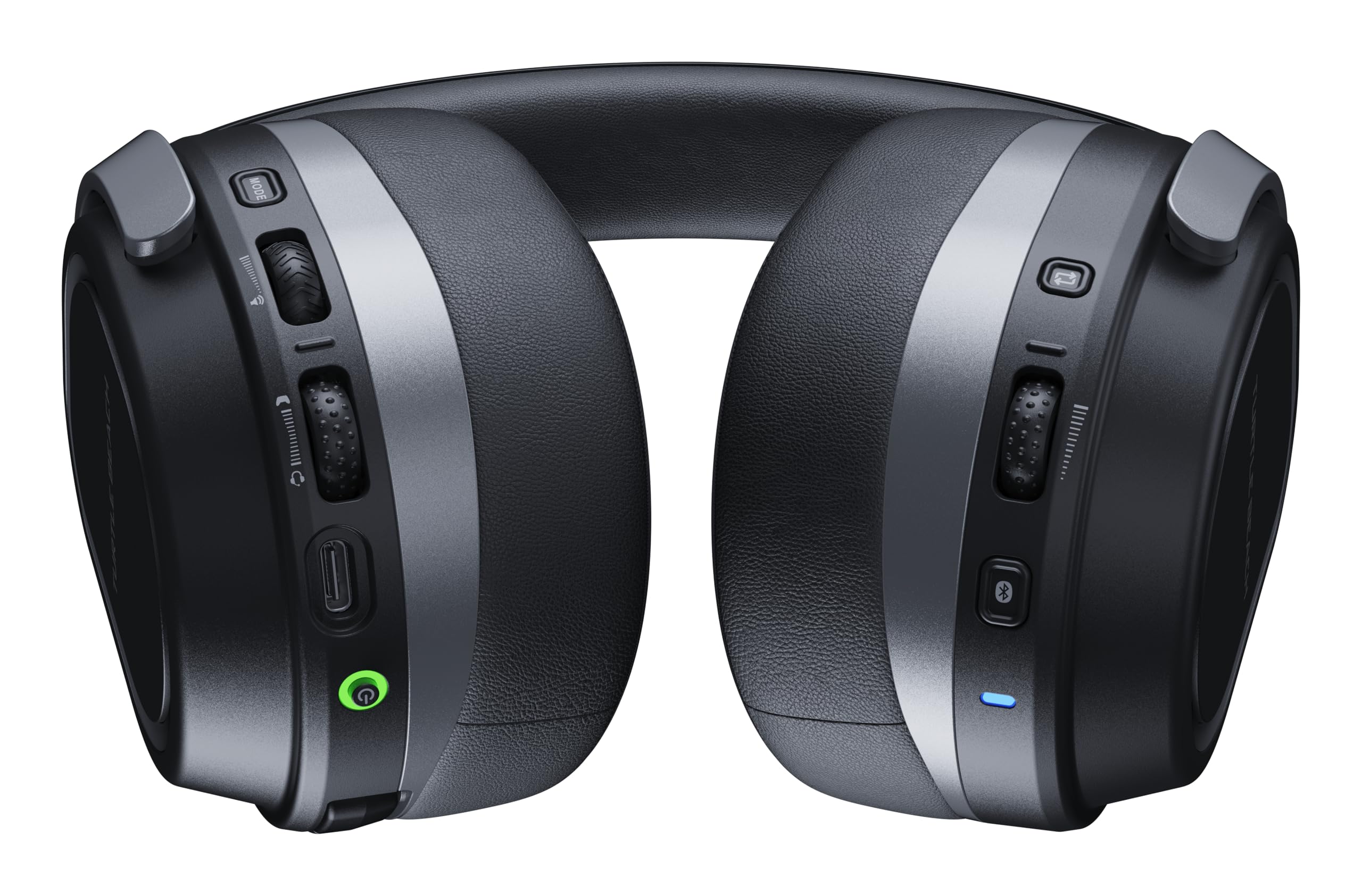
The Turtle Beach Stealth 700 Gen 3 is a premium wireless gaming headset engineered for multiplatform play, featuring dual USB transmitters for seamless console-to-PC switching, simultaneous Bluetooth 5.2 connectivity, and massive 60mm Eclipse dual drivers for immersive spatial audio. It boasts an industry-leading 80-hour battery life with quick-charge, an AI noise-cancelling flip-to-mute microphone, and advanced customization through the Swarm II app, all wrapped in a durable, glasses-friendly design built for marathon gaming sessions.


| ASIN | B0DB9HZVZV |
| Additional Features | Adjustable Headband, Detachable Cable, Fast Charging, Multipoint Pairing, Noise Isolation |
| Age Range Description | Adult |
| Antenna Location | Gaming |
| Audio Driver Size | 60 Millimeters |
| Audio Driver Type | Dynamic Driver |
| Battery Average Life | 80 Hours |
| Battery Charge Time | 4 Hours |
| Best Sellers Rank | #14 in Video Games ( See Top 100 in Video Games ) #2 in Xbox Series X & S Accessories |
| Bluetooth Range | 60 Feet |
| Bluetooth Version | 5.2 |
| Brand | Turtle Beach |
| Built-In Media | 0.7m / 2.3ft Charging Cable (USB-A to USB-C), Two CrossPlay USB Wireless Transmitters, User Manual, Wireless Gaming Headset |
| Cable Features | Detachable |
| Color | Black |
| Compatible Devices | Cellphones, Desktops, Gaming Consoles, Laptops, Tablets |
| Connectivity Technology | Wireless |
| Control Method | App |
| Control Type | Touch Control |
| Controller Type | Button, Touch |
| Customer Package Type | Standard Packaging |
| Customer Reviews | 4.2 out of 5 stars 2,644 Reviews |
| Ear Placement | Over Ear |
| Earpiece Shape | Oval |
| Enclosure Material | Acrylonitrile Butadiene Styrene (ABS), Aluminum, Metal, Plastic, Thermoplastic Elastomer (TPE) |
| Form Factor | Over Ear |
| Frequency Range | 20 Hz - 20,000 Hz |
| Frequency Response | 20 KHz |
| Headphone Folding Features | Over Ear |
| Headphone Jack | No Jack |
| Headphones Ear Placement | Over Ear |
| Impedance | 33 Ohms |
| Is Autographed | No |
| Item Height | 3.7 inches |
| Item Weight | 0.9 Pounds |
| Manufacturer | Turtle Beach |
| Model Name | 700XG3B |
| Model Number | TBS-2101-05 |
| Noise Control | Passive Noise Cancellation |
| Number of Items | 1 |
| Number of Power Levels | 1 |
| Sensitivity | 94 dB |
| Series Number | 3 |
| Specific Uses For Product | Gaming |
| Theme | Video Game |
| Total USB 2.0 Ports | 1 |
| UPC | 731855021055 |
| Warranty Description | 1 Year Manufacturer |
| Water Resistance Level | Not Water Resistant |
| Wireless Technology | Bluetooth, Wi-Fi |
B**N
A Truly Impressive Upgrade - Fantastic Sound, Easy Setup, and Loaded With Features
If you’re looking for a headset that delivers on both sound quality and convenience, the this headset is absolutely worth considering. After spending some time with it, I can confidently say this headset goes above and beyond in several key areas. First off, the sound quality is outstanding. The bass hits with depth and power without ever feeling muddy, the mids are clean and balanced, and the highs come through crisp and detailed. Whether I'm listening to music, gaming, or watching videos, everything sounds rich and full. It feels like a genuine upgrade over previous models and even some competing brands. Connecting it to my PC was incredibly easy thanks to the included USB adapter. It paired instantly with no fuss, and I appreciated not having to dig through menus or troubleshoot like with some other wireless devices. The wireless connection has also been solid with no random drops or interference so far. One of my favorite features is the flip-up mute microphone. It's intuitive, responsive, and works exactly how you'd want it to. The mic itself is also surprisingly clear, which is great online gaming sessions. There’s also a companion app that adds a ton of customizable control. Being able to build and save three separate sound profiles has been super useful. I can quickly switch from a bass-heavy profile for music to a more balanced or competitive-focused profile for gaming. The flexibility here really elevates the overall experience. Battery life is excellent, to say the least. I’ve used it for long sessions without needing to plug in, and it holds a charge much longer than I expected; probably around 40-50 hours. It's nice not having to constantly worry about topping it off between uses. All in all, the Turtle Beach Stealth 700 Gen 3 is a well-rounded, feature-packed headset that performs exceptionally in every area that matters. If you're on the fence, I’d say go for it. You’ll likely be just as impressed as I am.
J**E
Stealth 700
A little pricy but honestly it’s been well worth it given the sound blending for 2+ devices. Really good construction, comfortable and high quality. Comes with 2 usb sticks to blend up to 3 devices at once from what I can tell. It works really well.
D**D
Great headset great sound great connectivity!
Miss the separate dials for game sound and party volume. Dont know why they shifted it to a mix. But it has better connectivity then the Gen2 version i had before. Sound is a little bit louder thankfully. Battery is holding up nicely as well! 5/5 would buy again.
L**E
Great quality but keeps reconnecting on PC
More of a 3.5 stars than 4, but I rounded up. The quality is great, both the build and sound. My issue with it is that any time the device I'm listening to stops broadcasting noise the headphones lose connection for about 5-10 seconds before reconnecting. I'll be connected to my computer, finish a youtube video and open another to hear nothing until I hear the sound of it reconnecting. If I tab out of a game and re-enter it's the same issue. What's worse is that sometimes when it reconnects, it doesn't play any sound at all and I have to power the headphones down before turning them back on. On console it's not an issue, really only with PC, but it can be frustrating when the sound stops for a second and I have to spend fifteen waiting for it to start working again. I'm sure a firmware update could fix it, but so far it hasn't. Now for the pros. The range on the wireless is amazing, never have any issues walking around and hearing things crisp. They're comfortable as well. If I forget to turn them off they automatically power down, and if the device They're connected to powers down, it automatically powers them down as well. The app to control it and adjust the settings is easy to use, and they do provide consistent updates. Overall it's a great purchase, and I'm extremely happy with them, just wish they would stay connected
A**T
Good sound but crackles on very low bass.
Very low bass is the killer for this headset. It crackles on some songs that go too low - the engineers failed to filter sub bass properly - it really sucks to have to turn down the volume or adjust the EQ for some songs. The Sony ULT Wear handles bass much much better but only connects to one BT + phone BT - the Sony will bounce off your years. Stealth 700 is overall a very good headset - one of the better sounding I've tried (many) Comes with TWO wireless USB connections and one BT You can listen to ONE wireless and the BT at the same time. I has one volume control per cup. It has another control for bass (programmable)
M**O
Slight improvements over Stealth 700 Gen 2
Slight improvements over the Gen 2. I love the look of the headset, it is a nice colorway and the material feels quality - much better than the Gen 2 in that regard. It is slightly smaller than the Gen 2, but in a positive way. The mic sounds the same, little to no difference than the Gen 2 — however, when you turn the mic on you do not get the white noise that you'd get with the G2, so that is a major improvement in my opinion. Very comfortable for long hours of gaming, similar to G2. Sound quality isnt a major difference in my opinion, I mainly play COD BO6/7 and dont notice much difference. TLDR: If you enjoyed the Stealth 700 Gen 2, this improved on the bad of the Gen 2. No major differences. I do ecommend, great budget headset.
A**O
Amazing Gaming Headphones
I have gone through about 8 headsets trying to find a good set, these by far are the best bang for your buck! Great audio, Bluetooth so I use them when I’m working out sometimes, great microphone pick up and it blocks out a decent amount of background noise. I have nothing but good things to say about this head set!
D**.
How to install on android
(*Android user review* (this is important at the end ) So the sound in this headset is everything I would want, with that being said, the software is horrible. Let's start with the good side. So the battery life is incredible. I have used this headset now for a week and a half over 10+ hours and they are still at 80%. The sound as far as loudness is great it can go up pretty high to levels which can be outright dangerous at times but give a true volume to a game or whatever environment could have the decibels it may have in reality. On the app (swarm II), there are many listed adjustments and feature changes that can influence the type of sound you want to hear and the give you examples as well as a way to customize the sound you want for up to 6 custom sound preferences. The crisp sound is like no other headset I have encountered and while I play COD the gunshots have the most real sound you could imagine. The headset comes with multiple wheels which can customize the volume of chat, game volume and TV volume. The wheel(s) can be changed to focus on a different category (the left wheel). I haven't utilized this feature yet but looked at it and it was different. Ok, the bad... so the software needs ALOT of work. And before you get to the amazing features you have to look up how to install this software. So I may have done it wrong but basically freaked out when reading reviews on the install of the software saying its now junk ect. If you are reading this I'll list below how I got my headset to work in a separate note. My biggest gripe is how I had to look up 4 different apps and not one specifically said which one was for the gen 3. Well it's [SWARM II ] if you were not absolutely sure. The other ones are for previous generations and other types. The headset likes to disconnect from my xbox after each use, its fairly easy to reconnect but I shouldn't have to do this at all. The wheels will adjust your volume if you are like me and rest your head on the back of a chair. The volume will increase to the maximum and while in a game as it gets loud with very high decibels this can be a bit overwhelming when its gunfire. I have to constantly readjust it to a reasonable level. The cuffing of the headset is nice but i almost want a different material so it doesnt get as warm while im wearing them. The angle of the headset is very awkward and i believe this angle causes the wheel to increase volume as I rest my head on my chair. The feedback from voice chat is annoying and shouldn't even really be an option but I guess if you can hear yourself you can know whether or not you are even being broadcast to your friends if you can hear yourself they should be able to hear you too. Turning on the headset is a little loud if you are wearing them while turning them on. Its not excessively loud but I feel it could just be quiter because it just needs to be loud enough while you're wearing it. Now to the setup... ***for android, not PC or apple*** I believe apple is the same but I cannot speak to it. A. -Once you open the box, connect the xbox. USB to the back of the xbox. Leave the other USB unconnected at this moment. Hook the headset up before installing the headset. B. -After the connection is completed add the additional USB to the front of the XBOX. C. -Once it registers and works with your xbox download the swarm II app. D. -Make sure its charged over 25% and the phone or tablet you use is charged as well. (The headset i believe comes precharged so it's irrelevant but better to be safe) E. -Have a stable connection and stay close by without using multiple apps on the device you will be using to install the app. It says it can take up to 10 minutes and its fairly accurate with how many times I had to (unnecessarily reinstall the app) DONT HIT NEXT YET!!! F. - Once the app installs it says disconnect BOTH USB ports and reconnect them after this turn off and on the headset. Once this step is completed in this order hit next. IF you make a mistake its not the end of the world. Mine failed on install and I retried it. IF you didnt hook up the headset before installing the app reset the headset to factory settings from the app. Its pretty quick to redo the updates but I believe there are multiple updates so just be aware. IF you keep downloading the updates and get to the next screen remember to follow the directions. It wants you to disconnect the USBS and reconnect them. Then, turn off and on the headset. Once both steps are completed now hit next. After the app is connected you can remove the additional USB from the front of the xbox and use it wherever or no where. Hopefully this helps people out!
Trustpilot
3 weeks ago
1 week ago


