

Desert Online General Trading LLC
Dubai, United Arab Emirates
Desert Online General Trading LLC
Dubai, United Arab Emirates

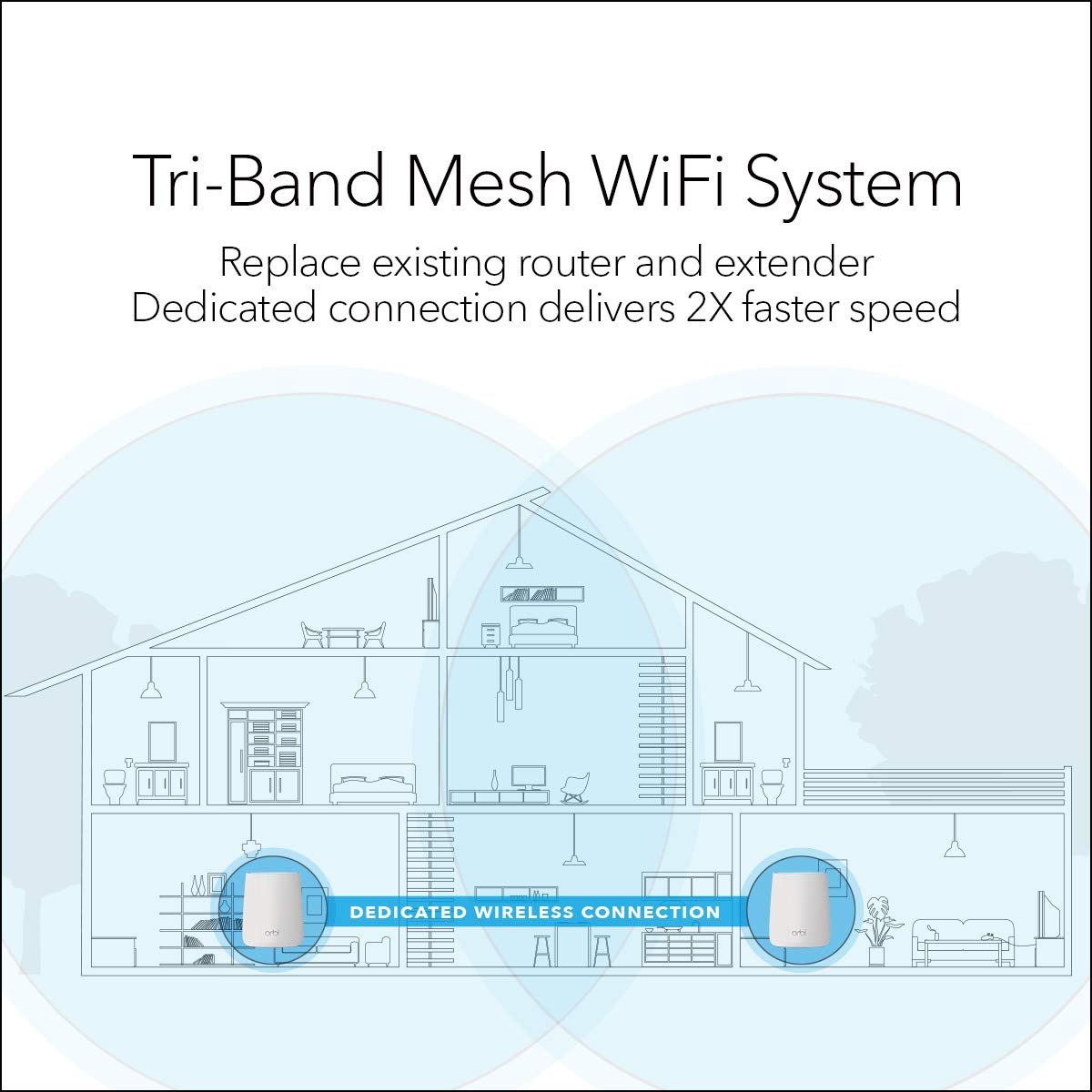
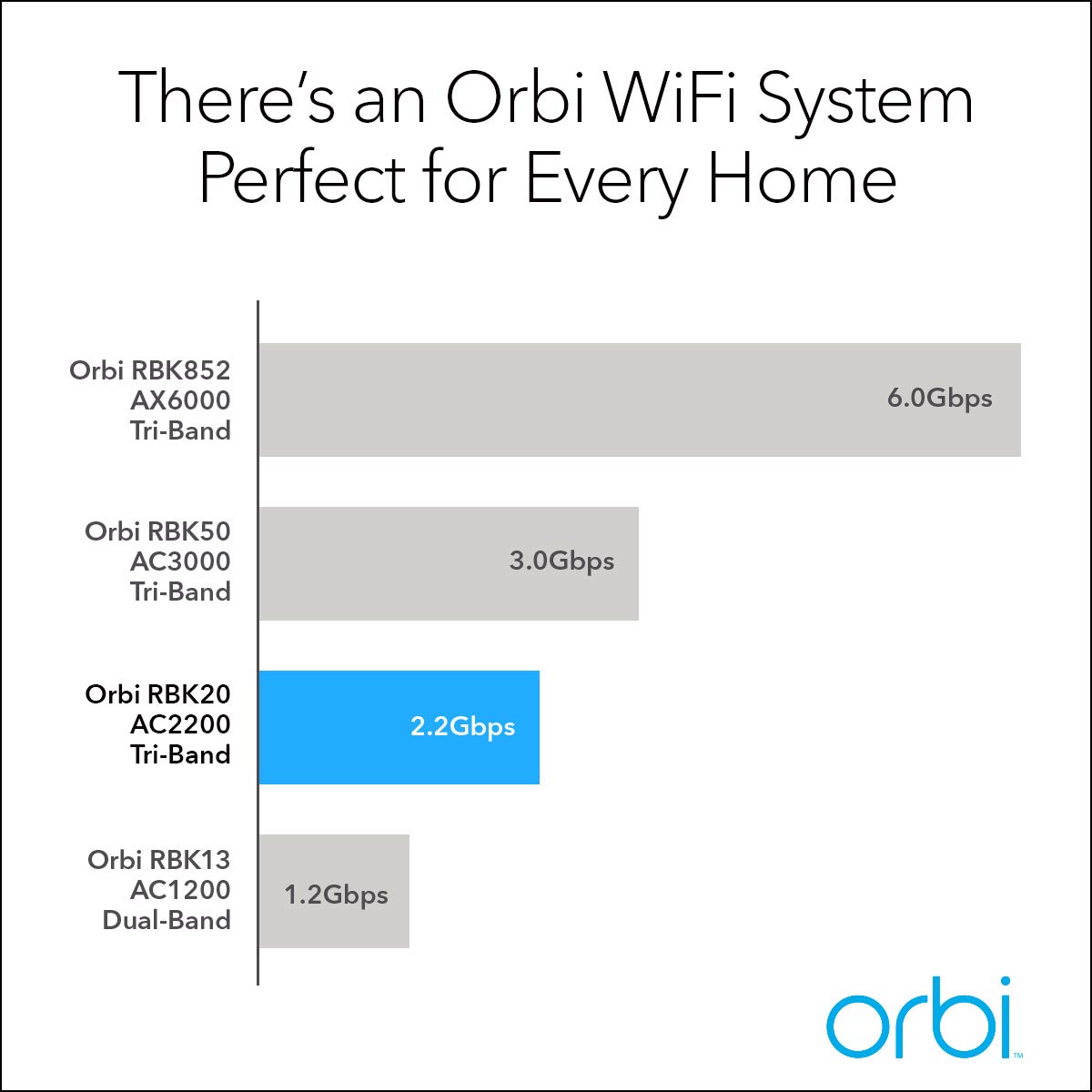
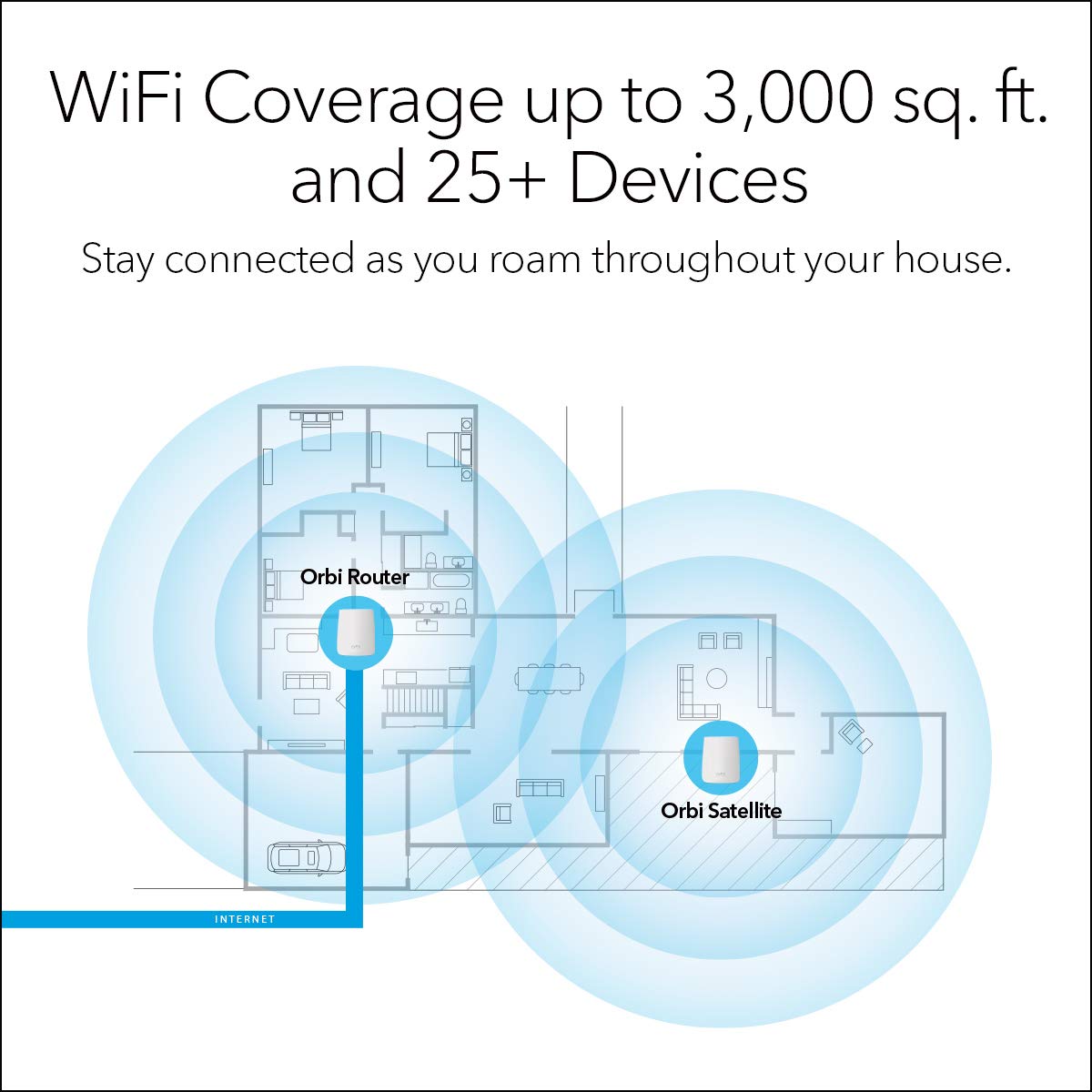
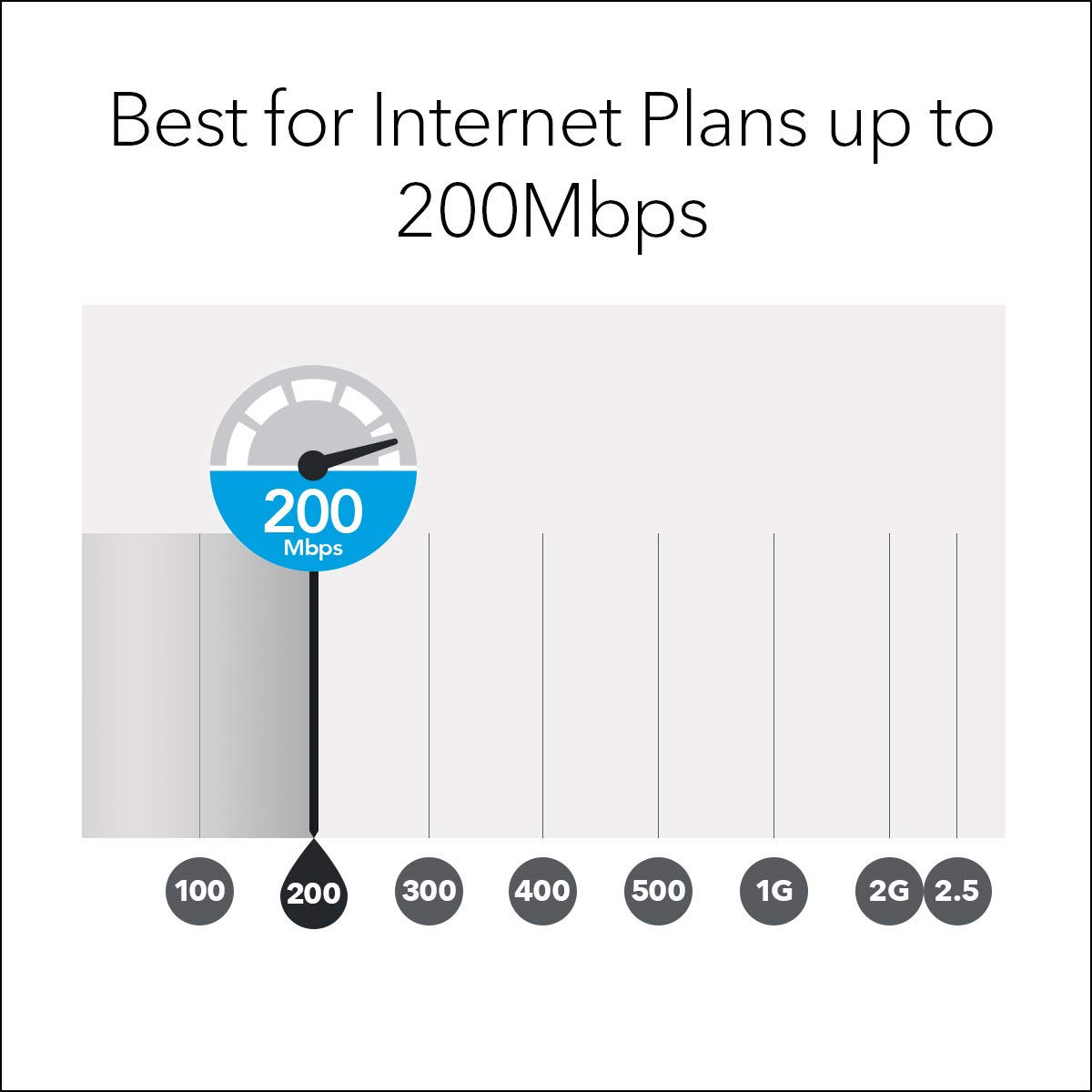

🚀 Elevate your home network to pro-level speed and control!
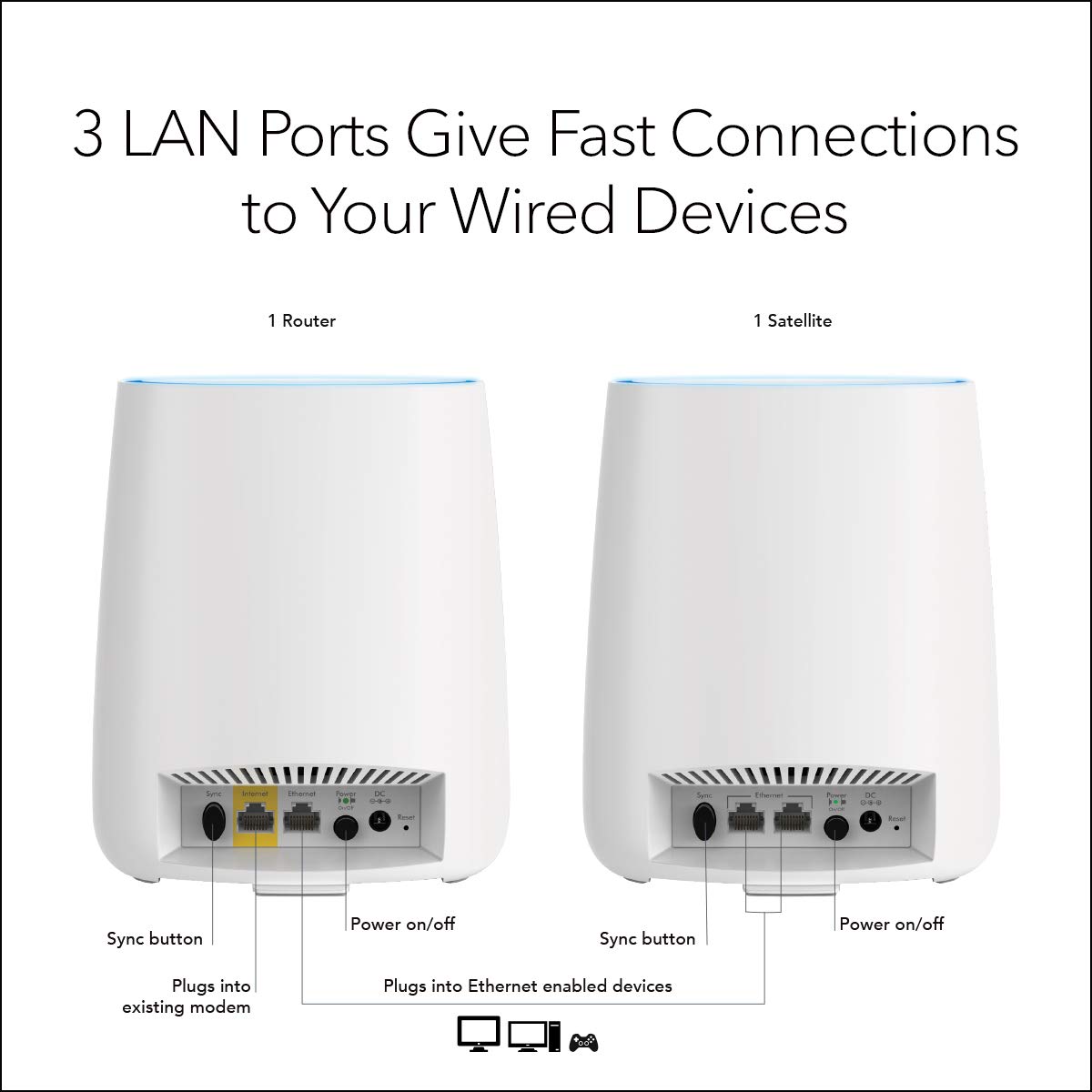
The NETGEAR RBK20-100UKS is a high-performance Wi-Fi router featuring MU-MIMO technology, a powerful Quad-Core 710MHz processor, and advanced parental controls via Circle with Disney. Designed for seamless multi-device streaming and smart home management, it delivers optimized coverage with beamforming on dual bands and robust memory for consistent speed and reliability.


| Brand | NETGEAR |
| Product Dimensions | 14.22 x 2.4 x 16.76 cm; 476 g |
| Item model number | RBK20-100UKS |
| Manufacturer | Netgear |
| Series | RBK20 |
| Colour | White |
| Connectivity Type | Wi-Fi |
| Wireless Type | Bluetooth |
| Operating System | Netgear OS |
| Are Batteries Included | No |
| Item Weight | 476 g |
| Guaranteed software updates until | unknown |
J**J
Set it up, and say goodbye to WiFi woes...
I live in a multi-storey terraced neighbourhood, where everyone and their pets have their own WiFi signals being broadcast. Because of this congestion causing dropouts, several neighbours have opted to add repeaters to their networks, creating further congestion.I'd use my ISP supplied modem/router (both Virgin and Sky/NowTV), and generally they'd work fine, but I'd never get the advertised speed. Typically I'd get around half or so. On my 39Mbps NowTV connection, I'd see around 17Mbps, even standing right next to the router. Wired ethernet would give me around 37-38 so I knew it was a problem with the wireless signal.Even when watching streaming media (Netflix, etc), the signal would drop out and make the experience extremely irritating and futile. This needed to be fixed! I tried adding network boosters and repeaters (3 in addition to my router), but they seemed to create more problems by confusing my devices as to which to connect to (despite all sharing the same SSID and password). In many cases, the connection would just drop entirely.After doing a lot of research (and missing out on the Prime Day sale), I purchased this with the hopes of it resolving all my issues. And resolve them it did.Setting up was really easy. In the box you get the router and satellite(s) which look almost identical, and are fairly aesthetic. And you get the plugs, and a network cable to connect to your modem.Switch them on, connect to the default WiFi signal it's broadcasting, and change the settings as appropriate. The satellite didn't connect initially, so I carried on with the main router setup and it eventually just connected by itself.The first test was to see what speeds I was getting; I get a consistent 37-38Mbps from my 39Mbps connection to my phone, regardless of where I am, a significant increase from the 17Mbps previously. All of my devices connected without a hitch, and report a good signal.Ultimately, the only thing I can say is that the internet now just works... no slowdowns, no dropouts, just strong fast service. In fact, it makes me think how many times I used to phone customer services to complain about my speed, when all it took to resolve the issue was to not use their cheap routers, but to use this instead.The only complain I have is that the Orbi app itself takes several seconds to connect and verify the product details, etc. It's not as snappy as it should be, but there's little reason to use it once you've set up your network anyway. It'd also be nice if it had a WPS option/button on the app to allow for easy connecting additional devices instead of having to type the password every time.All in all, this has eliminated a constant headache I've had for years in my search for strong and stable WiFi. It was expensive, but ultimately worth it.
P**7
How did I manage without a WiFi Mesh?
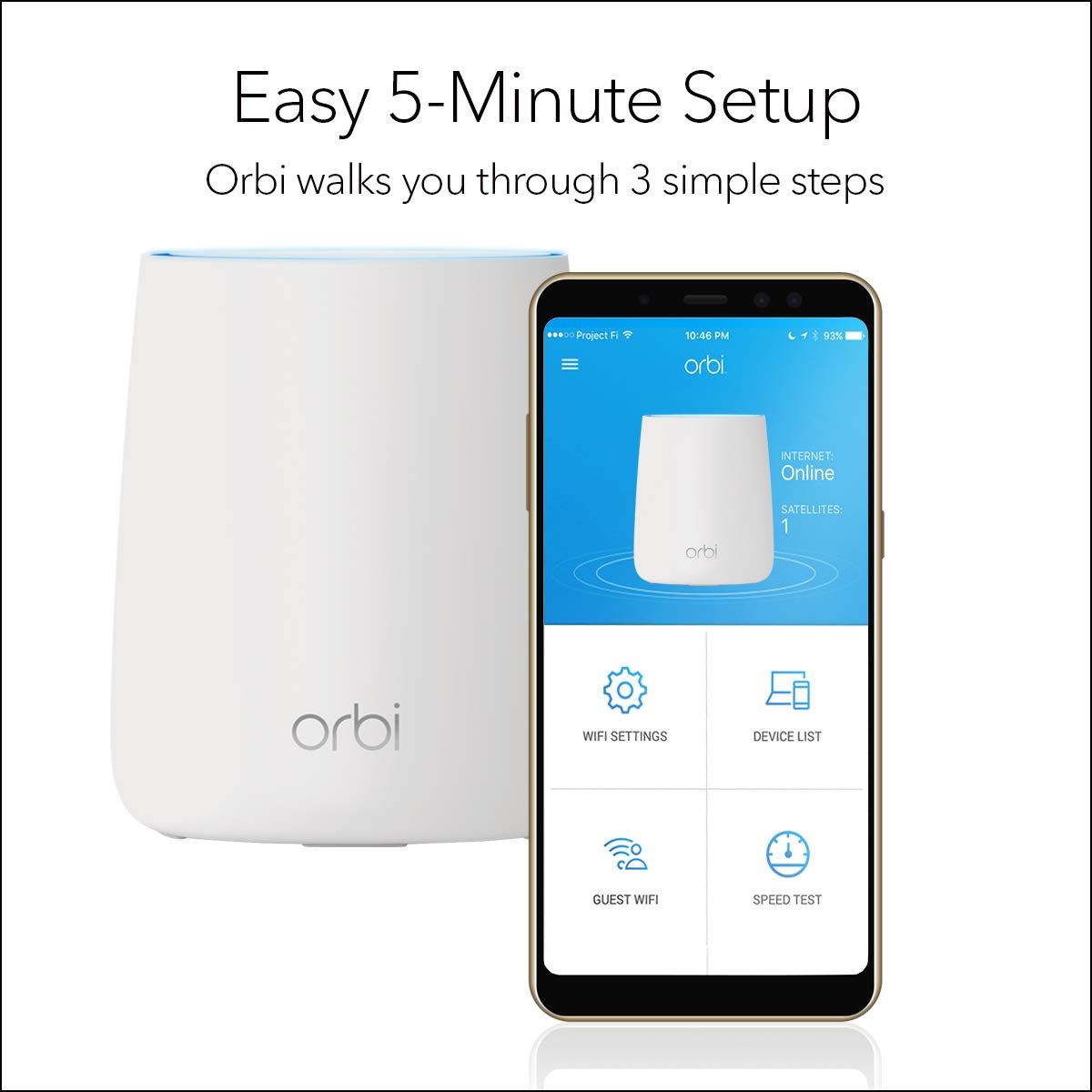
I got these to compensate for my dreadful WiFi coverage from my (TalkTalk) router. Whilst I have not been able to compare Orbi with other wifi mesh systems, I have absolutely no complaints about this item! Setup was very straightforward - the Orbi app guides you through every step. Performance is excellent - I now have wifi in every corner of my house (3 floors) and garden! Given the wifi strength of each of these units, I probably would have got away with a 2 unit Orbi system rather than 3, but I'm happy I (perhaps) over-specified.Wifi signal is strong and stable...everywhere. The units are fairly unobtrusive (if you can hid them on a book shelf behind some books!) and they certainly don't have any annoying LEDs that are on all the time (except the power LED on the back of the units - which we never notice, or when there is an issue - then the top of the unit lights up).A good bit of tech is something you set up easily, once and then forget about whilst it happily continues to do its job without you even realising. This system is that.We have the main router (RBR20) and two satellites (RBS20) providing both wifi and wired connections to a few devices.Note however that most Broadband providers in the UK provide routers that cannot be set to 'bridge' (modem only) mode...consequently the Orbi has to be set up in AP (Access Point) mode - I'm not sure what functionality is lost when setting as AP mode...but at the end of the day, we only bought this to provide string wifi (and a few wired access points) around the house - and it does that just fine.I love this system!
A**N
100% works for me, I have no Wi-fi deadspots now!
I did balk at the price of this mesh network device, even though I got it at a sale price. I thought long and hard and decided to go for it, despite mixed reviews re set up and effectiveness. I'm so glad I did!I don't understand how people have had difficulties setting it up, it was so easy. The firmware update completed in about five minutes, setting up the two satellites took about 30 minutes, as I had to move them to get the best connectivity to the main Orbi.You can configure so many settings, but I only changed the password and set up a Guest password. I'm not very techie so didn't bother with any of the advanced settings.The app is brilliant, you can see the network map and it tells you which devices are connected to which satellites. You can even turn off access to devices from the app (handy way of getting kids to do their chores, by denying them access to Wifi!).I've posted a pic so you can see the size of the Orbis, a friend bought one about 2 years ago and his is a lot bigger than mine, so they've downsized the units. The phone in the pic is an iPhone 6 or 7. They're quite unobtrusive, the lights aren't too bright to disturb you if you have one in the bedroom.I would definitely recommend this, it's totally eliminated all the dead spots I had in my house.
Trustpilot
3 weeks ago
1 day ago